
I made a wick fork but it shows up blank-ish
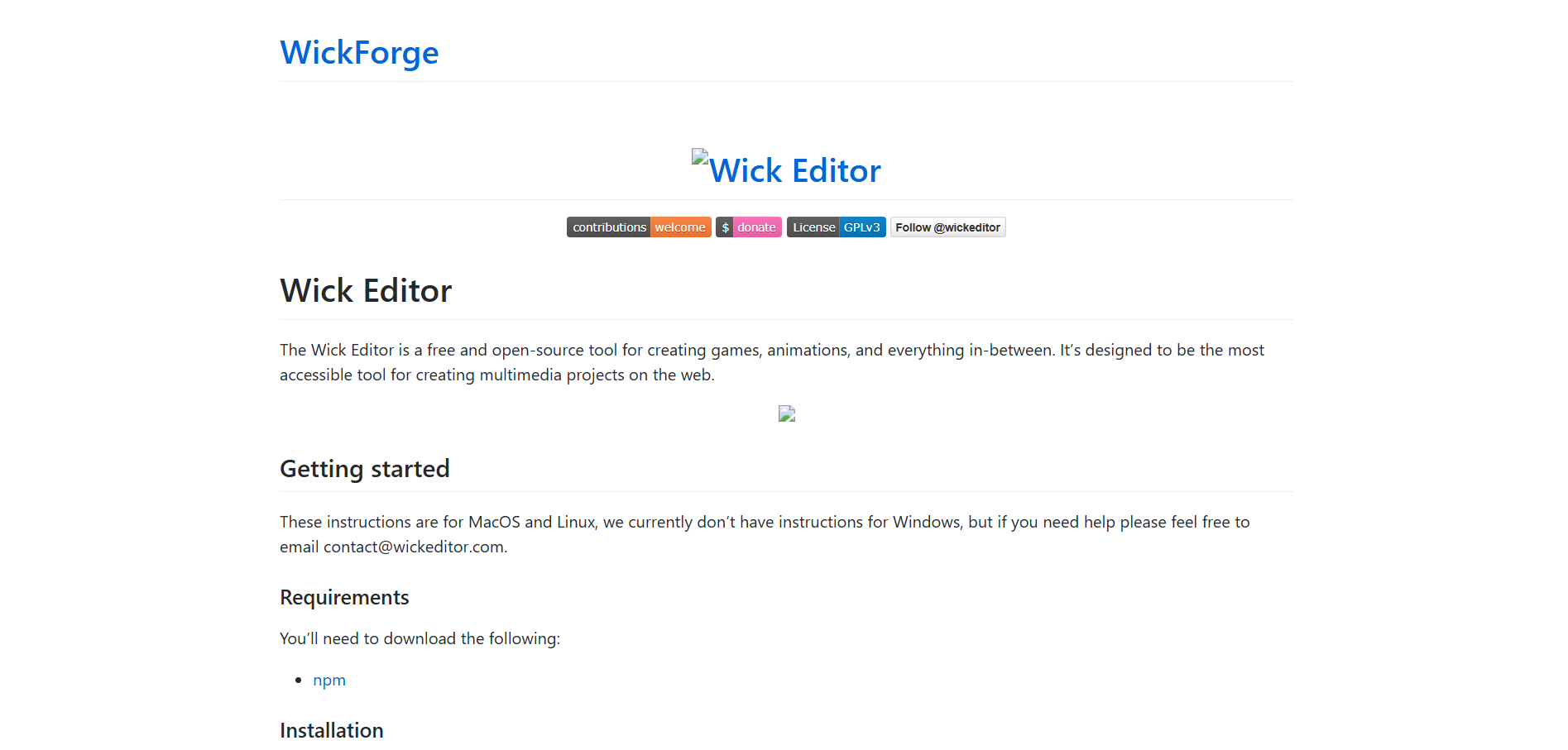
Also can someone tell me how properly fork wick
Well, forking Wick is a difficult process. Assuming you want JUST to set up the environment (and code the rest with an AI harness you already installed on your machine), you will need to install the following:
-
NodeJS 14.x (latest)
a. You can get it using the NodeJS Download page. Make sure to get the 14.x version.
b. Optionally, use NVM for a better experience, since you can switch from the outdated Node 14 to the modern (LTS) Node 24 with a single, automatable command. -
Python 3.10
a. This version is required for the packagenode-sass.
b. You can also updatereact-scriptsto version 4.0.0, and use the (more) modernsasspackage instead. -
Git
a. Git is the most popular distributed versioning system for code. GitHub, GitLab, and Gitea are all named after it. Linus Torvalds (Creator of Linux) created it.
b. Git is preinstalled with many code editors. But I recommend installing the official version provided by the Git website, as then, it’ll be the one version all apps will use.
After installing and setting up these programs, you can finally edit the code.
The code structure of Wick looks like this:
engine/ (Wick Engine)
  dist/ (ready-to-use, single-file engine versions which will be distributed.)
  lib/ (libraries used by the code)
  src/ (Source Code)
  tests/ (Tests for engine)
--------
src/ (Wick Editor)
  Editor/ (Editor Code)
    Editor.js (main app component)
    Panels/ (Modal Panel Components)
    Util/ (Utility and Basic Components)
    PopOuts/WickCodeEditor/ (Code Editor Components)
    export/ (Export Code)
    import/ (Import Code)
  files/filehandler.js (built-in, version agnostic file API)
  index.js (bootstrap for the React Editor App)
  index.css (basic CSS)
  serviceWorker.js (Service Worker for offline usability inside the browser, not enabled)
Finally, you should be ready. If you don’t have a harness, then pick one. These are the choices:
- Claude Code: A public tool released by Anthropic that enables Claude models to use your computer and code in it.
- Codex: Similar to Claude Code, but made by OpenAI. Best used with GPT models, such as GPT 5.5.
- Cursor: An IDE that highly integrates AI features. It also has an experimental mode which focuses on the agents, rather than the code.
Can you explain it in middle schooler terms
You need to download a few things in order to properly work with the Wick source code. Specifically you need Node.js 14, Python 3.10, and Git, as noobfield already said.
If you want a step-by-step you can look at Candlestick’s README for Mac instructions or StickmanRed’s instructions for Windows instructions.
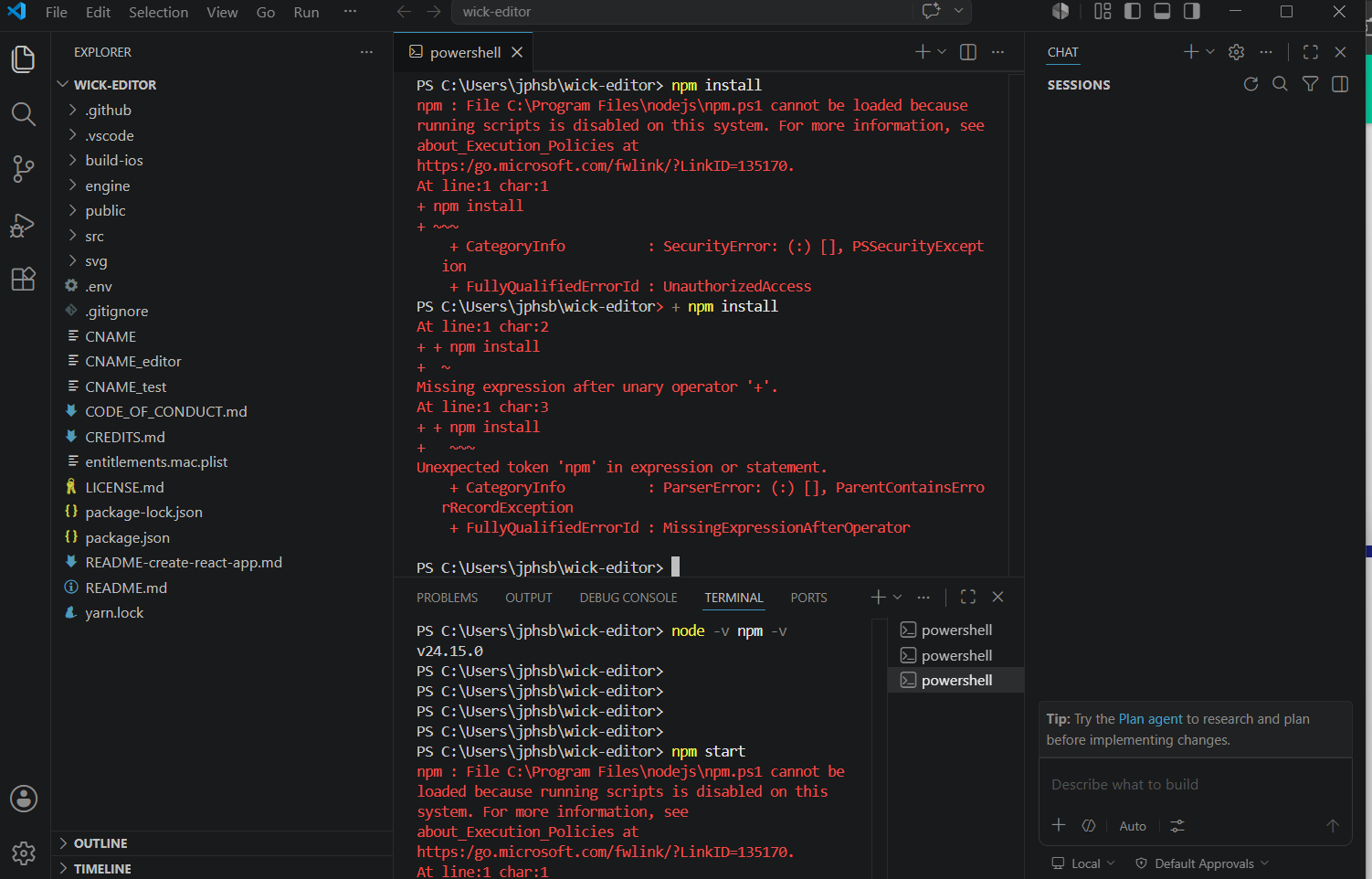
I’m confused help me please
Your system is blocked from running scripts (.BAT or .PS1), NPM runs global app packages as PS1 (PowerShell) scripts, and can’t run due to the block.
If your device is blocked from using scripts, then it’s probably a workplace/school device. DO NOT ATTEMPT TO MODIFY ADMIN CONFIGURATION.
What you can do is make a GitHub Codespace.
TLDR: Your school/office blocked something that NPM uses, so try using an online container.
What node version do i have to use
please respond
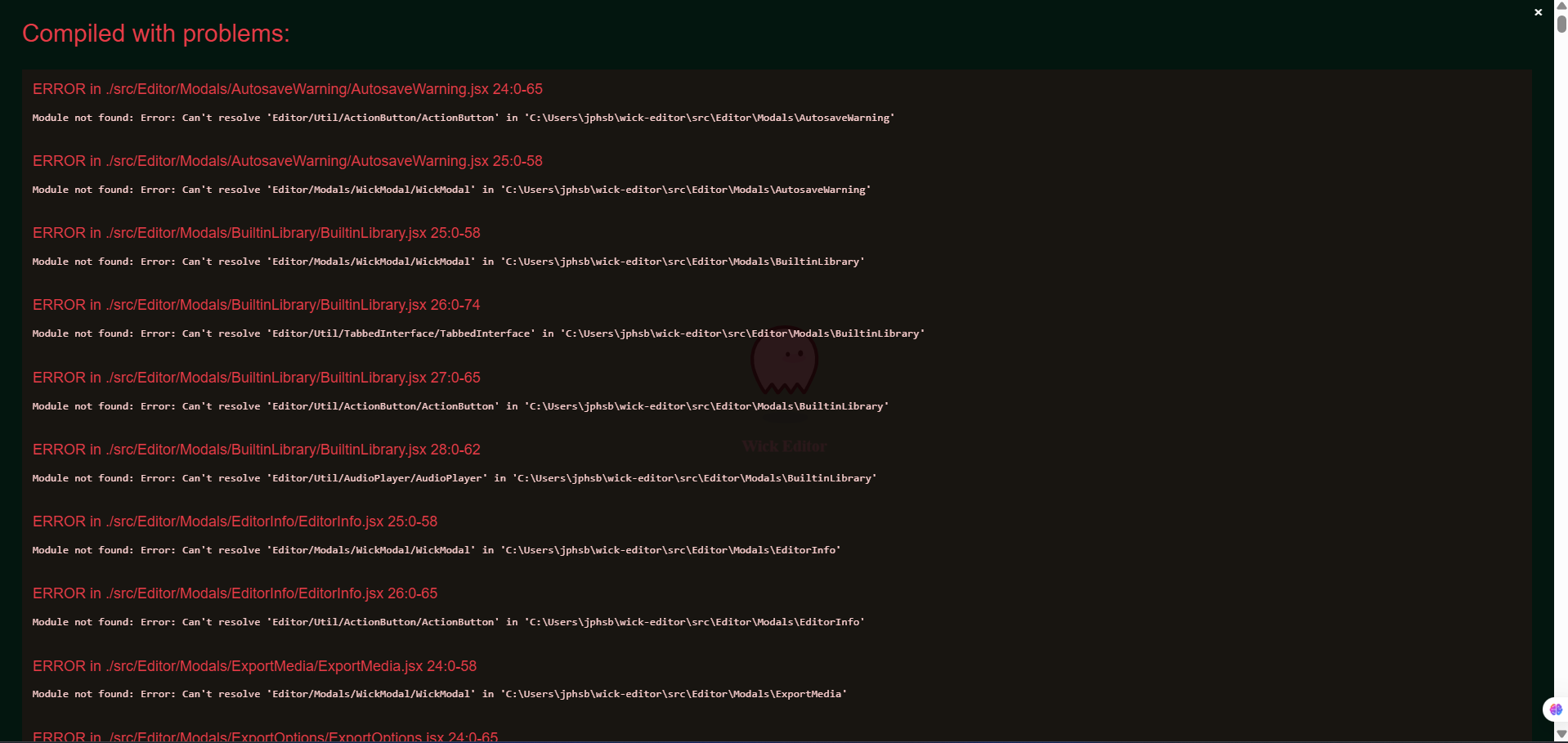
you need to be on node version 14, you’re on 24 right now by the looks of it.
after you install it, you may have to run “nvm use 14” to switch to it. from my experience, i have to run that every time i close and re-open the terminal. (i’m sure there is a way to force it to be on v14 but i haven’t looked into it.)
if v14 works now, try “npm run build-engine”, and if that works, “npm start”.