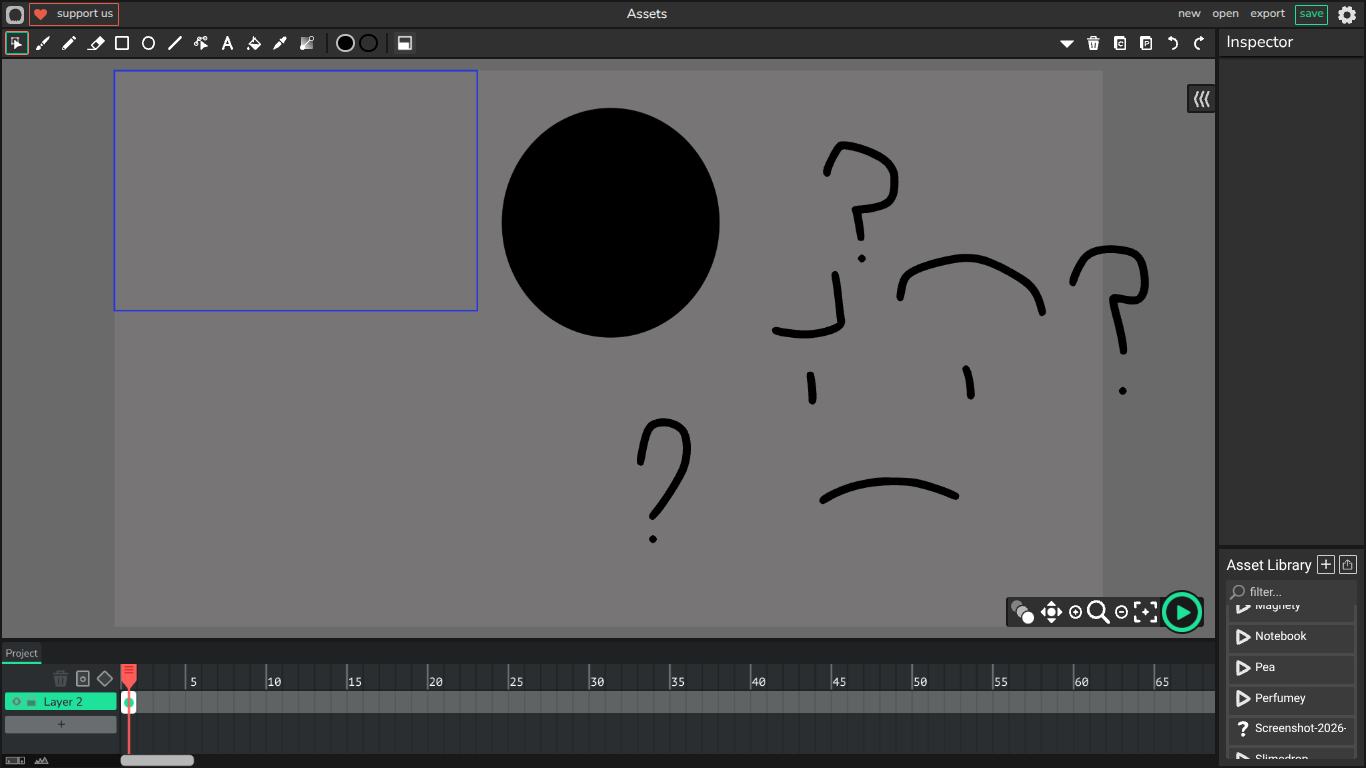
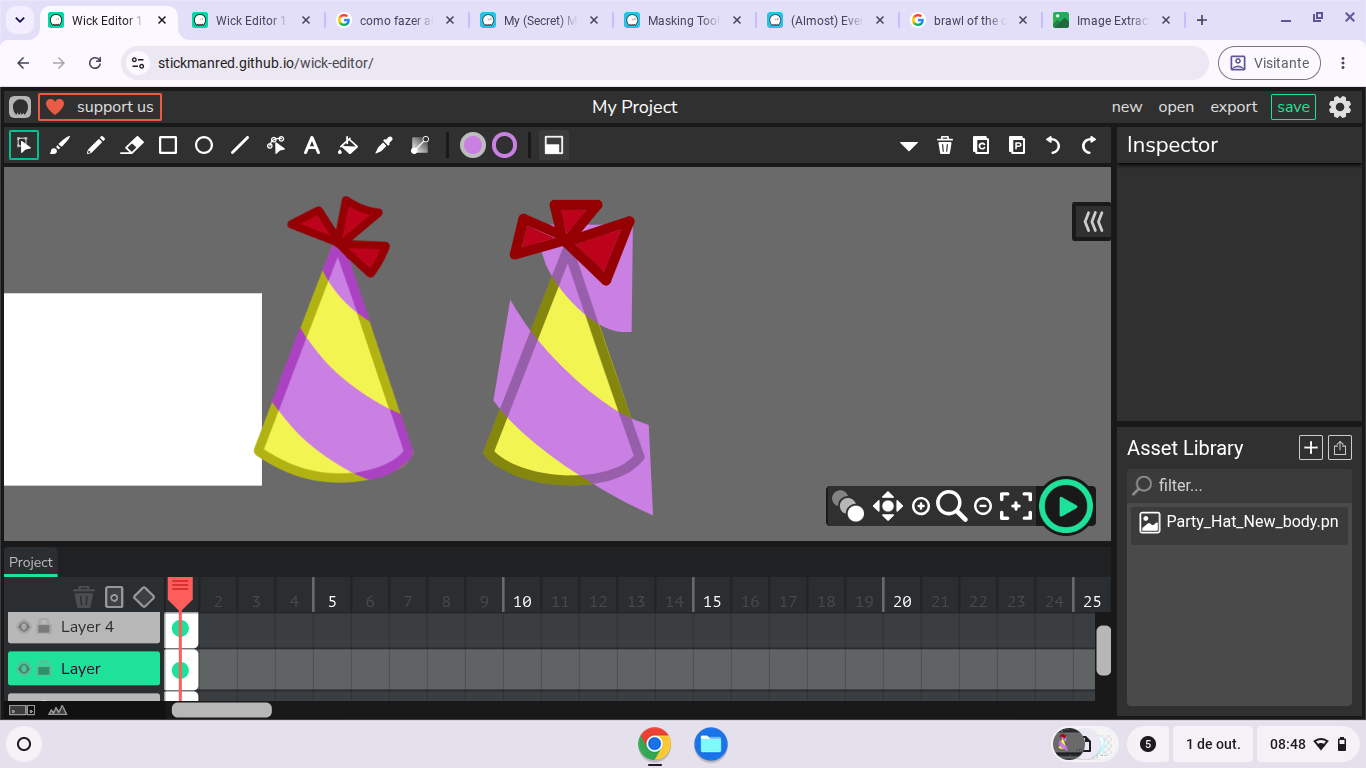
- Break the imported file apart to move & '‘cut’'
 .
.
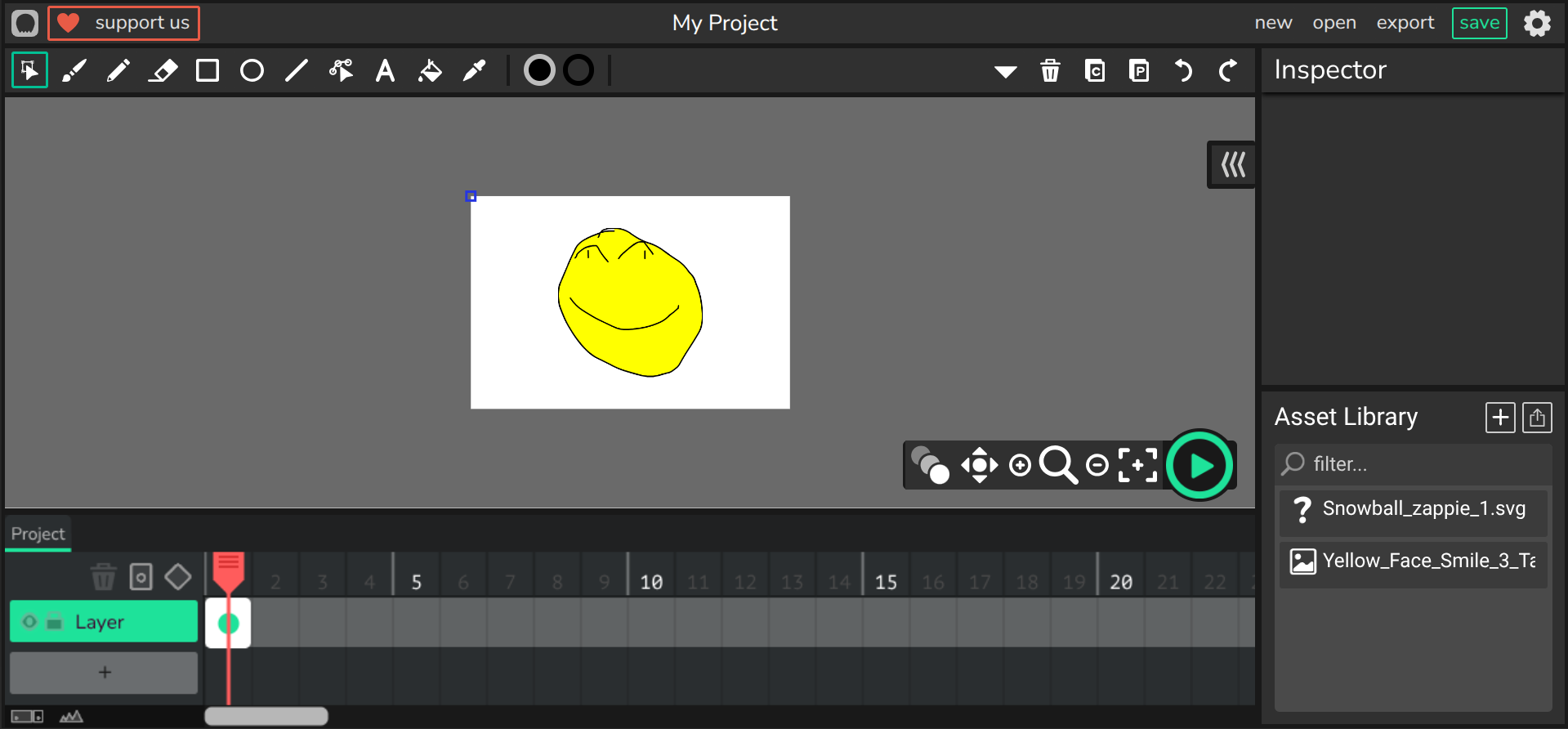
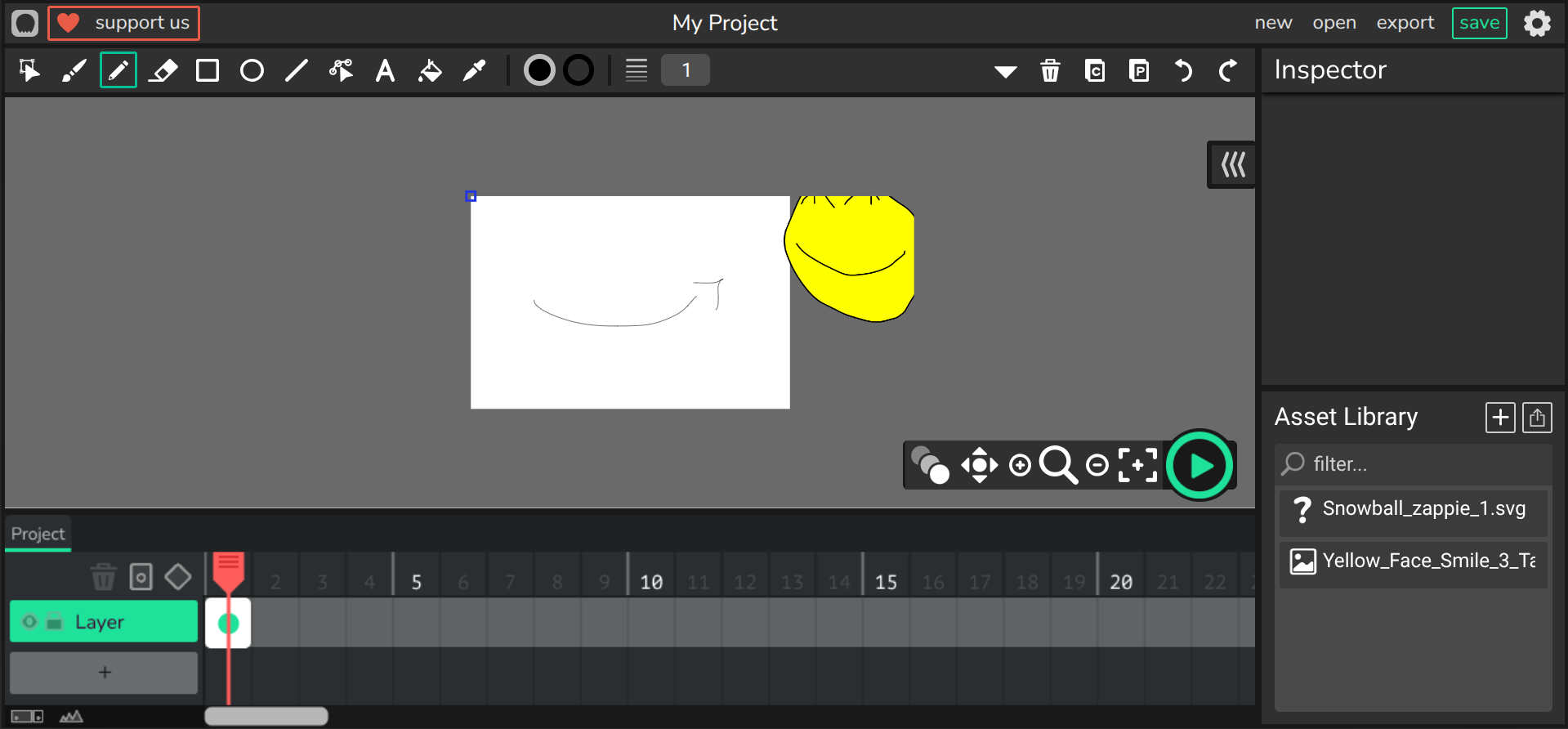
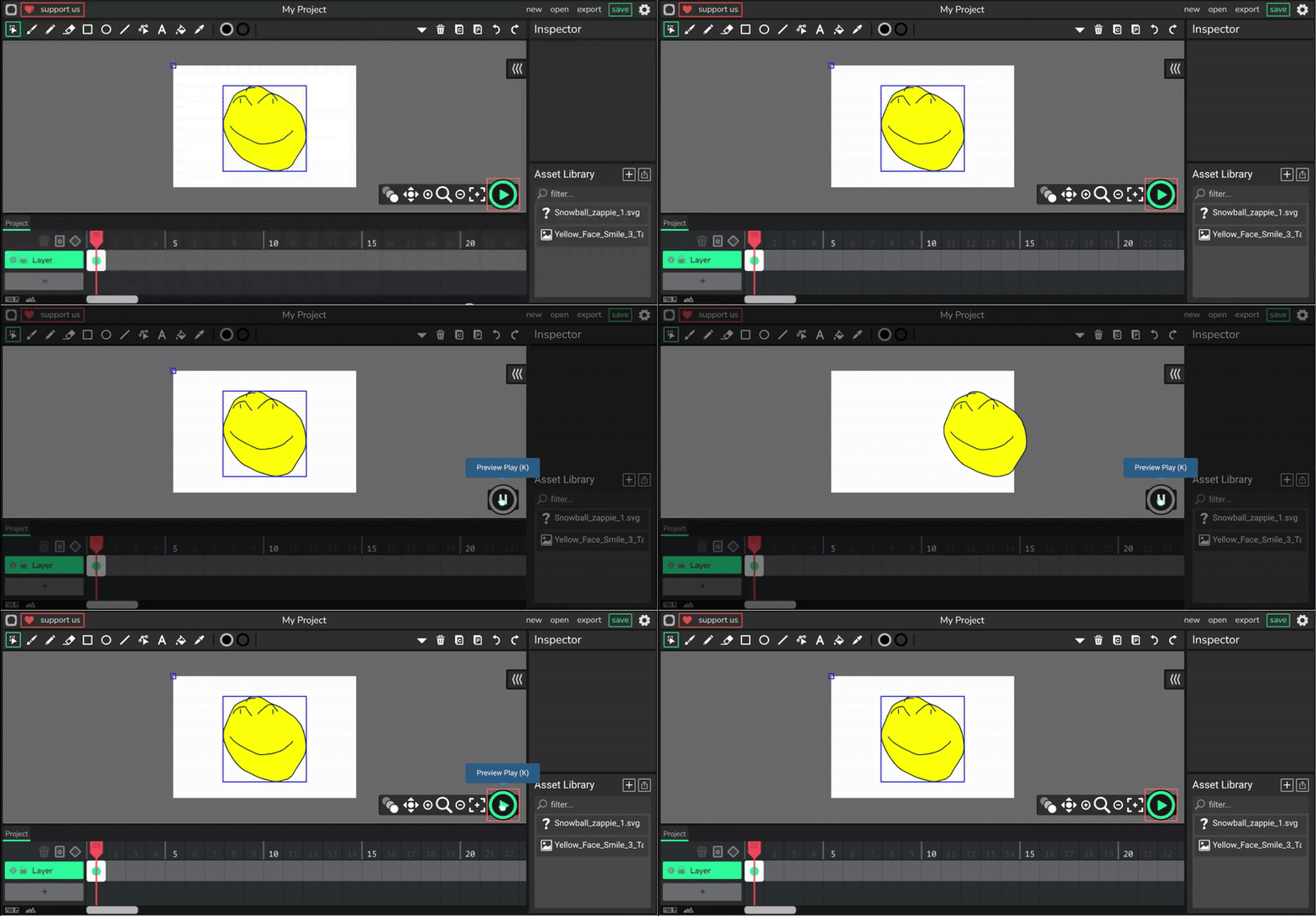
This is really cool! Should use to clip objects (like UI) from appearing in the game.
1 Like
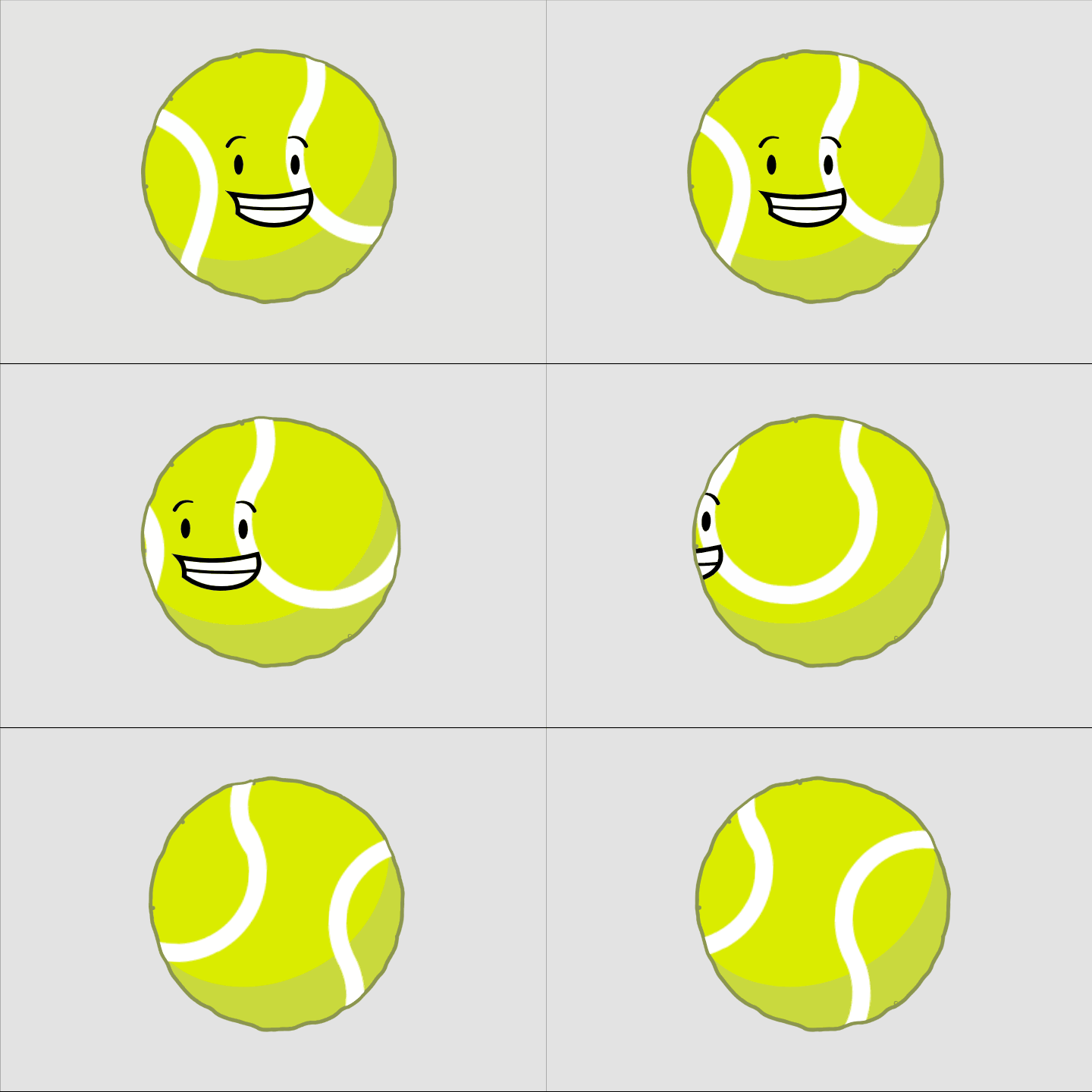
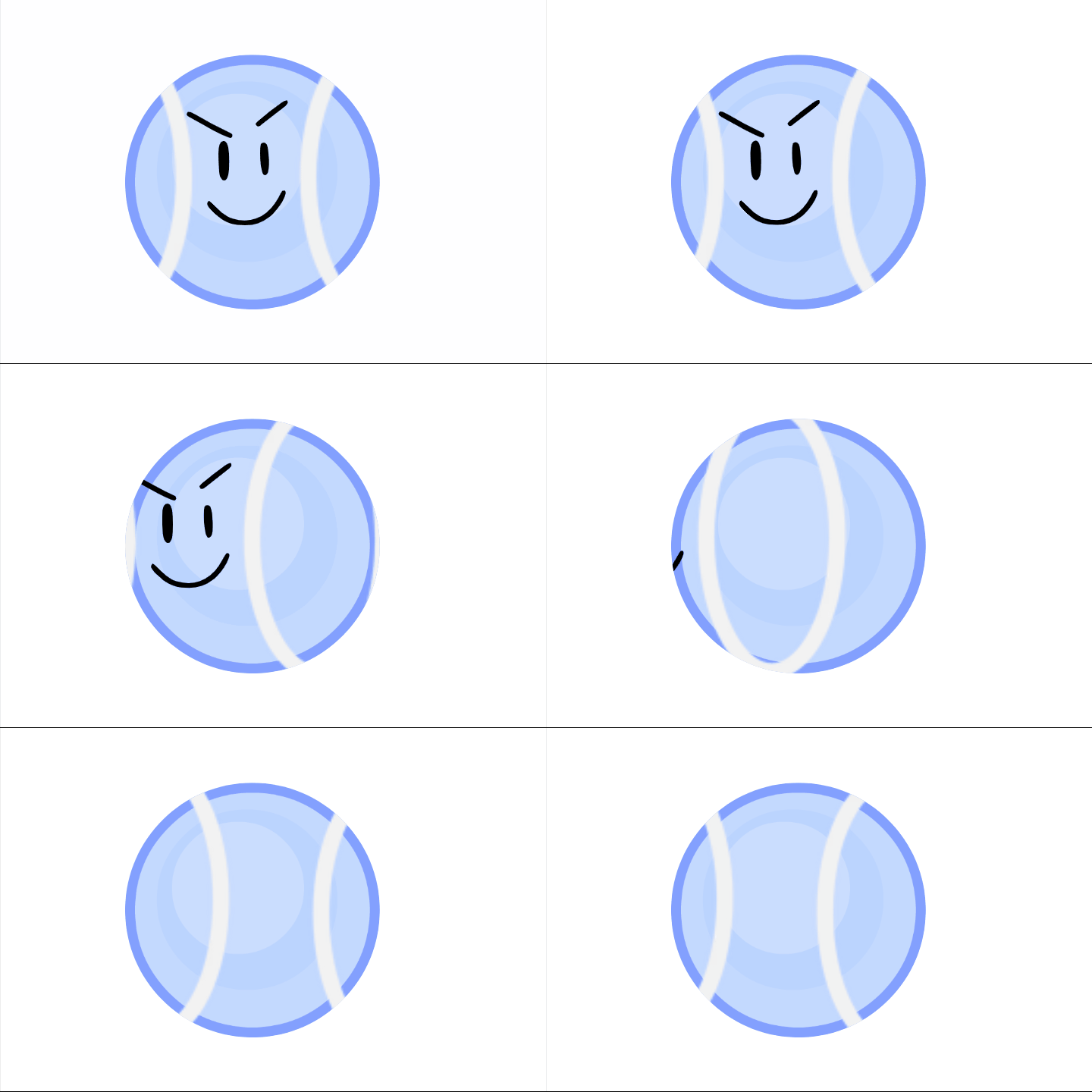

 .
.Thanks Thanks THANKS!!! This will be PRETTY useful for my OBJECT SHOW, which is an advanced one im making! thanks for the MASKING TIP!!!
4 Likes
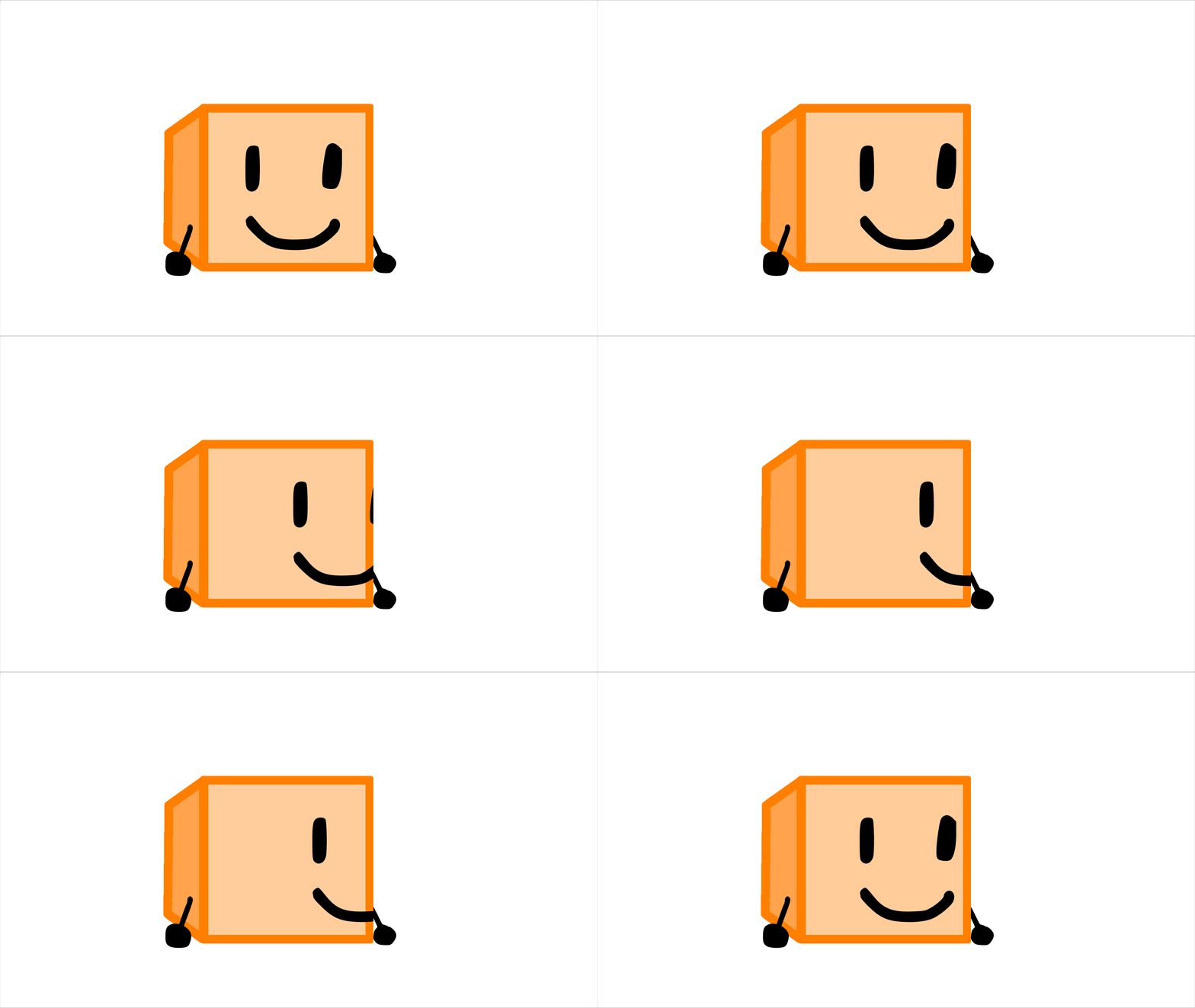
How do you do shape masks
You just put the shape you want to mask over the actual mask and merge it!
1 Like
original=left
mine=right
1 Like
Hey these look pretty accurate!
2 Likes
Hmm but how would make it circular when it is rectanglular.Try and make a tutorial for that!It would help a lot!
1 Like
Put a circle over a mask michael.
can I use custom shapes
yes. Post must be at least 10 characters
Wait I am confused.Making the mask a custom shape is difficult and the mask keeps masking my shape.Send an image to correct me.Also when you said “merge” do you mean make it a clip?