
Here is picture of my work so far
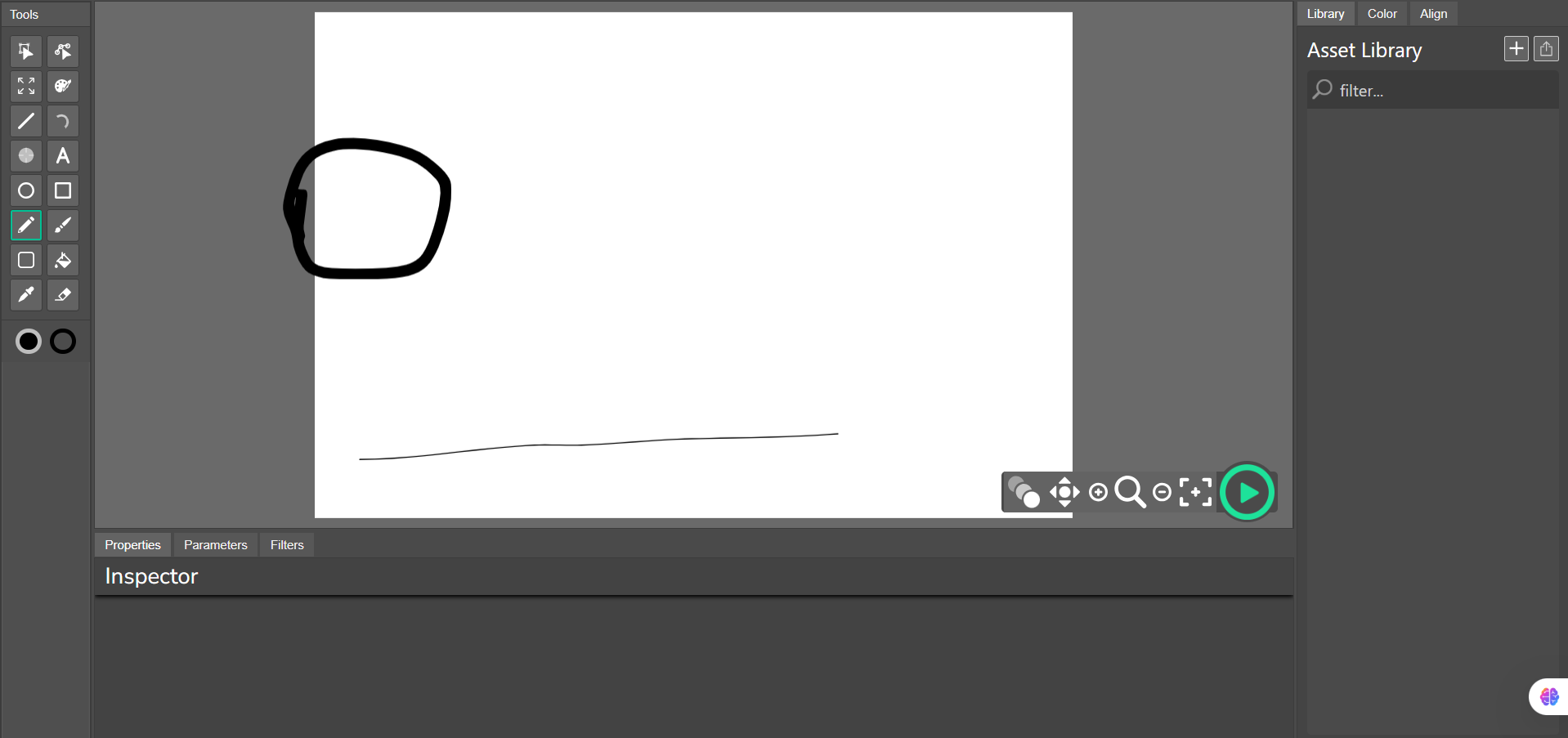
Hey, take the Wick Engine (it’s in the engine/ folder) and put it in the project. This means you’ll get the closest to real wick editor.
That is the fork of wick am working on so It already has the file
When are they going to add frame picker?
try stickmanred’s fork
Uhh… when I turn something into a Clip or a Button, I cannot skew it. Please fix that, unless it’s supposed to be that way
this is a known issue, there are some extra things that need to be done to make skewing actually work on clips. it’s not something we’re working on right now but it should come at a later date.
Thanks! I actually tried testing out this and I like the tweening options! I made this to experiment with them
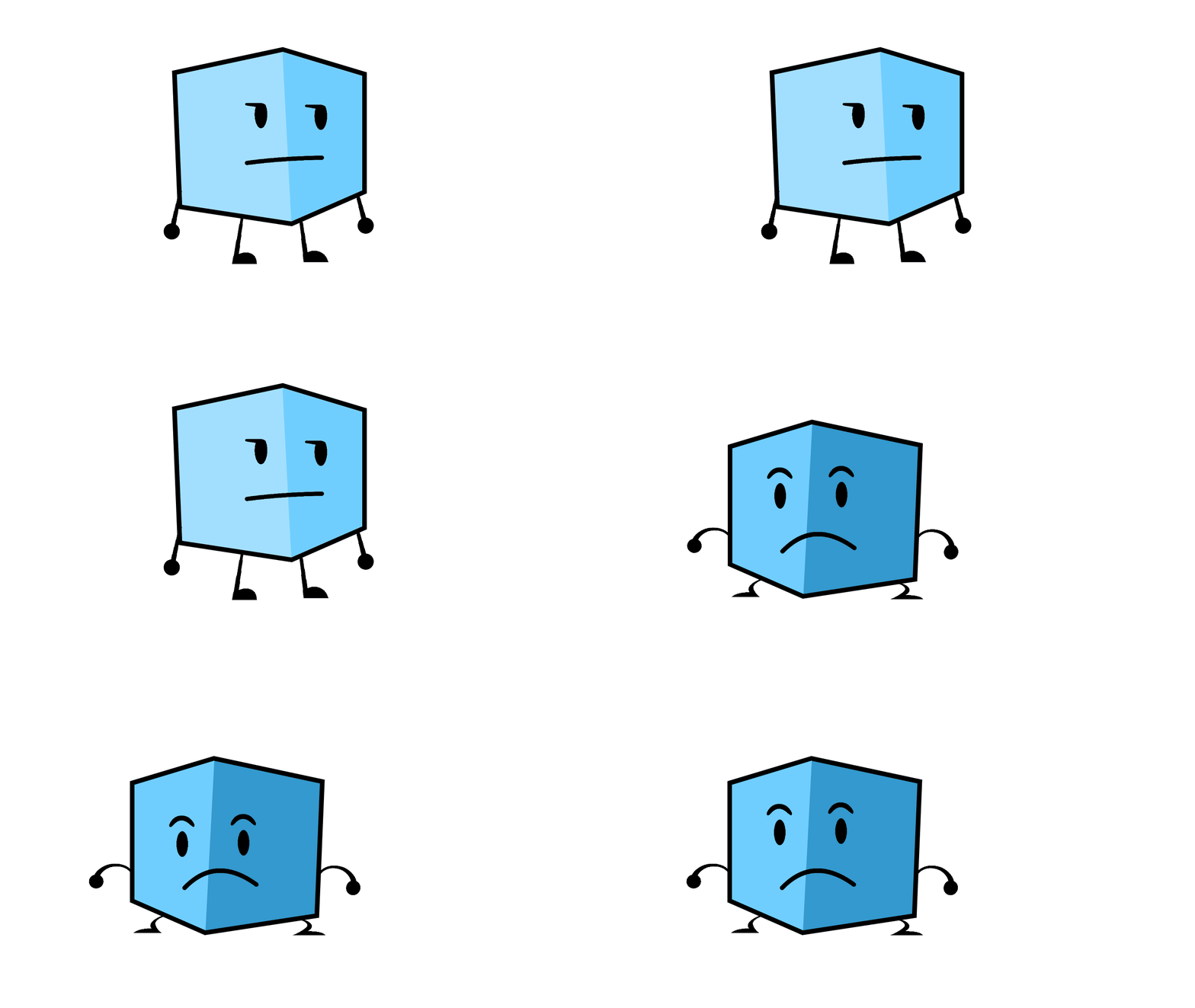
(as you could tell, I had no idea how to make the legs look good, lol.)
overall, good fork!
i would actually like folders in the asset library so that it’s easier to find stuff
and i also want an option to delete points on the path editor by clicking on a point, and clicking delete or the trash button
Also, see if you are able to add vector art transformations. kinda like shape tweens in adobe flash
second edit 4 no reason: what if you added different line start and end point looks, like thin at the beginning, big at the end, kinda like the bfdi limbs
2 Likes
What website?
Bro that was from a long time ago
WOW! All of this will be INSANELY Useful for my object show, or if I’m reanimating a clip from an object show.
i have a question, are you apart of the candlestick team or stickmanred fork, i was gonna ask if candle stick was gonna try adding its own skewing option
there already is a skewing option, just hold alt while resizing an object
gonna be honest, the more i use this, the more its broken lol
sometimes, whenever i get out of a clip, the timeline glitches at the bottom and switches constantly from the clip’s timeline to the full timeline.
sometimes, keybinds stop working
I STILL CANT SKEW A BUTTON OR CLIP RAAHHH (although that probably doesnt count as a bug, judging by the fact you said ur not working on it)
sometimes a drawing in a button or clip can just corrupt suddenly
this random drawing cutoff
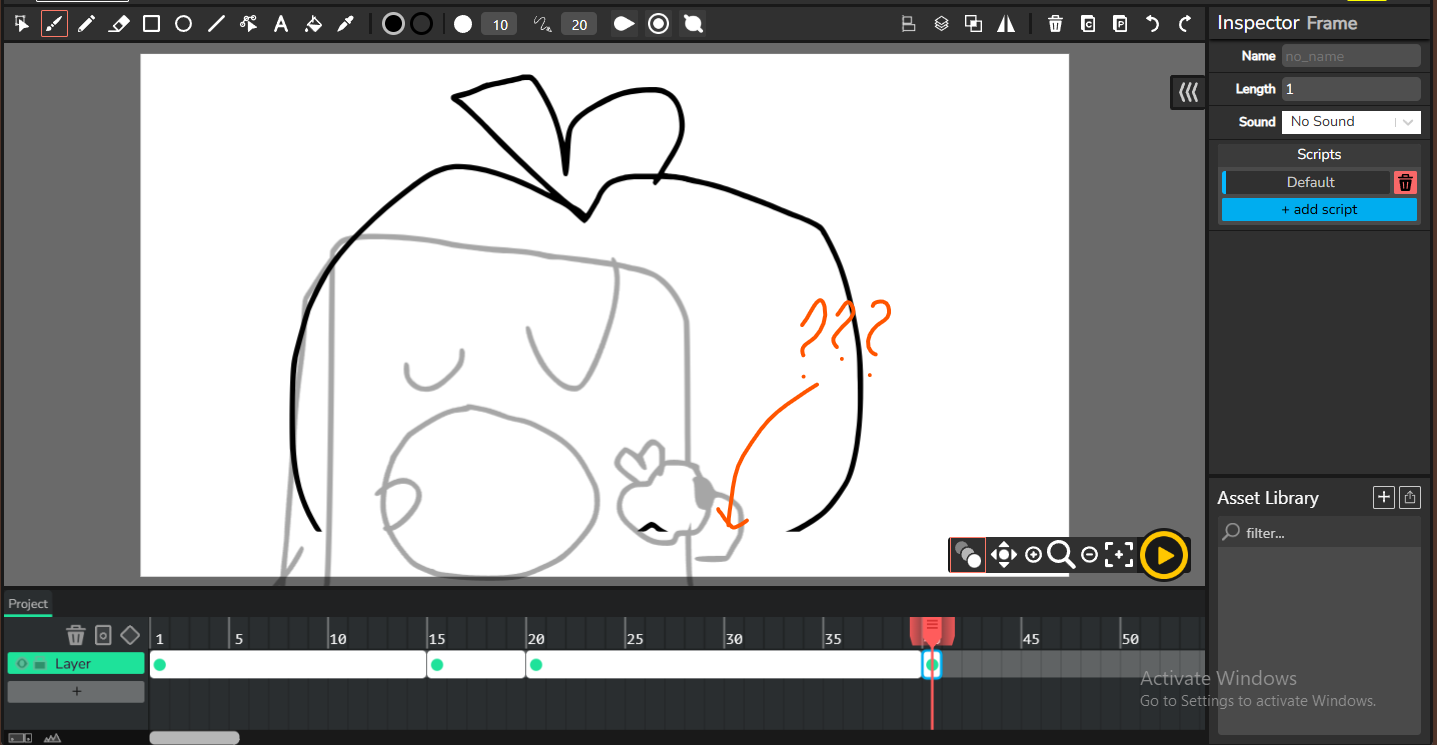
(these are all of the bugs i have experienced)
i have some suggestions too lol
multi-colored gradients
line start and end points (like shorter thickness to bigger thickness)
folders in the asset library
maybe shape tweens if u want
masking images and vector shapes
warping images and vector shapes
i really cant think of anything ._.
idk about the clips, but the cut-off happens when you’re drawing under the layers n frames
the strange thing is that it’s doing that ABOVE the timeline
1 Like
The timeline thing is known and has been an issue in wick for a long time, not sure why it happens but we will fix it once we figure out what’s actually causing it, hopefully.
Multi-colored gradients come with the improved color picker system which is already deployed on the test website, https://candlestickers.app/test/. The cutoff thing should be fixed in the upcoming version, which we will test-deploy soon-ish. An improved asset library is planned for the future, and then the other suggestions are… hard to do because of library limitations, but we’ll see what is possible.
oh thats weird
Please note that you won’t be able to skew buttons, since their superclass isn’t Clip (e.g. Buttons don’t extend clips) in the source code. If we (the candlestick devs and contributors) make a change in Clips, it doesn’t appear on buttons, and if we make a change to Buttons, then it doesn’t work on Clips.
Everyone asks for this, In the code, we would have to seriously re-code the library system to work like that (if the implementation was correct, as in folders would have other assets inside them), but we could hack them into basically tags for assets.