
@BaronAWC can you make movable panels and docking like moving the tool bar to side something cs6’s thingy I can’t really explain it
2 Likes
customizable layouts are in consideration. i don’t think we are planning to do it for 1.1 since we’re working on stability and improving the existing features, but it may come for 1.2 or later.
1 Like
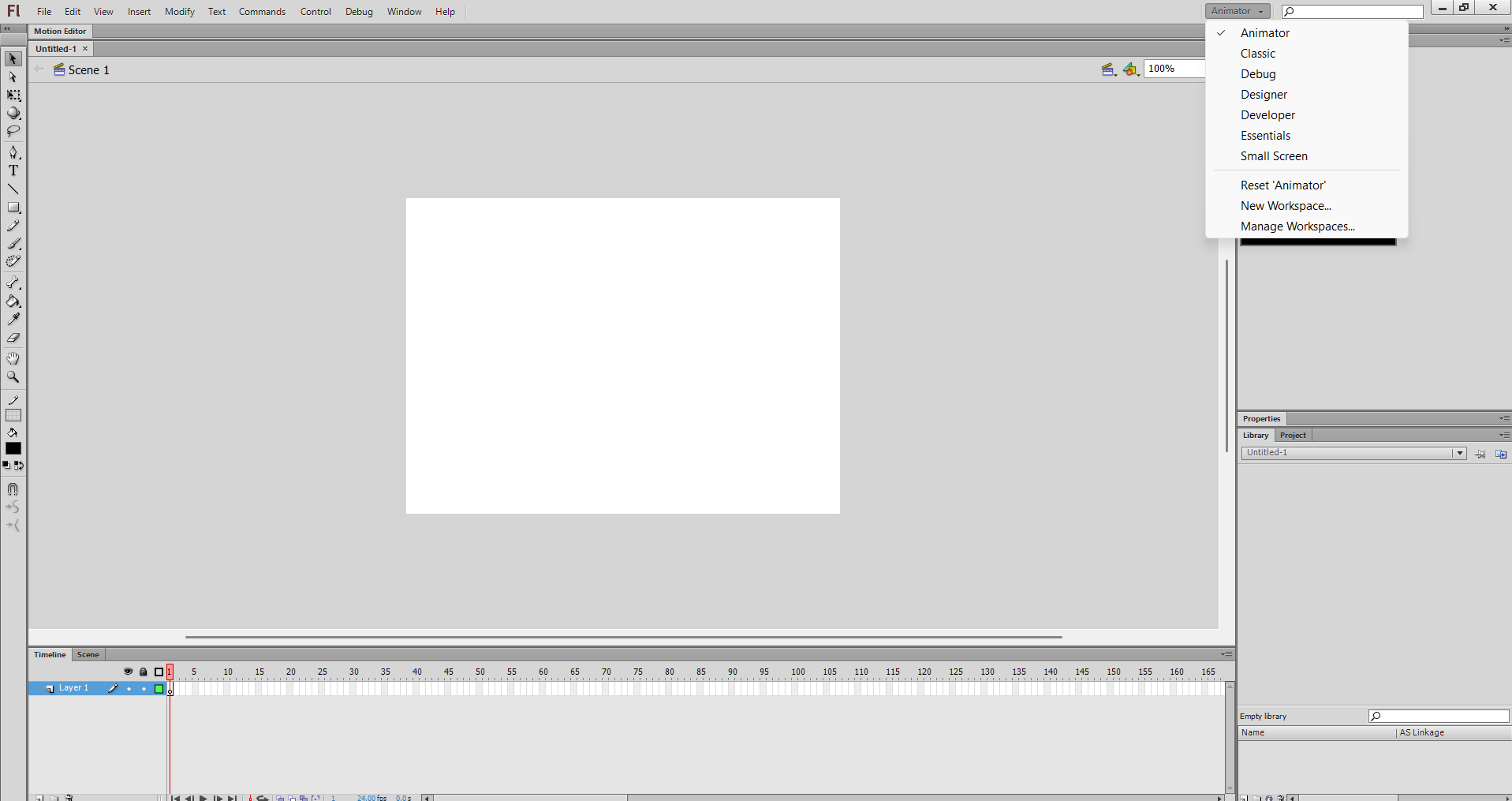
aint no way they havent updated wick in so long the community did it themselves
fyi i was FOURTEEN when they last updated it and now im a grown man 
2 Likes
I can’t find the gradient tool in candlestick anymore, did it get moved?
1 Like
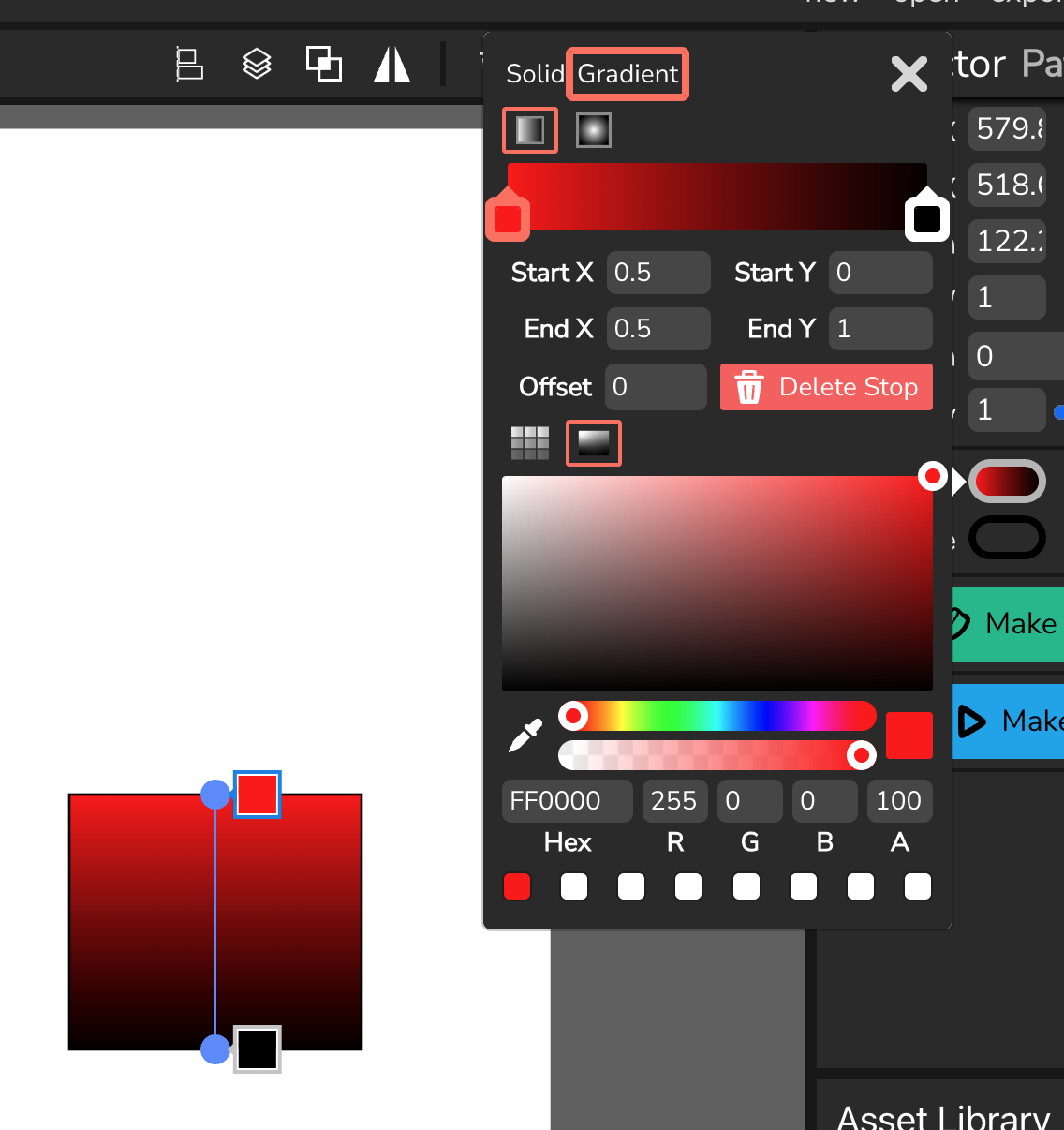
the gradient tool was moved from a button in the inspector to being directly inside the color picker.
2 Likes
Oh, that makes sense, thank you!
1 Like
I can finally use candlestick!
1 Like
wdym(10 characters)
1 Like
I got a device that works for candlestick :D
3 Likes
uhhh guys I tried test candlestick now why cant I go back t normal
2 Likes
Candlestick and Wick Editor are separate websites, if “going back to normal” means going back to the normal wick editor, just click https://www.wickeditor.com/#/
2 Likes
yooo you came back??
1 Like
I did not see the APK download for Android
1 Like
Can you add motion and shape tweening, Macromedia Flash 8 is too young for that.
1 Like
yes my son im back
3 Likes
After seeing a video about classic vs. motion tweens in Animate, I’m thinking this is not possible.
We have been on and off ‘thinking about it’ for months on this.
1 Like
Wick already has motion tweening… unless you mean a different kind of tween like in later versions of Flash??? Please elaborate on that first part!
As for shape tweening, let’s hope they keep it on their minds for longer, it should be possible
1 Like
@glottisfandango, you have to see a tutorial for this.
Apparently Animate CC has a tweening system that kinda works like drawing paths with time signatures assigned to each point.
It’s easier to animate movement in that system since you basically are just telling the tween software to trace a regular cubic bezier spline.
1 Like
I just learned that this can be done by:
- Letting users create and modify a path
- Flattening that path with
PaperPath.flatten() - Making a series of normal (‘classic’) tweens to those points.
I often find it very amusing how Paper.js is more of a vector manipulation library than lightweight renderer.
1 Like