Candlestick pls fix

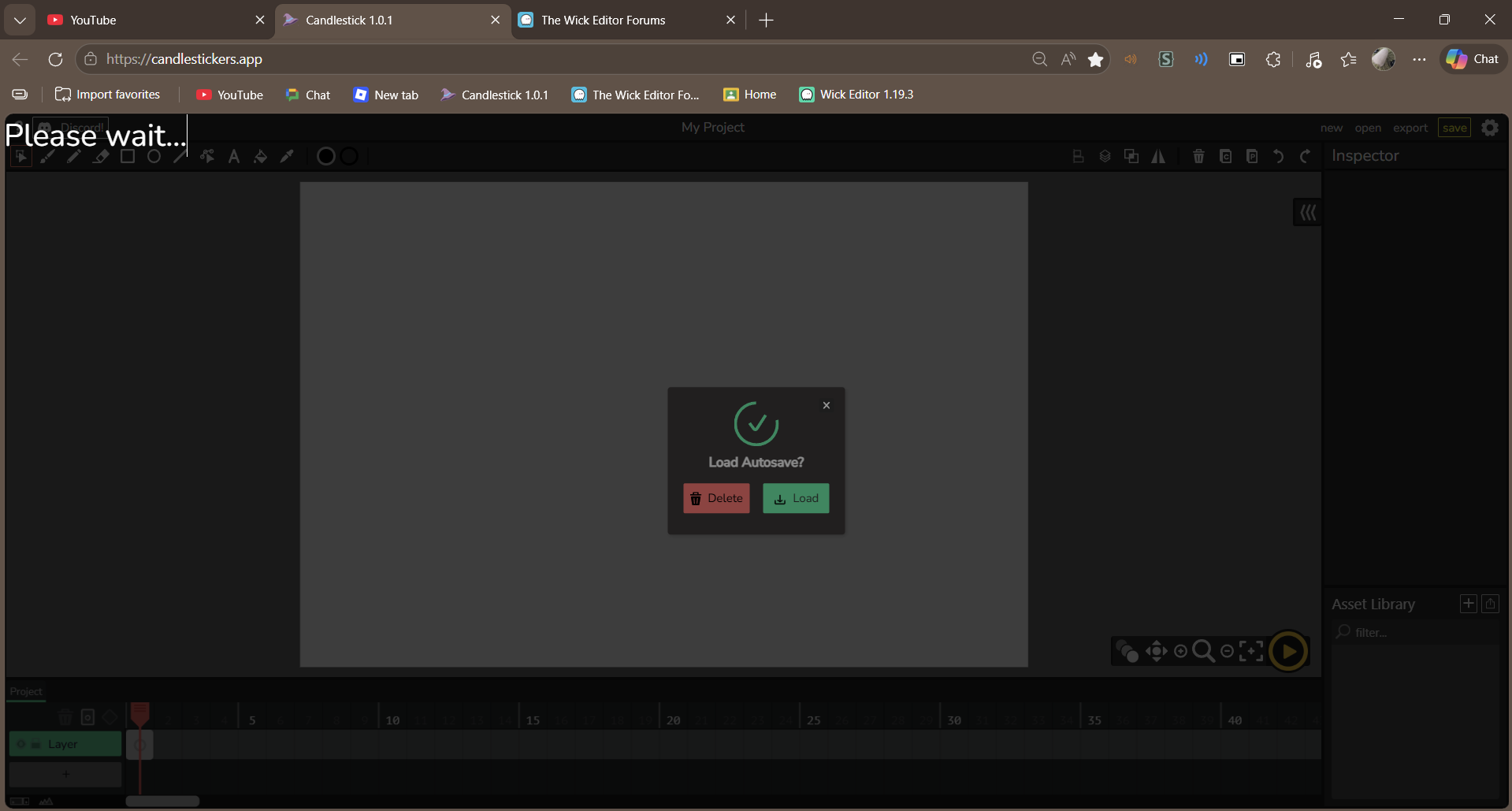
Aside from the Title, please candlestick fix this, I have all the progress on the game just for your program to freeze, Please!!

I was waiting 12 Minutes for this to load, I plead to you Candlestick developers, please fix the autosave feature, I plead to you!!!

I had to reset all my progress eventually, it was never going to load either way :pensive:

there’s a chance one of the assets you have is causing the file to have trouble loading (might be the vcam?). if you have access to discord it’ll be easiest to help you in the candlestick server, but we do have a method of recovering corrupted saves. (i’ll also ping @StickmanRed since he’s the one that figured most of it out)

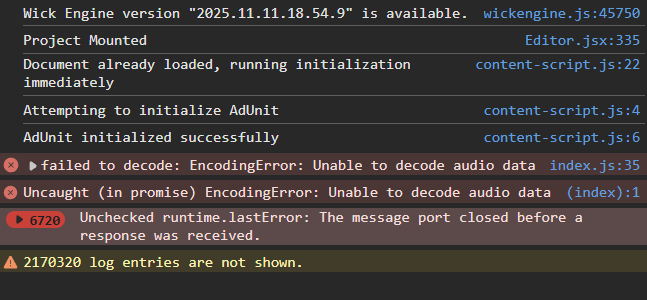
first thing to get out of the way is, can you open the console and give us a screenshot of any errors that may be there?

second thing is, i know you said you reset your progress, but just to check, i wanna ask if your current autosave is still the project that fails to load. if it is, then our job will be a bit easier, if not then there are a few extra steps we have to take.

1 Like

As far as I know, I didnt use any of the assets including the vcam, btw, what I meant about resetting my progress, I opened up the only save i had of the project on the original wick editor site with many of my features I added gone unfortunately, and left the Candlestick website still with the OG auto-save

Here is the screenshot
image

huh, this one’s new. i tried looking for this error message in the source code but nothing showed up. i can only assume this means one of your audio assets are faulty though. could you maybe expand the dropdowns of those errors?

but anyway, since you have this on candlestick, we should be able to extract the project data with little-to-no problem, so that maybe we can do some file surgery:

first, go to candlestick, open the browser’s console, and paste this:

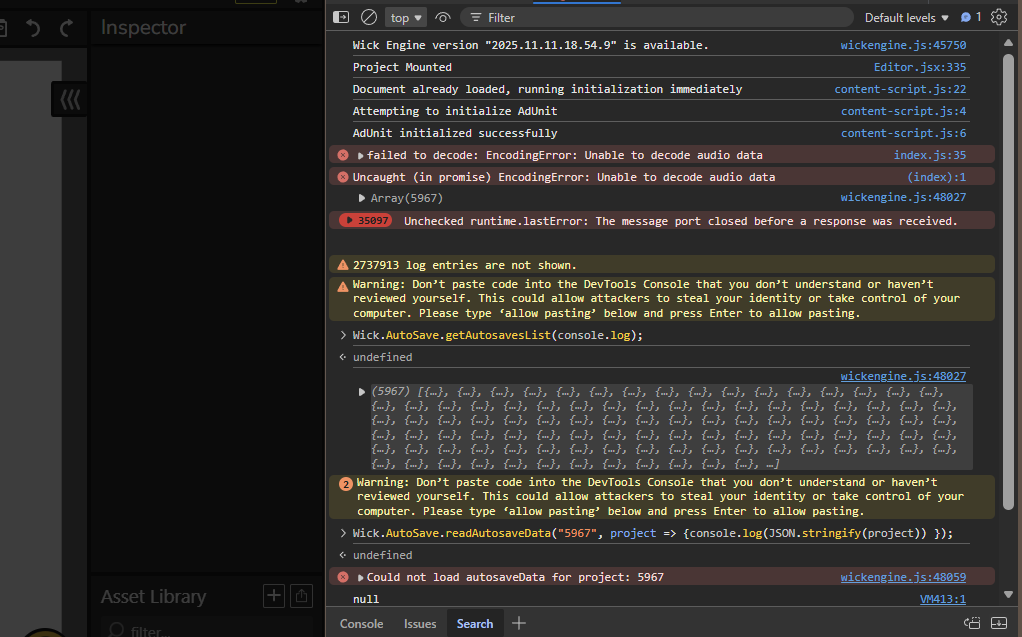
Wick.AutoSave.getAutosavesList(console.log);

this will give you a long list of UUIDs that correspond to projects that were autosaved. each UUID should be a long-ish string of numbers, letters, and dashes. copy the first one you see.

then, enter this in the console, but replace the Xs with your UUID.

Wick.AutoSave.readAutosaveData("XXXXXXXX", project => {
    console.log(JSON.stringify(project))
});

this should output a giant string of your project data. make a .txt file, put the string in there, and then send the file here (or, i can start a private message with you to send it to me privately if you want). the forum doesn’t take txt files so you might need to use https://catbox.moe/ or google drive, etc.

That was all of it, and by the way, all I saw was this when I loaded up and pasted the autosaves list, sorry if I’m doing something wrong, this is my first time doing something like this

And sorry for my late reply for you asking about the console and the screenshot etc, I had a good friday church service

nevermind, figured it out, and I’ll send it on discord