
Hello, I’ve been exporting still drawings out of Wick/Candlestick a lot recently, and the method I’ve been using is to export as a gif then convert the gif to PNG. However, I’ve notices that exporting gifs out of Wick causes the drawing to have thin black lines in the corner, so I was wondering if there was a better way to export something as a drawing in wick, or some way to fix this.
Wick editor has an export image sequence. It takes all the frames and converts them to pngs. And they are all zipped into a zip file
1 Like
DragonArtist What is the operating system you are using?
OS:
- If Windows use the snipping tool.
- If Mac use Command + Shift + 5.
- If Linux: Flameshot, Spectacle, GNOME Screenshot, or Print Screen key.
Tablets:
- If Ipad Press the top button and volume up at the same time.
- If Chrome tablet or Chromebook Ctrl + Shift + Show windows.
On some Chrome tablets without a keyboard, press: Power + volume down
Then use the screen capture controls or crop/edit after the screenshot.
Phones
-
If iPhone Press side button + volume up at the same time.
or Press side button or top button + Home button. -
If Android Three finger swipe on some brands
or Palm swipe on Samsung
Ask Google Assistant: “Take a screenshot” -
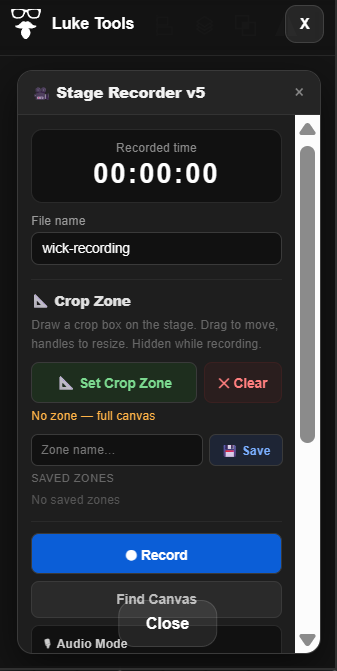
LukeTools has a a screen record capability.
I might add a png capture to this soon.
L
1 Like
this was a bug we found in wick editor, but it should be fixed in candlestick.
I was able to quickly export both a gif and image sequence of a tiny project on candlestick, and there was no thin border for me.

2 Likes
Thank you all, this was helpful, I now have lineless exports!
1 Like