
What Wick Editor Version are you using?
candlestick 1.0.1
Describe the Problem
i want to draw a wick clip on the fly to correspond to a matter.js physics object polygon. i could not figure out a way to do this, so i asked an ai chatbot, who told me to use matter’s built in vertices array, an array of a the coordinates of the vertices of a physics object, and to draw a clip to it using `
   if (window.polygonBody) {
let verts = window.polygonBody.vertices;
let g = this.pixiGraphics;
// 1. Wipe the shape from the previous frame
g.clear();
// 2. Set colors (Pixi uses 0xHex colors)
g.beginFill(0xFF0000, 0.5);  // Red with 50% opacity
g.lineStyle(2, 0x000000, 1); // 2px Black outline with 100% opacity
// 3. Connect the dots
g.moveTo(verts[0].x, verts[0].y);
for (let i = 1; i < verts.length; i++) {
    g.lineTo(verts[i].x, verts[i].y);
}
// 4. Close the shape back to the starting point
g.closePath();
g.endFill();
}
in an update script and
    // Create a native Pixi.js graphics object
this.pixiGraphics = new window.PIXI.Graphics();
// Attach it directly to this clip's visual container
this.view.addChild(this.pixiGraphics);

// Lock this clip to the top-left corner so local coordinates = global coordinates
this.x = 0;
this.y = 0;
in a default script.
What have you tried so far?
it gave me other scripts but they all crashed, this one included.
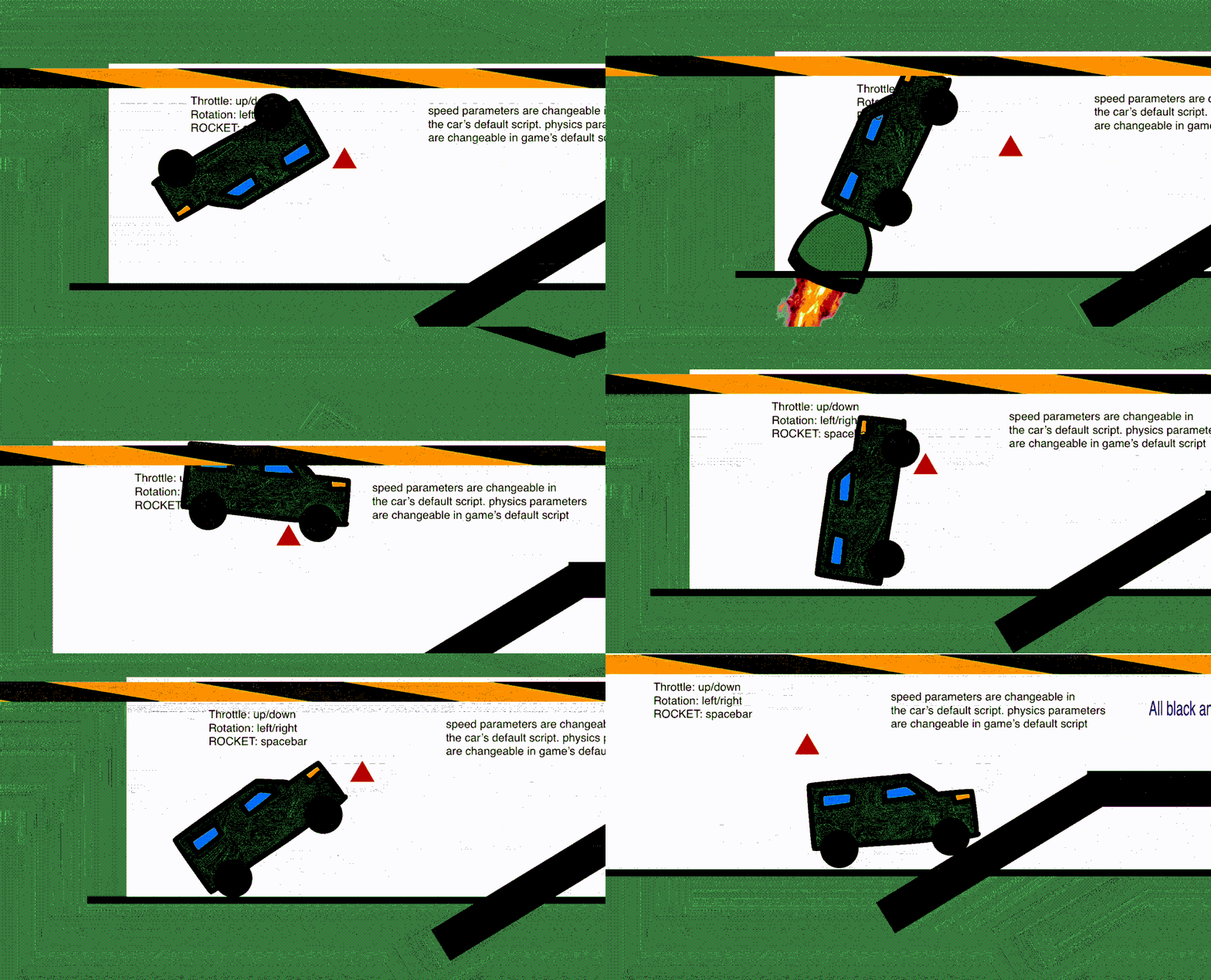
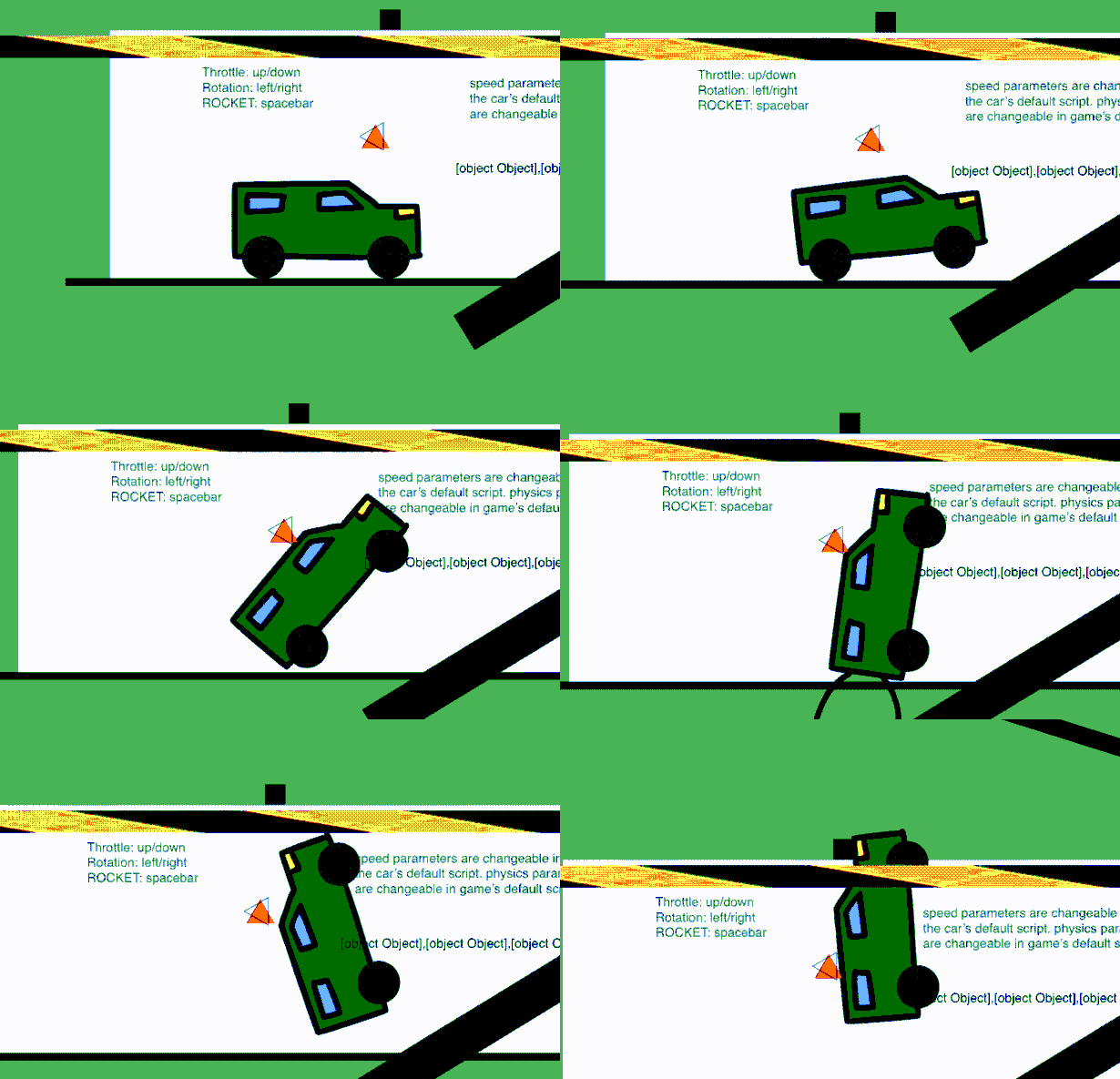 OMG I FIGURED IT OUT PAPER MATTERJS MAKES IT TRIANGLES SIDEWAYS WHO DOES THAT