
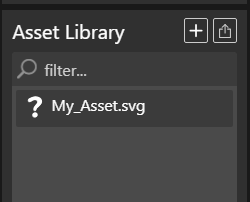
I made assets in scratch. When I import the assets, IT DOESN’T HAVE A PICTURE. IS IT A GLITCH OR SOMETHING???
export into wick Editor legacy then put it into the converter and than change the background back to white after it Is done exporting it
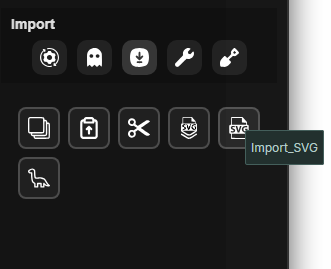
Actually, there’s a reason why that happens. When you export an asset from Scratch, you’re exporting it as a SVG file. If you want to use a SVG file you gotta download the LukeToolsV2 and import the SVG file.
By the way, both of these responses work!
But i personally also use the legacy version of wick editor (http://legacy.wickeditor.com/)
And then but it into a converter (https://www.wickeditor.com/editor/project-converter/)
It will have a black BACKROUND but just set it back to whitee
At this point I think the project converter is way outdated and will not be supported anytime soon.
SVG importing is pretty flaky in general too. We tried to improve it in Candlestick but it’s far from perfect. We’ll work on it over time, but in the meantime, it’s best that you make your vector assets in the editor itself. If LukeTools works then that’s great but you’ll need to get Luke’s attention if it’s broken.
and how do i get this thing at the bottom
where is the converter
i found the converter but it gives me the connection is not private and i cannot convert it
then IDK what to do bro
You gotta download the LukeToolsV2 and import the SVG file.
just press advance, its fine it just says thaty bc its outdated