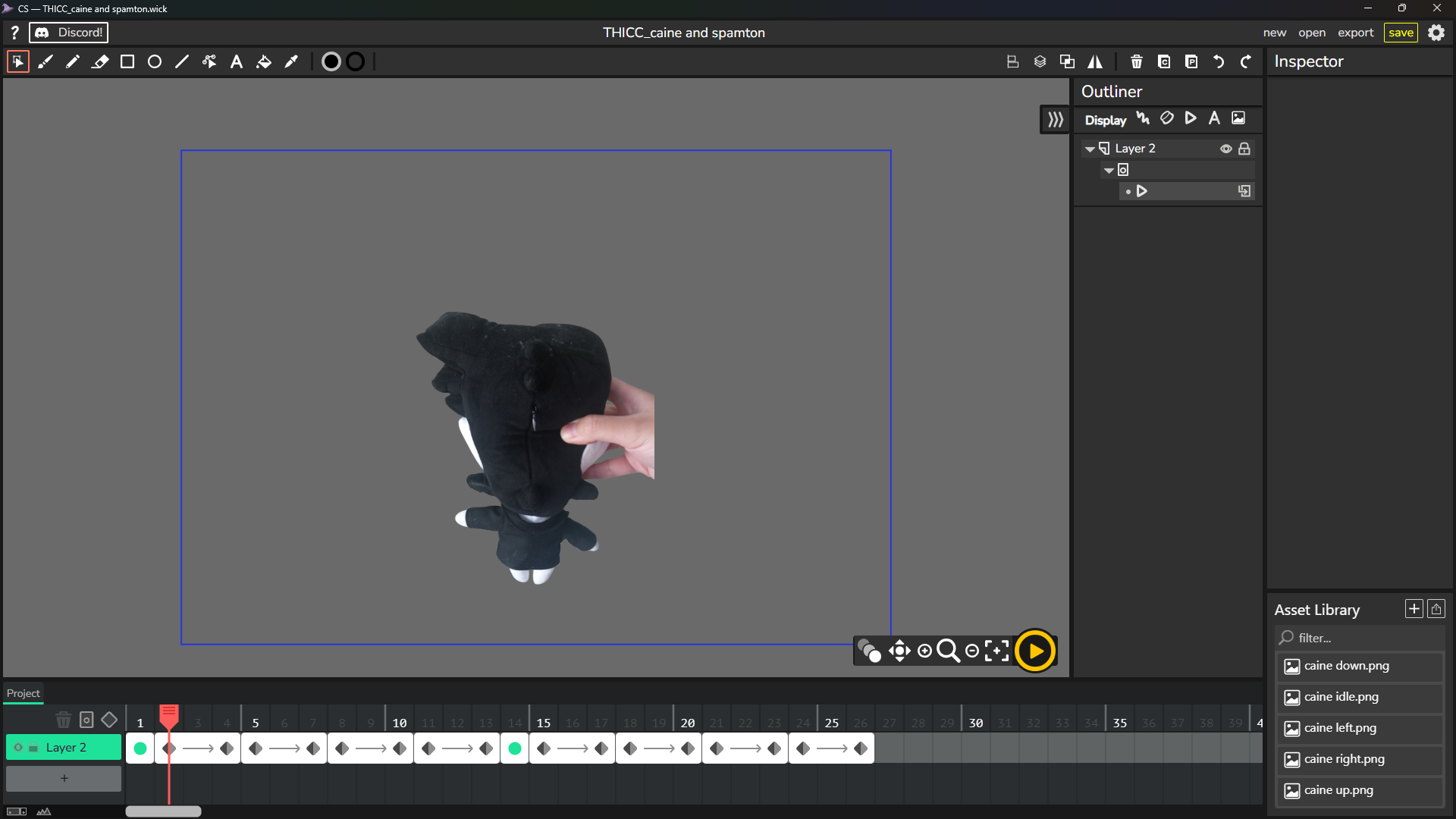
Coming back to this, I’ve animated some buttons for a Henry Stickmin fan game I’m making, and I end up switching between Candlestick for some vector skewing and animations and Wick Editor for hiding the blue borders of clips when rendering. Since Wick has translucent 1-pixel-long black bars on the top and bottom of rendered images, I just crop them out and re-export each frame in Krita.
As for the sample image I shared at the beginning of this thread, that was for an April Fools special. What I ended up doing for those blue borders was mask them out in Krita because I was cautious enough to set up some open space in case if I had to edit anything out in Krita prior to putting the finished frames in a spritesheet packer.