I know its a bit buggy but I had to share…
StickRig:
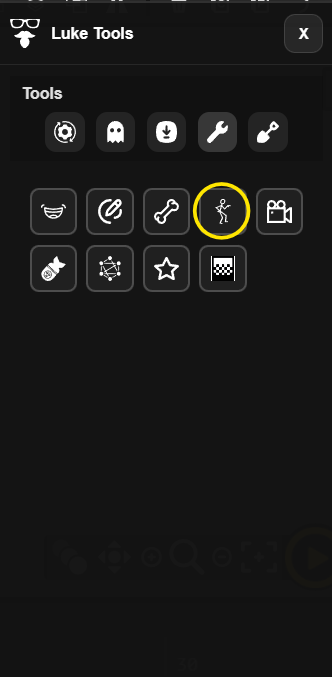
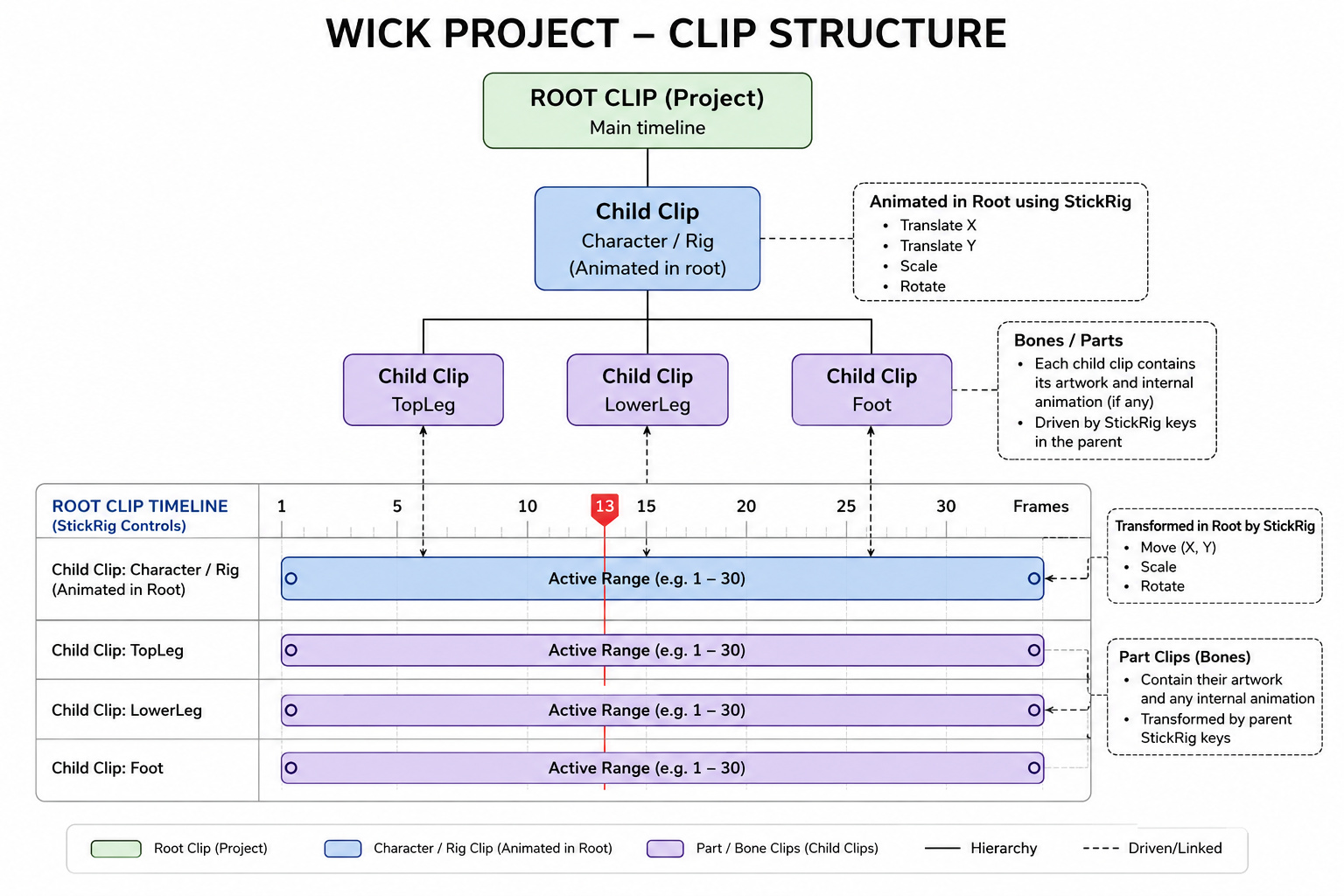
Aids with animating stickman style figures - clips
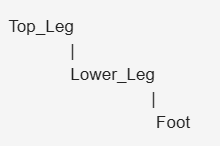
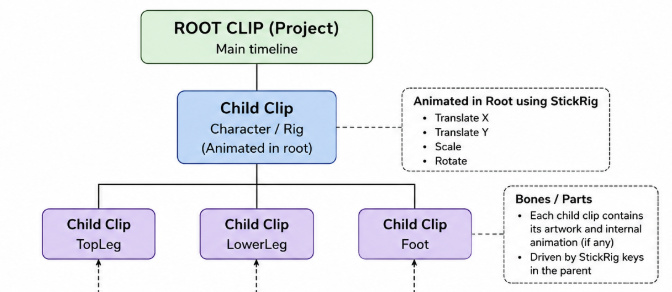
- Build your stickman rig with embeded child clips.
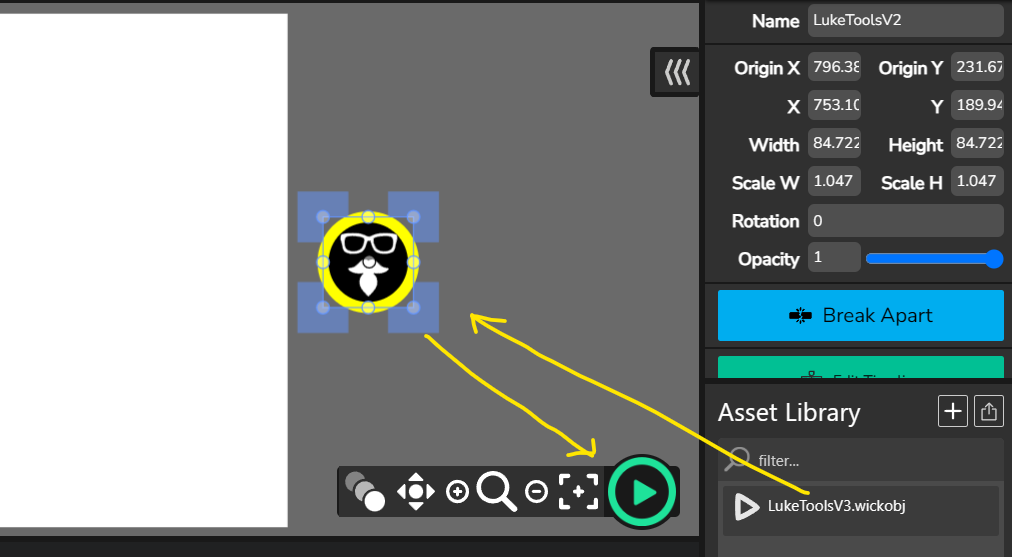
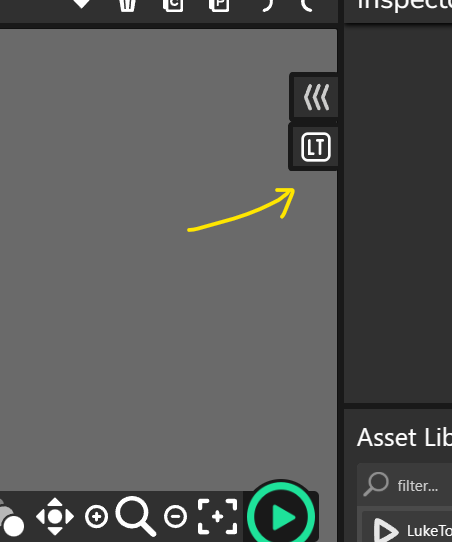
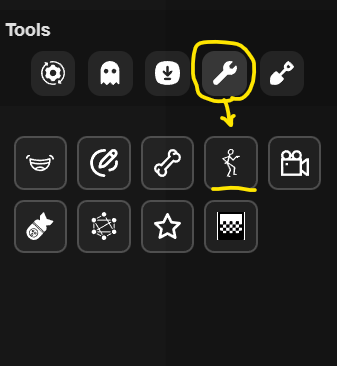
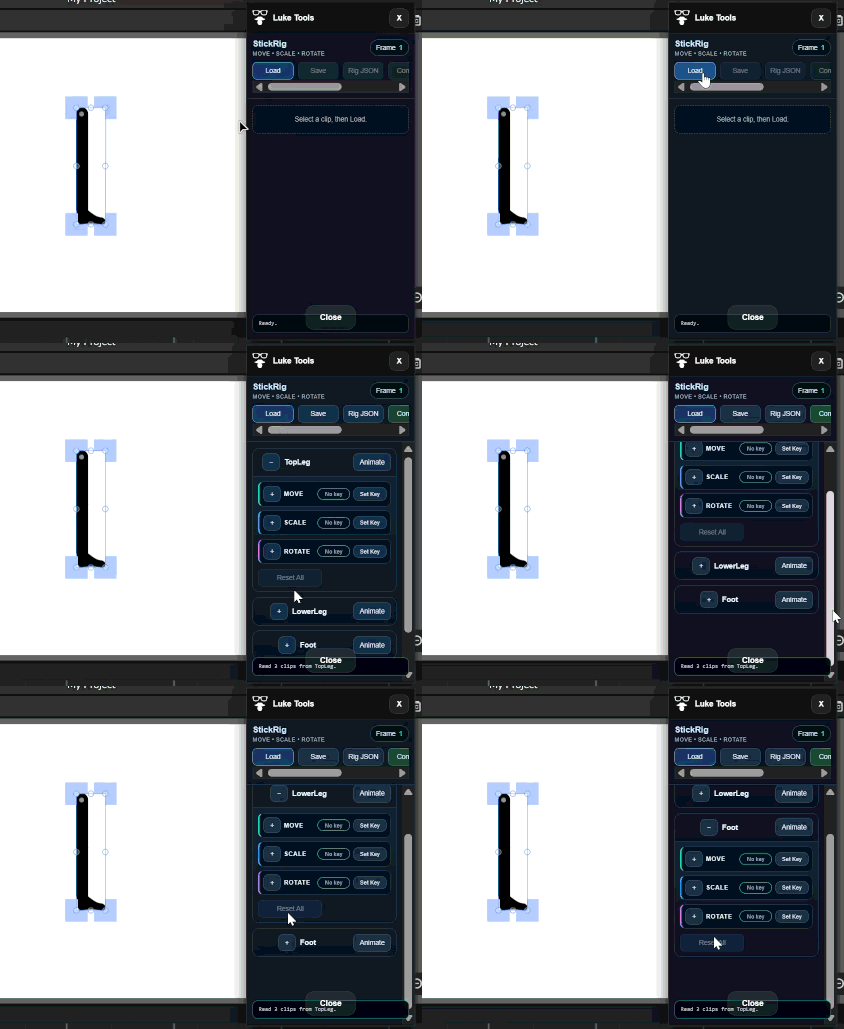
- Load the clip into Stick Rig by selecting it on stage and choosing Load in StickRig.
Stick Rig will create animation controls for the rig.
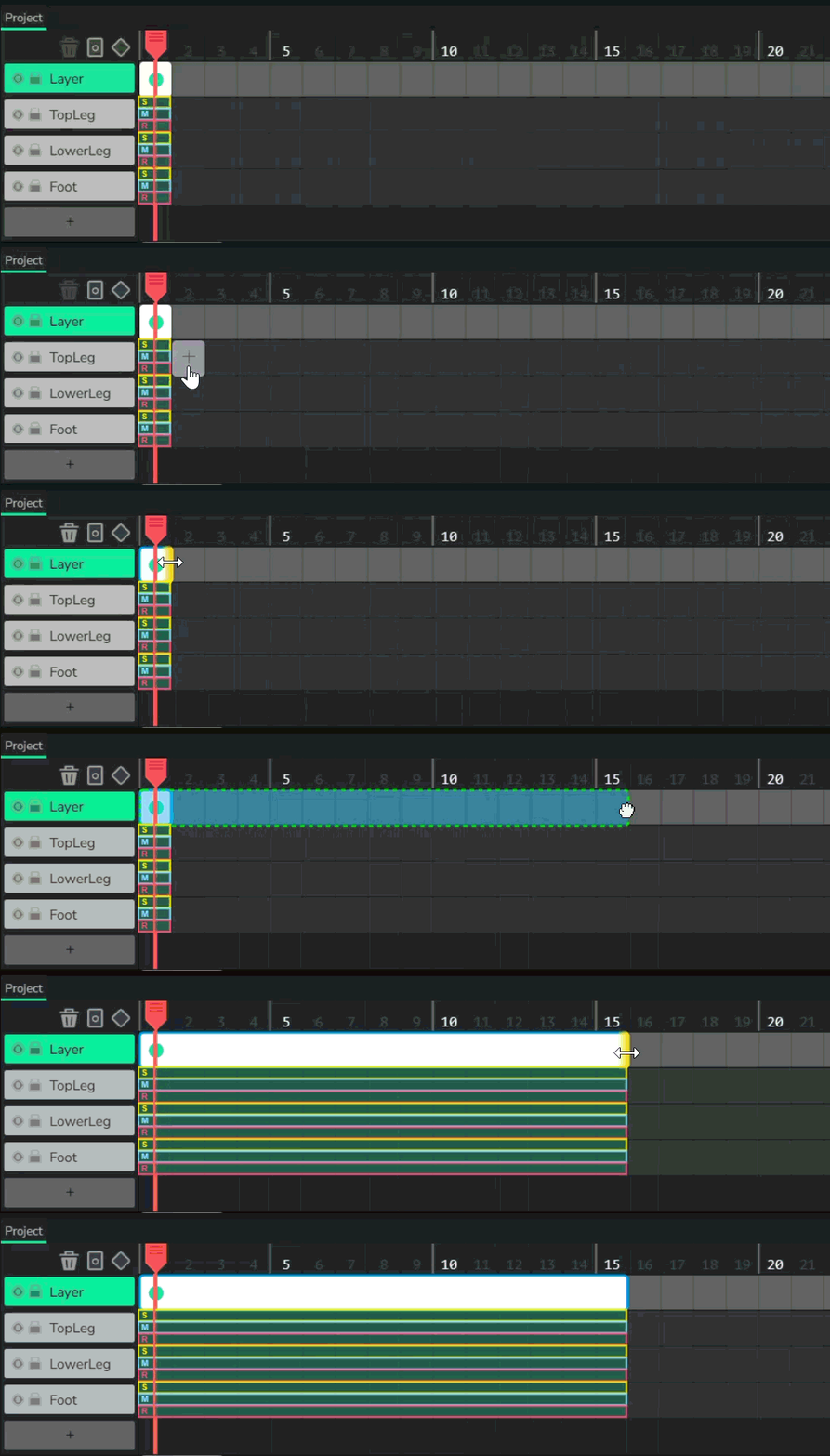
- Set the animation length in the timeline,
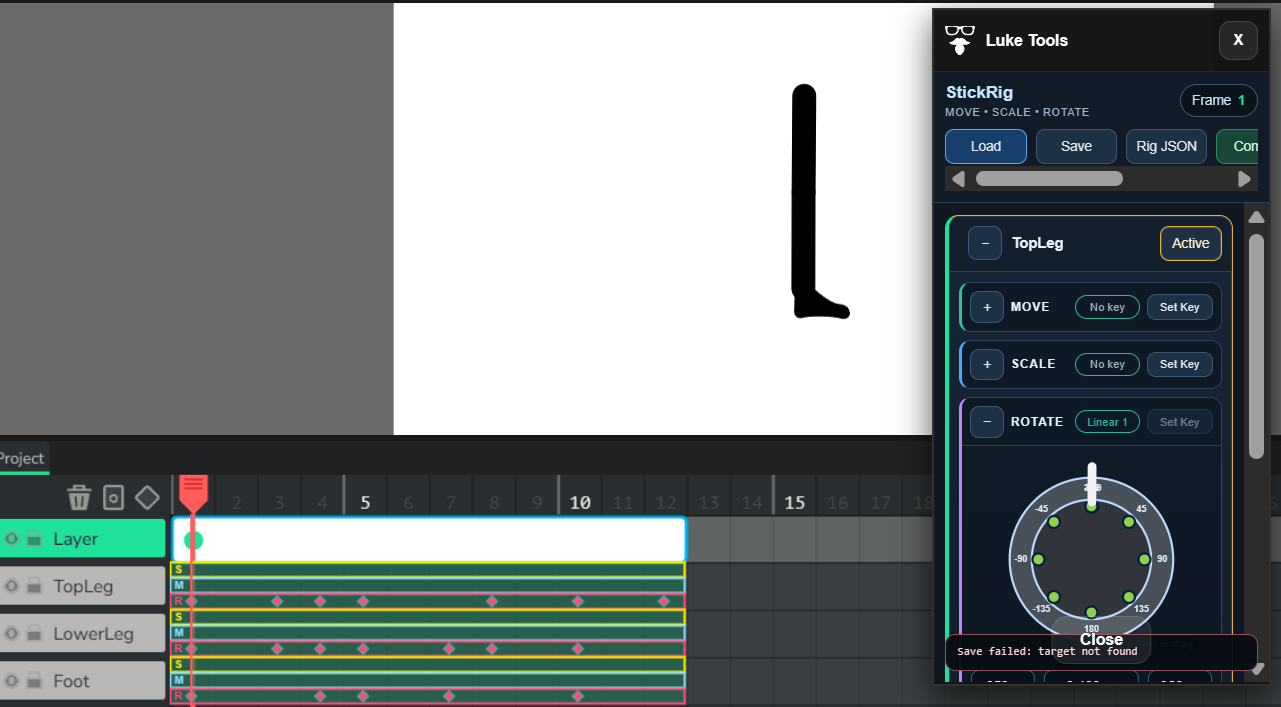
You will see StickRig will have made animation key frame channels for S(Scale), M(Move) and R(Rotate).
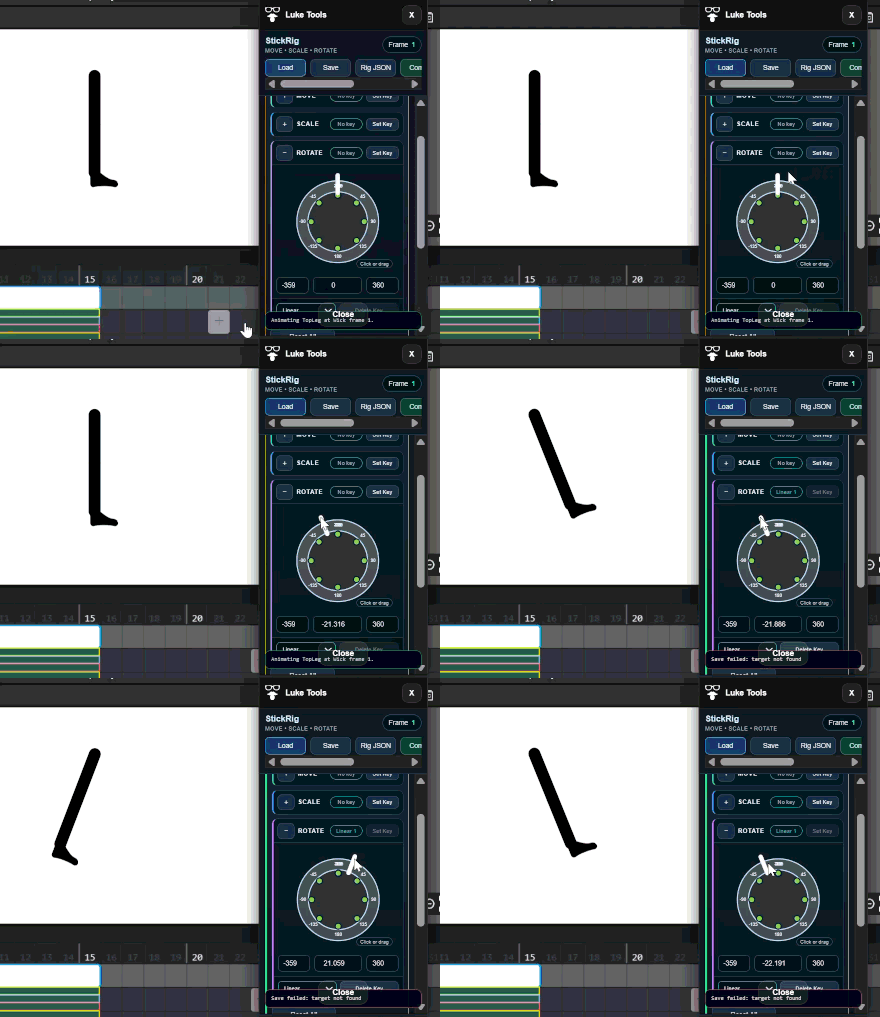
- Choose animate for the body part you want to move - remember to move to the timeline key you want to set your keyframe.
- Use the tools in the panel to create the desired animation.
(remember to chose animate for each part)
- Keyframes can be moved deleted and the rest.
7.Hit Commit, and your clip will be ready.
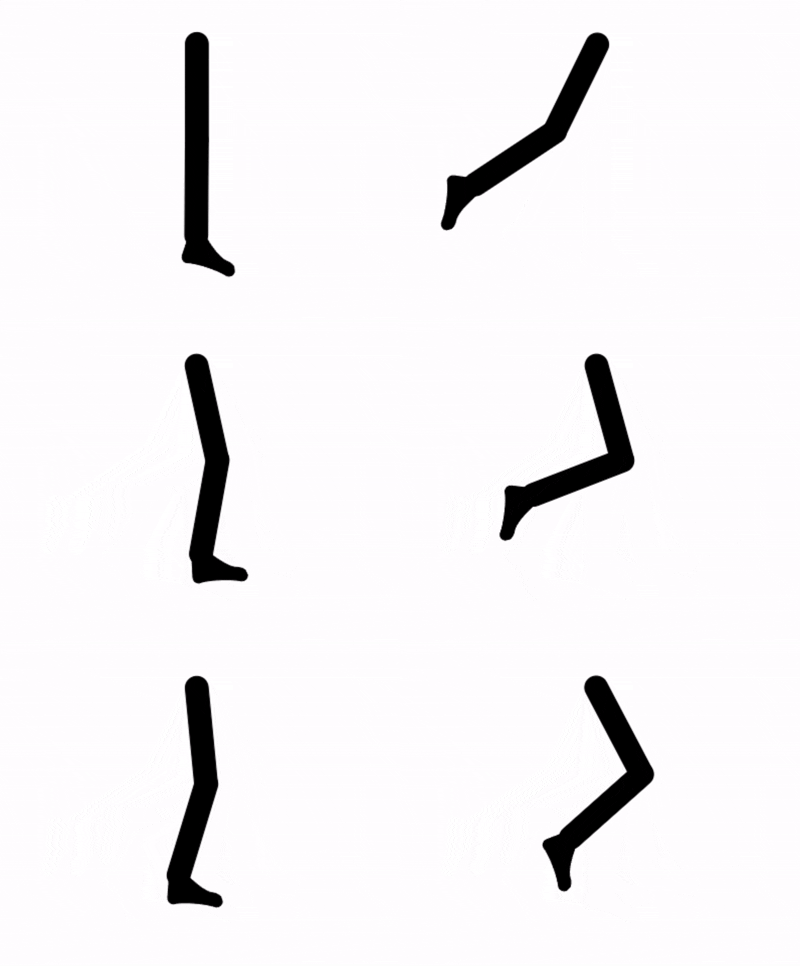
Things I’ll add going forward are… save character, and save animation. I’m also thinking of an animation library
Have fun
L