
Nothing shows up in exported video

Hey, my name is Ash, I’m using version 1.19.2 and I’m having problems with the beta video feature

Every time I download the animation as a video, nothing shows up, it’s just the background and the audio.

I thought that maybe it was the second layer (which is empty) causing it to for some reason, only download that. I deleted it, and it still didn’t work. I can’t download it as a GIF cause it has to have the audio, and the final project would be too big to be a GIF, at least with its current frame rate.

Anybody got anything? I added the URL for the .wick file: https://file.garden/aI0wfLWBQUP6_mug/My%20Project1-5-2026_19-20-19.wick
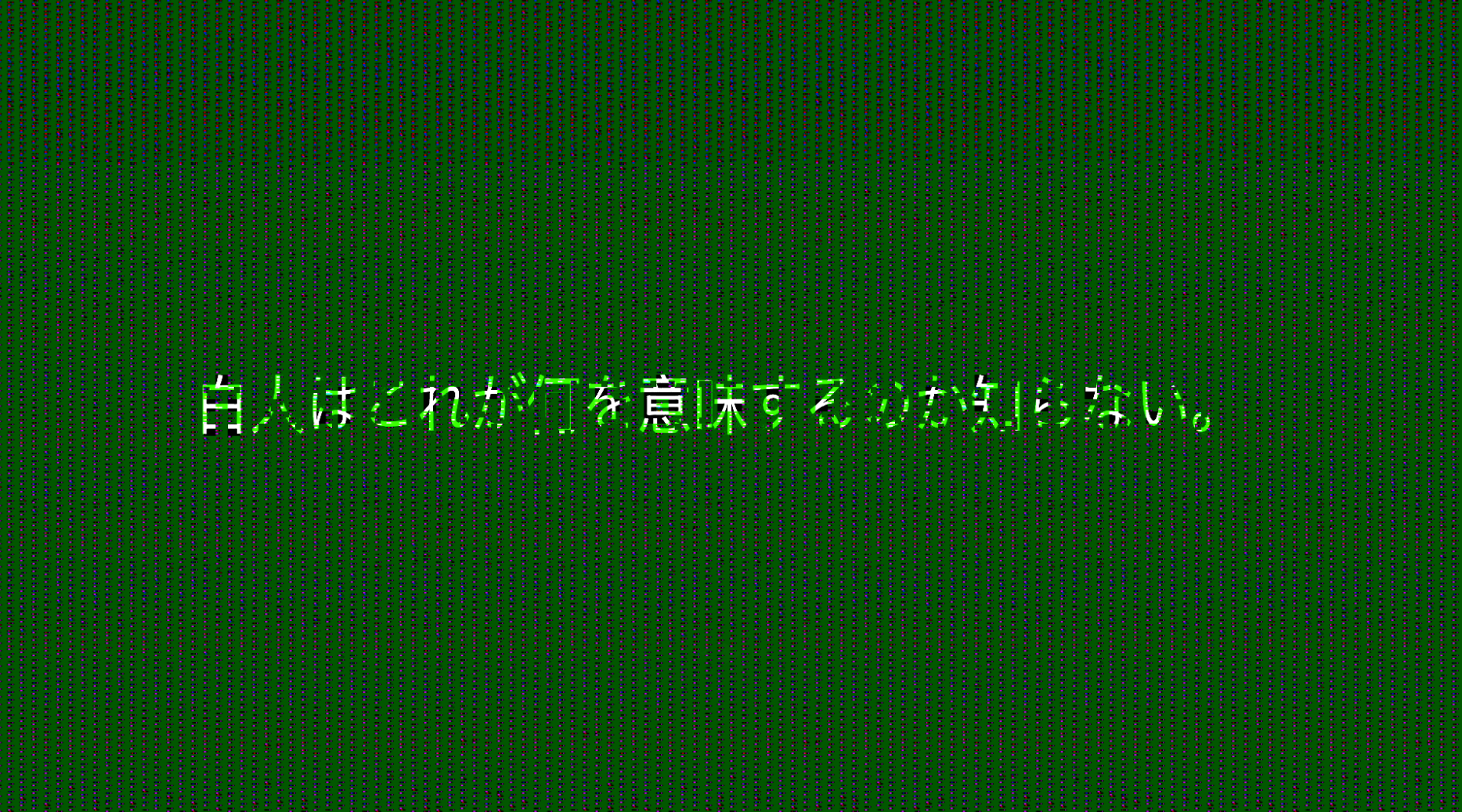
maybe do it again and btw change the title of ur topic cuz for some reason it looked like spam so uhhhh yeah

i went ahead and moved the URL out of the title.

i’m guessing you mean 1.19.3 or 1.19.4? i don’t think 1.19.2 is readily available anywhere.

but in any case, there’s a known issue with exported videos where it may play properly in some cases or just show a black screen in others (probably some weird encoding issue).

generally i’ve been able to solve the issue by putting the exported video through an online file converter. all it really does is re-encode the video into something that won’t fall apart half the time.

so, i just tried it using the file you provided… and well, the export looks a lot worse than i would’ve thought.

yet somehow… by “converting” it mp4 --> mp4, it fixes it. https://files.catbox.moe/znq805.mp4