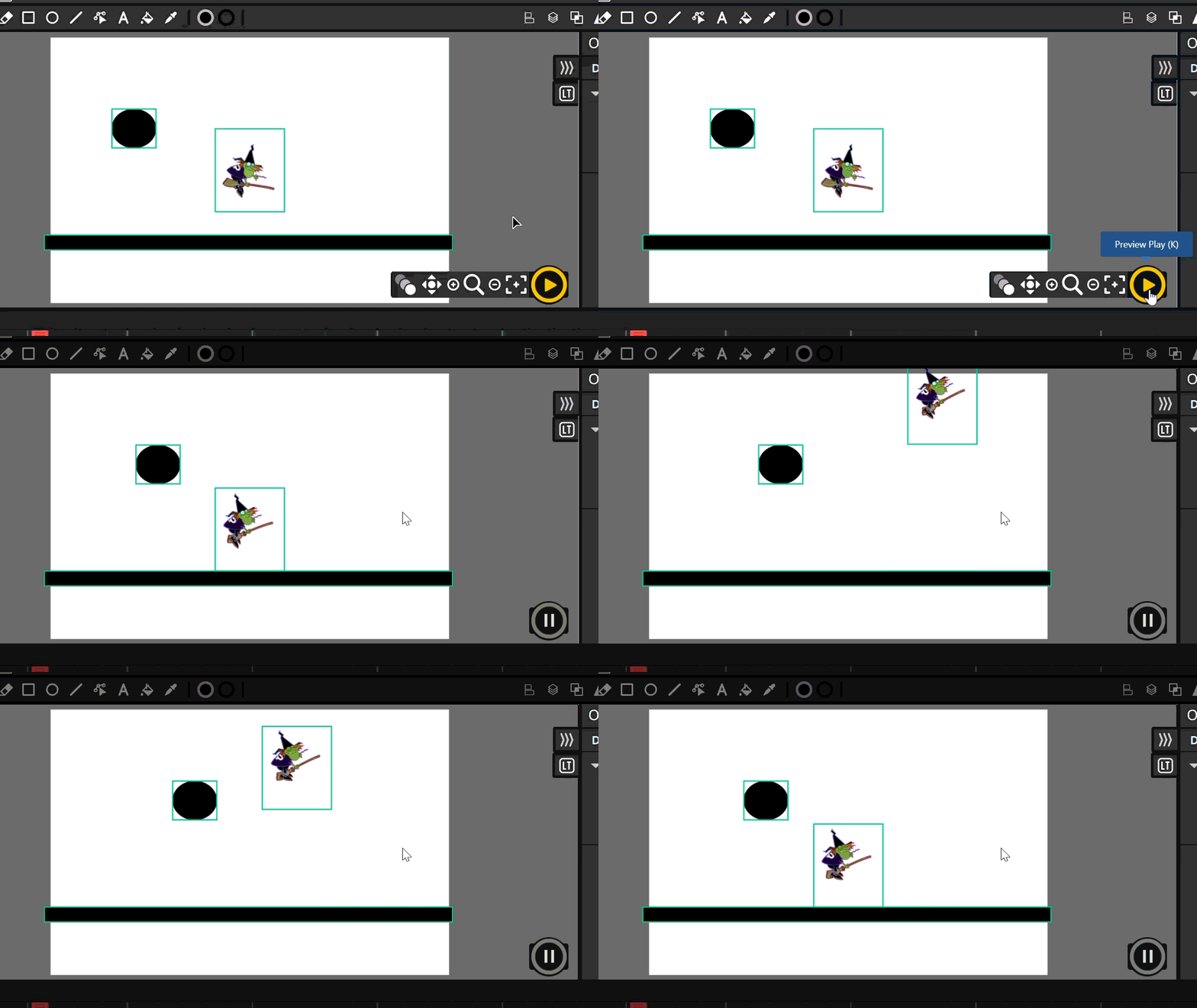
I’m re investigating Luke Tools as a fork this time with Candlestick. I’m finding most things work! Only when I add an update script to clips I get a weird green/teal coloured border. What was the issue in that build to cause that?
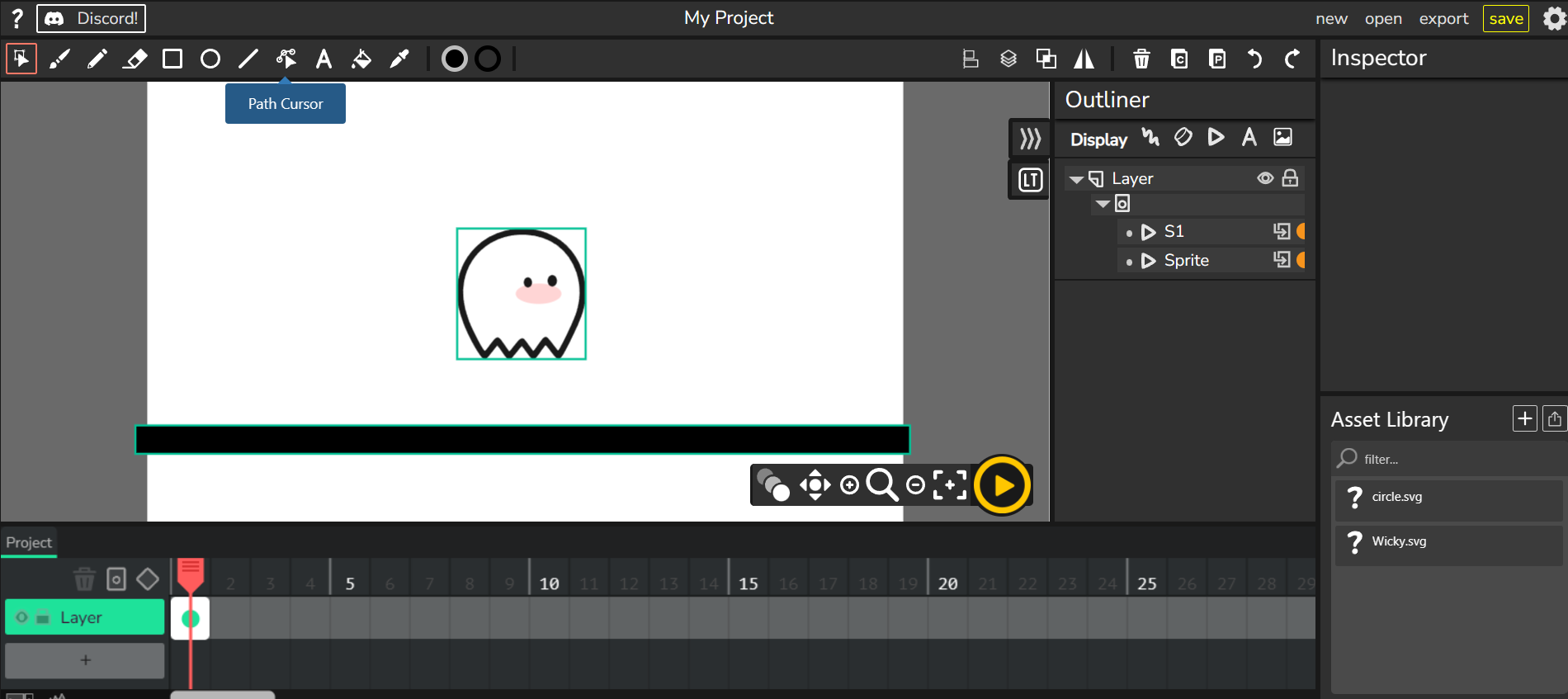
Luke

I’m re investigating Luke Tools as a fork this time with Candlestick. I’m finding most things work! Only when I add an update script to clips I get a weird green/teal coloured border. What was the issue in that build to cause that?
Luke
the clip outline color tells you some basic info about the clip:
it’s not shown anywhere but you can toggle the clip boundaries with the 9 key (though it always defaults to being on).
ah… yeah that’s not normal.
can you check to make sure it doesn’t occur on the base version of candlestick?
i briefly took a look, and while i won’t have the time to help fix it, i can try to give a couple pointers. you can search for project.playing and clipBorder in the source code and see if anything you did may have affected those areas. i took a quick scan of candlestick’s source code and View.Project.js line 672, where it’s calling this._generateClipBorders(), might be of interest.
actually… i’m looking at it now and it’s doing the exact same thing on our development branch.
according to the git blame, alani commented the if statement around that area i found during his attempt at fixing something with the vcam. from the looks of it, this is just a mistake that made its way through and isn’t actually part of his fix.
i’ll try to confirm with him and submit a PR to fix it, it should just be a matter of uncommenting the if statement.
(actually, you also have to add an exclamation point to this.model.isPublished as well)