
Vcam + mouse position bug

My Project (2).wick (5.8 KB)
so, i started working on a roguelike shooter. i made the vcam follow the player, and the player’s gun point to the mouse using mouseX and Y, and javascript’s atan2 function. the problem is that, whenever the player moves (and so the vcam) the gun points to to mouse’s previous position and doesn’t update until the mouse is moved or clicked.
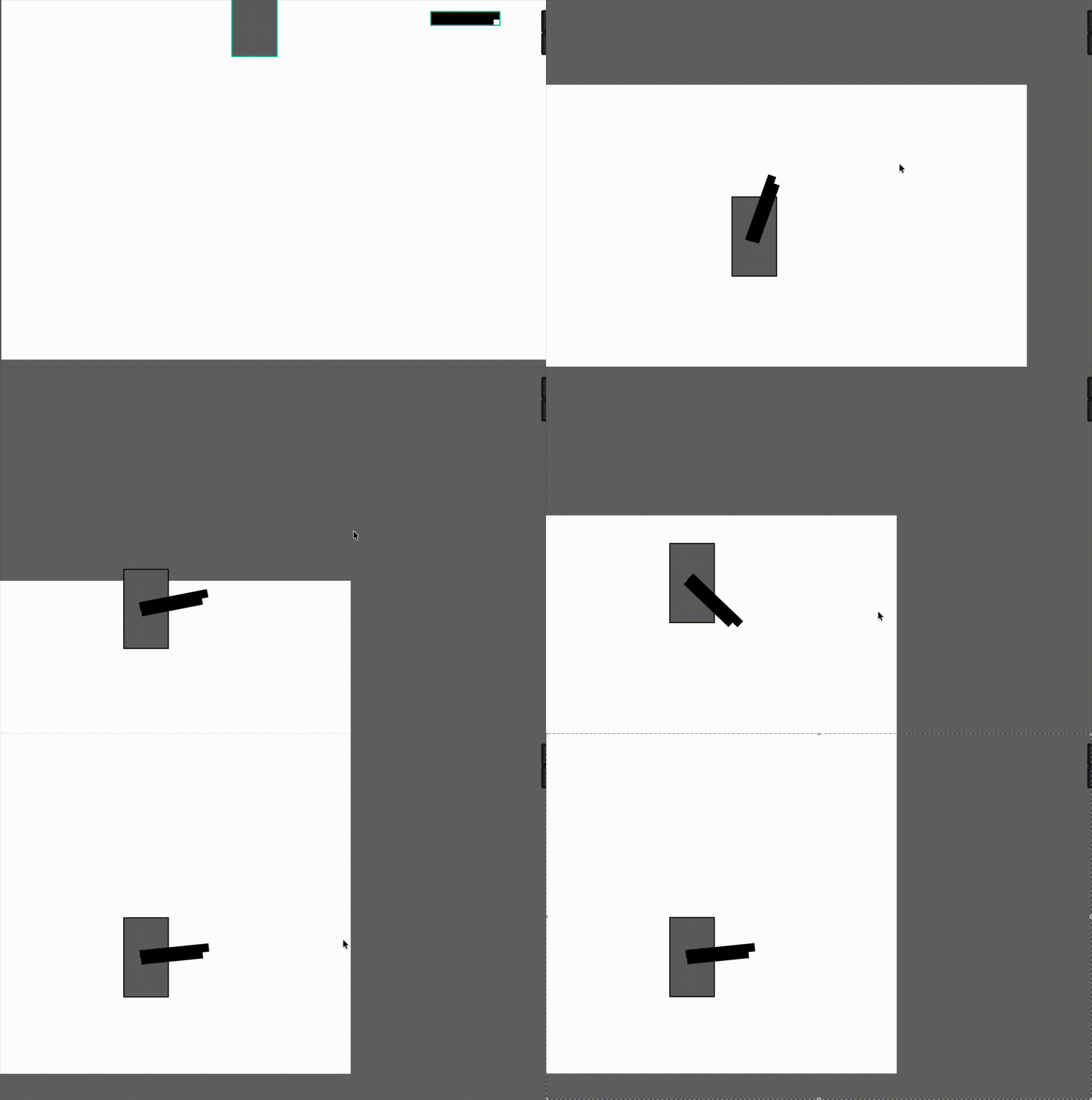

i assume, based on absolutely nothing, that wick’s (or candlestick’s, since that’s what im using) mouseX and Y values don’t update until the mouse is changed in any way. help would be appreciated.

1 Like

oh, and you’ll notice that the bulllets come out of the center, not the muzzle. this is because the bullet clip that im cloning is cloned at the gun’s position, which is not the muzzle. i think this can be fixed with trigonometry, but idk how. help on that would be nice too.

1 Like

I can kind of see your problem now that I’m testing it out. It does work… but it only shoots stuff within the stage.

…now I’m not sure how to fix this because I’m just an animation guy but I now know that there’s something else going on…

1 Like

oh no, i did that on purpose. the bullet deletes itself if it is out of the project, to avoid having thousands of clones at once. i should have specified that at the start, sorry.

2 Likes

I believe I know the reason. The camera pans around the world, but the mouse isn’t being updated every single second (Web APIs don’t report on the mouse every second, only when you actually move it).

1 Like

After seeing Noobfield’s comment, I don’t think it should be an issue unless you’re not adding a menu or anything at the beginning of the game. Once the window is clicked it should be able to take in mouse input IIRC

1 Like

yeah, thats pretty much what i assumed. the problem is how to make that lazy web api to stop slacking off and update every tick. if that’s impossible, then maybe i could make a system where it finds the mouse offset or something, sorta like this:

let dx = this.x - mouseX.toFixed(0);
let dy = this.y - mouseY.toFixed(0);
let mx = this.x + dx;
let my = this.y + dy;

gun.rotation = -Math.atan2(gun.x - mx, gun.y - my) * (180 / Math.PI) + 90;
1 Like

except that doesn’t work, its just a more complicated mouse position.

1 Like

yesterday i tried to forcefully call the onMouseMove() event that updates mouseX and mouseY, but i was unsuccessful… i feel like there should be a way but i didn’t dig deep enough.

the alternative solution i can think of is this abomination of a workaround:

  • initialize project.mouseXOffset and project.mouseYOffset = 0, and reset to 0 if mouseMoveX or mouseMoveY != 0
  • when the vcam moves, calculate a mouse offset based on its change in position (and zoom + rotation if used) and set project.mouseXOffset += xOffset, etc.
  • find trueMouseX by adding mouseX + project.mouseXOffset, etc.
  • if necessary, find trueMouseMoveX by saving the previous trueMouseMoveX

when the mouse moves, mouseXOffset and mouseYOffset will become zero and the mouse will update to the correct position, so they balance each other out.

You can’t force the Web API to do something, since you’re in a sandbox where only it feeds the mouse data, on an event basis.

Yeah, that’s pretty much the workaround.

e alternative solution i can think of is this abomination of a workaround:

  • initialize project.mouseXOffset and project.mouseYOffset = 0, and reset to 0 if mouseMoveX or mouseMoveY != 0
  • when the vcam moves, calculate a mouse offset based on its change in position (and zoom + rotation if used) and set project.mouseXOffset += xOffset, etc.
  • find trueMouseX by adding mouseX + project.mouseXOffset, etc.
  • if necessary, find trueMouseMoveX by saving the previous trueMouseMoveX

i couldn’t really figure out how to do this, do you think you could provide an example? thanks!

i whipped this demo up quickly. it properly tracks the mouse regardless of the vcam’s size and rotation, but it doesn’t account for change in size and rotation, which is ok for your case if you are only changing the vcam’s position.

moving vcam and mouse demo.wick (5.0 KB)

great, thanks! I actually saw this reply approximately 5 minutes after it was made, but it was on my Kindle where i am not logged in. it was also midnight. on a kind of unrelated note, i noticed the vcam changed. what changed, and what does it do? and whats the point of making an update function, rather than just puttting the code in the update script?

when playing the demo, it works great, but in the editor, i can’t seem to click on the vcam or interact with it in any way.

They fixed a few bugs from what I know.

nevermind. i got the code my changing the wick to zip, opening the json file, and pasting the vcam script from vscode into candlestick. dunno why i couldn’t click on the vcam, that was weird.

the main issue with the vcam before was that there were visual glitches as the vcam was being initialized. that was because the update script actually does nothing on the first frame to make room for the default script to do its own thing. the solution then was to make both default and update run the vcam update code, so i made a function that both scripts run.

(also i locked the vcam layer which was why you couldn’t click it, whoops)

3 Likes