
Video export cut off

Using v 1.19.3

Student created an animation with audio but when he exports it using the video option the audio gets cut off at the end.

Here is the original file: https://drive.google.com/file/d/1DAPbGc_qWh4ek8U--phKoVE1-qt7xg-B/view?usp=sharing

Here is the video file: https://padlet.com/mamaroneck/animations-8-j3th9spja0dx1ubj/wish/1xkVaqoLol6lZl0e
What did you try to export it as? and also, are you on a chromebook?

exported as a video file. yes, on chromebook

And there is this one from another student using a chromebook. The airplane sound plays at the beginning of the .wick file but not in the .mp4 file??

video file: https://drive.google.com/file/d/1n_lEG1qciDAKr4Bv0CNOkB4aPN56Rx6n/view?usp=sharing

The original file:

I can’t access the padlet file from the link, but I was able to take the wick file and export it, and it looks like what i’d expect: https://files.catbox.moe/cq2x4c.mp4

I was also able to export the second one just fine from the wick file: https://files.catbox.moe/cuf0dk.mp4

I wonder if it’s an issue specifically with chromebooks… could you have one of them (or both) try this?

  1. load the project on wickeditor.com/editor
  2. open the developer tools, and then open the console
  3. try to export the project

if the exported file has any issues again, hopefully the console spits out an error so we have something to go off of…

Wait where are dev tools?

you can open them with command+option+I on mac or control+shift+I on windows/linux. to open the console specifically you can also use command+option+J on mac or control+shift+J on windows/linux.

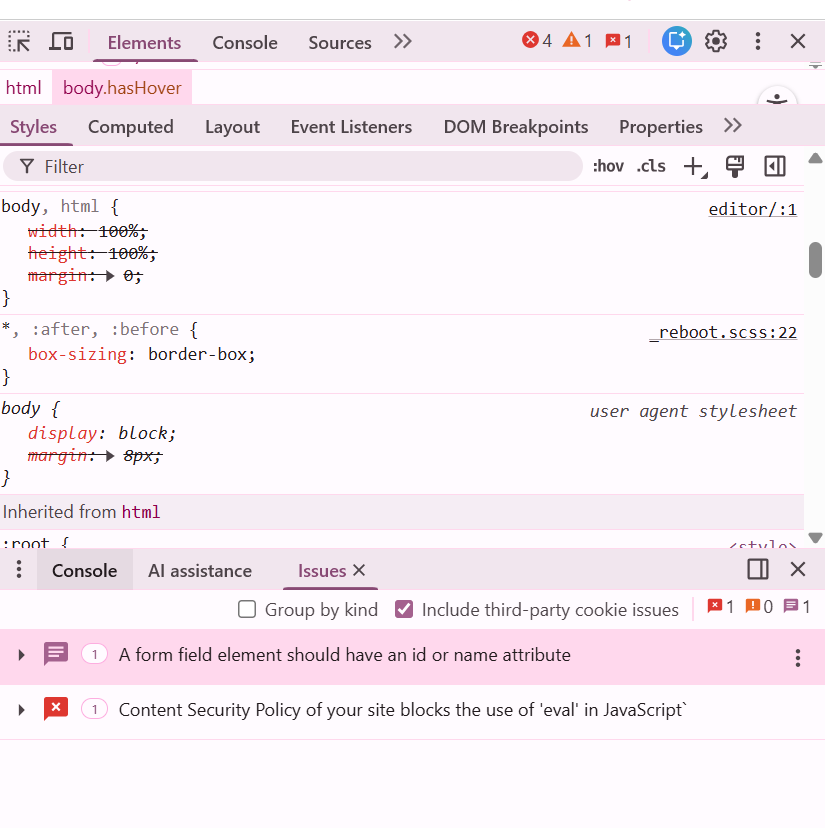
I opened the console but get lost in there. I see this:

You need to click on the ‘Console’ tab. There you can see Wick (or your game) printing warnings, errors, and other stuff.

You can press ` to access it

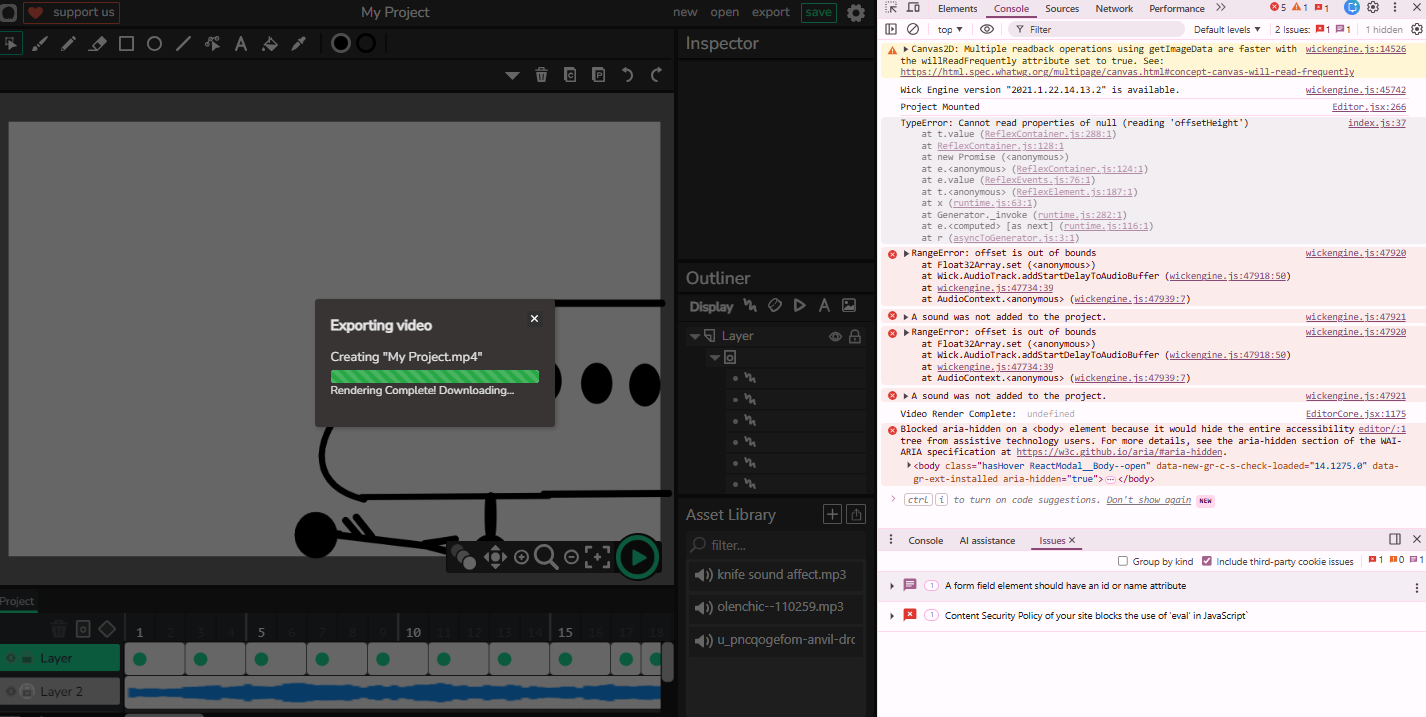
Opened console and then exported video. Same issue.
Bunch of errors in the console. Can you interpret them for me please.

hm, it looks like i’m now able to reproduce the issue out of nowhere. which is, good I guess, since I know now that it’s not chromebook-specific.

some of the errors in the console are unimportant but the ones that do matter are the RangeErrors and "A sound was not added to the project"s. I don’t know why it’s happening exactly but I can see where in the source code it’s printing the error, so I’ll have something to go off of at least.

From looking at what I see, maybe this project you have passes the limit of the FFmpeg/frame file system Wick provides to the ‘MP4 Maker’ part of the engine.

If the project doesn’t have sound, you can use a program like Premiere to turn the ‘Image Sequence’ export into an MP4. If it does have sound, you’ll need to sync up the audio to the images.