version 1.19.3 on stickmanred fork
it was letting me copy and paste them before but not anymore
i have done ctrl + c and ctrl + v

btw this is my first post on here so yeah

version 1.19.3 on stickmanred fork
it was letting me copy and paste them before but not anymore
i have done ctrl + c and ctrl + v
btw this is my first post on here so yeah
is caps lock on? if it is turn it off
it ain’t on though
oh… is it a new computer
what do you mean by new computer? like how new?
oh btw it stopped letting me paste key frames at frame 40, i can still copy them but only paste them at 39 and below for some reason
like you just got it
hmmmm havent dealt with that
no i got it in like September 2023 or something
oh well then idk
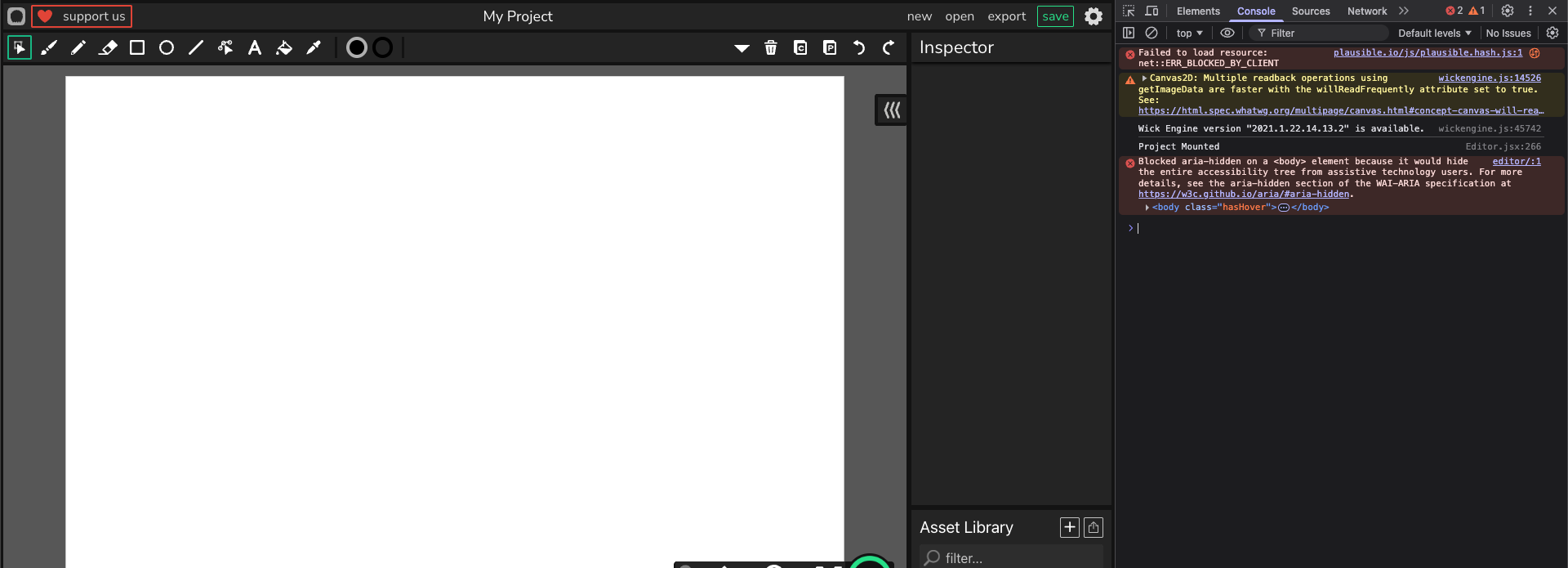
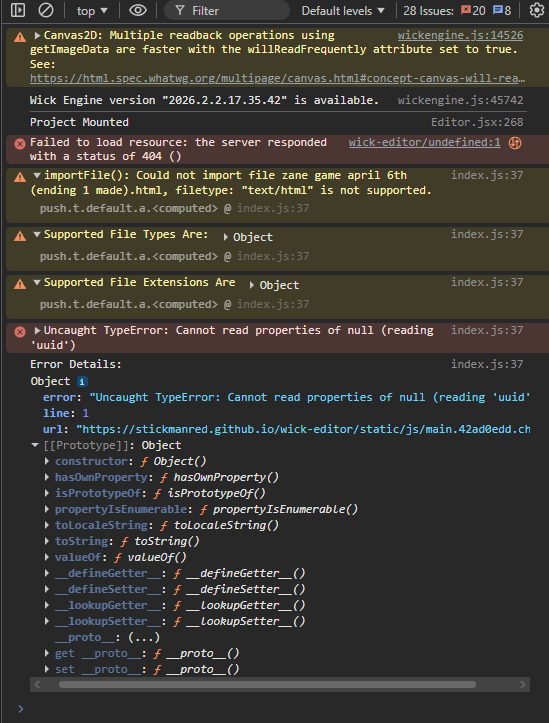
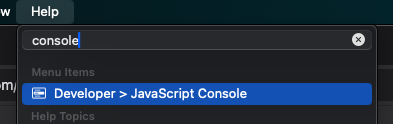
if you get this again can you open the console and show any errors that pop up?
what console?
i think the keyboard shortcut is ctrl + shift + J for windows. it should open a panel on the right side and may contain useful information about the bug.
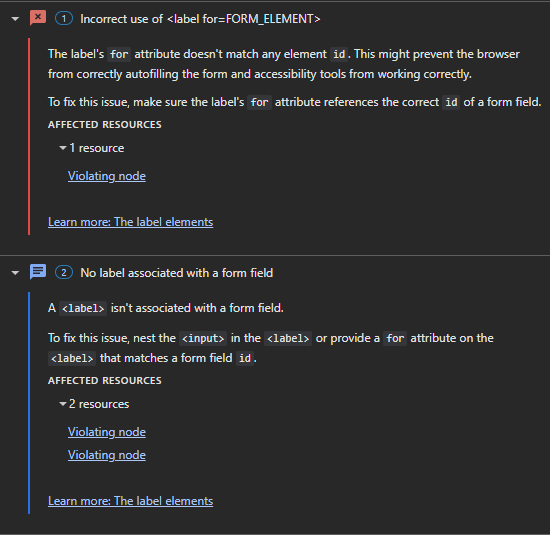
That isn’t relevant. These are HTML recommendations the console provides to improve accessibility.
You need to go the ‘Console’ tab in your Developer Tools (the shortcut is CTRL + J + J for just the console, and F12 for the last tab you opened.)
ctrl + j takes you to opera://configure/downloads in opera gx though
Oops! I typed it wrong. The actual one is CTRL + SHIFT + J, and if that doesn’t work, try CTRL + SHIFT + I (alternative to F12)
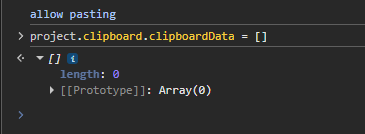
Oh! Looks like you need to clean the copy cache. Type in this:
project.clipboard.clipboardData = []
(if you copy & paste it, chrome is going to ask you to type in 'allow pasting' to paste.)
didn’t seem to do anything