
Please note that you won’t be able to skew buttons, since their superclass isn’t Clip (e.g. Buttons don’t extend clips) in the source code. If we (the candlestick devs and contributors) make a change in Clips, it doesn’t appear on buttons, and if we make a change to Buttons, then it doesn’t work on Clips.
Everyone asks for this, In the code, we would have to seriously re-code the library system to work like that (if the implementation was correct, as in folders would have other assets inside them), but we could hack them into basically tags for assets.
Actually no, the button does extend clips.
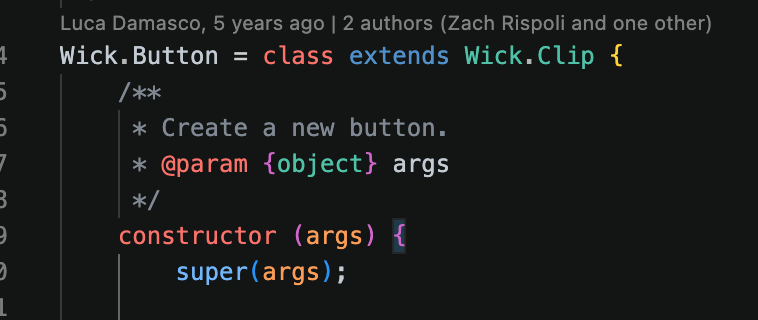
The button code is actually relatively short, all it does is add some basic button logic. But anything we do to clips should apply to buttons.
Oh, must’ve confused myself.
i think i might’ve figured out why keybinds sometimes dont work
and it turns out it’s because i had caps lock on while trying to use keybinds ._.
This is something we must fix in the candlestick codebase. It’s weird that actions can stop working because you had cap lock enabled.
1 Like
Candlestick 1.0.2 has been released!
We have switched over to a vastly improved color picker with more gradient support! We’ve also added PDF support, meaning you can import them as a set of images and export to PDF as well.
These, plus a couple smaller features and many bug fixes, are live at https://candlestickers.app/, with the desktop apps coming soon.
9 Likes
OH YEAH! (oh yeah)!
3 Likes
This color picker is SOOO much better!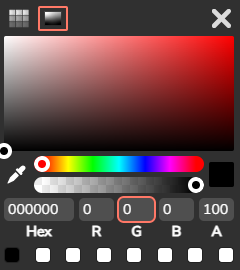
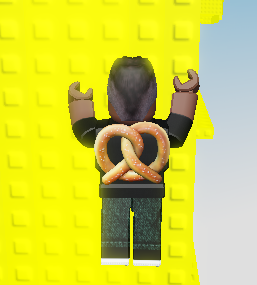 (ascending on roblox because its that good)
5 Likes
oh yeah! nice!!
3 Likes
After this update released, I noticed some features were broken on mobile.
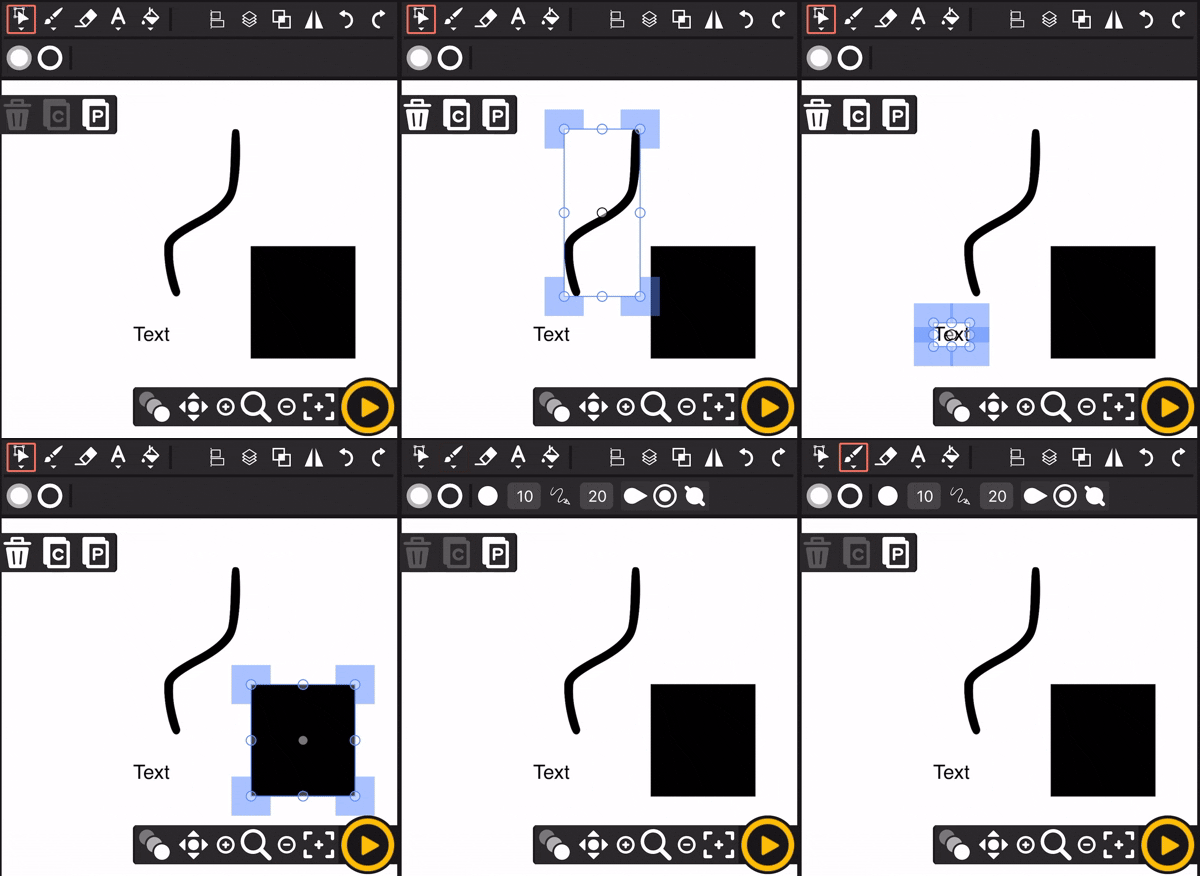
As you can see in screenshot 1, none of the elements on the canvas were affected by the copy or paste process. Nothing was pasted. Copies of key frames and other elements also aren’t pasted when initiated by the user.
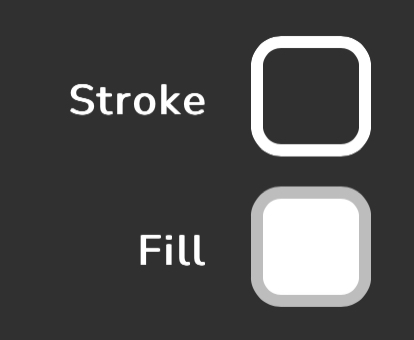
Additionally, the fill and stroke color thumbnails don’t reflect the actual color chosen. This is seen in screenshots 2 and 3 respectively.
Screenshots
Device
iPhone - iOS system
1 Like
Hmmm interesting. Mmmmmmmaybe testing mobile would’ve been a good idea.
I have a guess on why the pasting is broken… on a computer, the site asks for your clipboard once you copy something, like this.
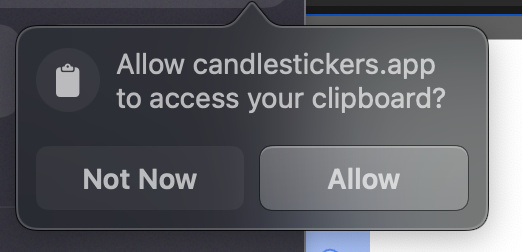
However this doesn’t ever happen on mobile. In fact I can kinda reproduce this issue on a computer by blocking the clipboard in my browser, which to me says that the mobile browser is always blocking the clipboard.
The color thumbnail thing though… I can’t reproduce it for some reason. It works fine on my iPhone and only shows the transparent variant of the color on my iPad, which is extremely weird… I wonder if it’s incompatible CSS or something like that.
I’ll see if Alani and I can push a hotfix today or tomorrow that at least disables the clipboard feature on mobile.
2 Likes
I run Candlestick using a iPhone 8 on the Brave browser. The outcomes are the same in the Safari browser.
1 Like
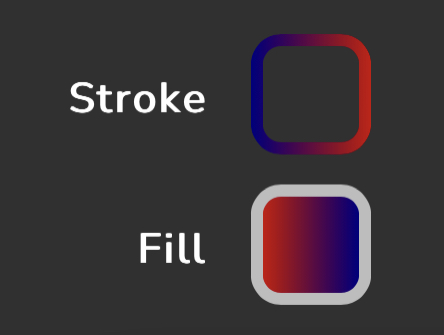
Additional note on my end, the color picker thumbnail did reflect any gradient that was picked, but not any solid color. For example, if a gradient was picked beforehand and a solid color was then picked afterwards, the color picker thumbnail would not change from the gradient to reflect the change. This is seen in the screenshot provided.
Screenshot
1 Like
an update is pushed to the test website candlestickers.app/test, could the people with paste issues try now? if it works properly we will move it to the main editor probably by today.
1 Like
The visible copy-and-paste issue is resolved on my part. See screenshot linked for reference.
Screenshot
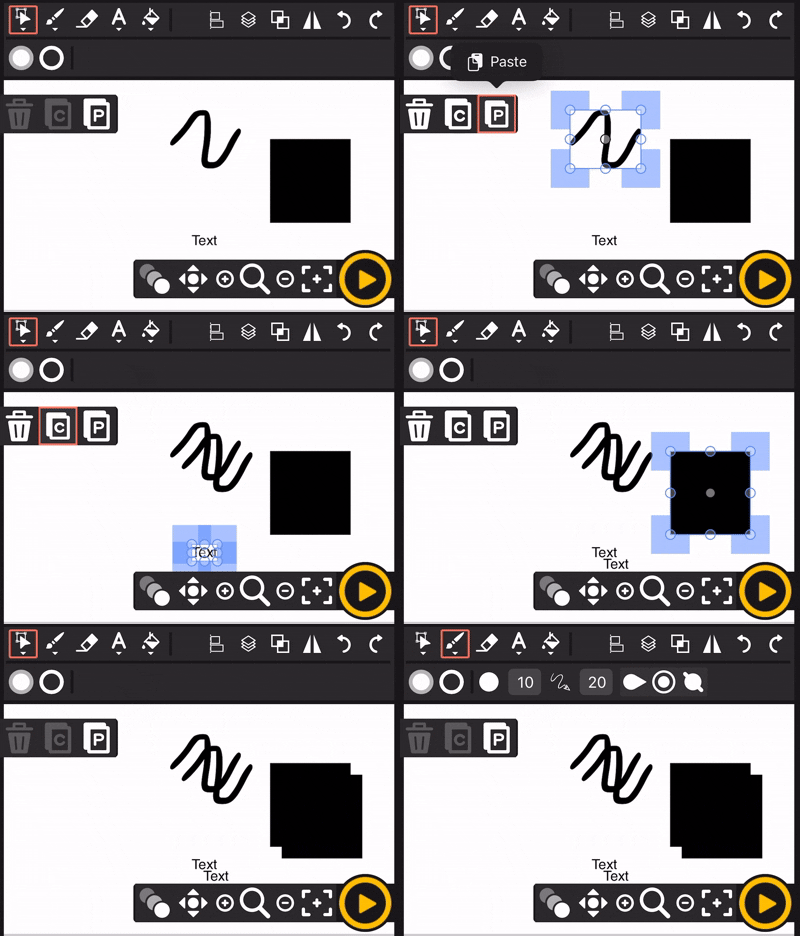
1 Like
Experiencing copy-pasta problems? WORRY NOT—
Fixed several copy-pasta issues around clipboard permissions, and realizing how various browsers treat this differently we’ve added a settings options for what clipboard mode is preferable to everyone (see image below)
- Device & Wick Clipboard: You can copy/ paste images and wick objects
- Wick Clipboard Only: No need for clipboard permissions, only copy-pasta wick elements
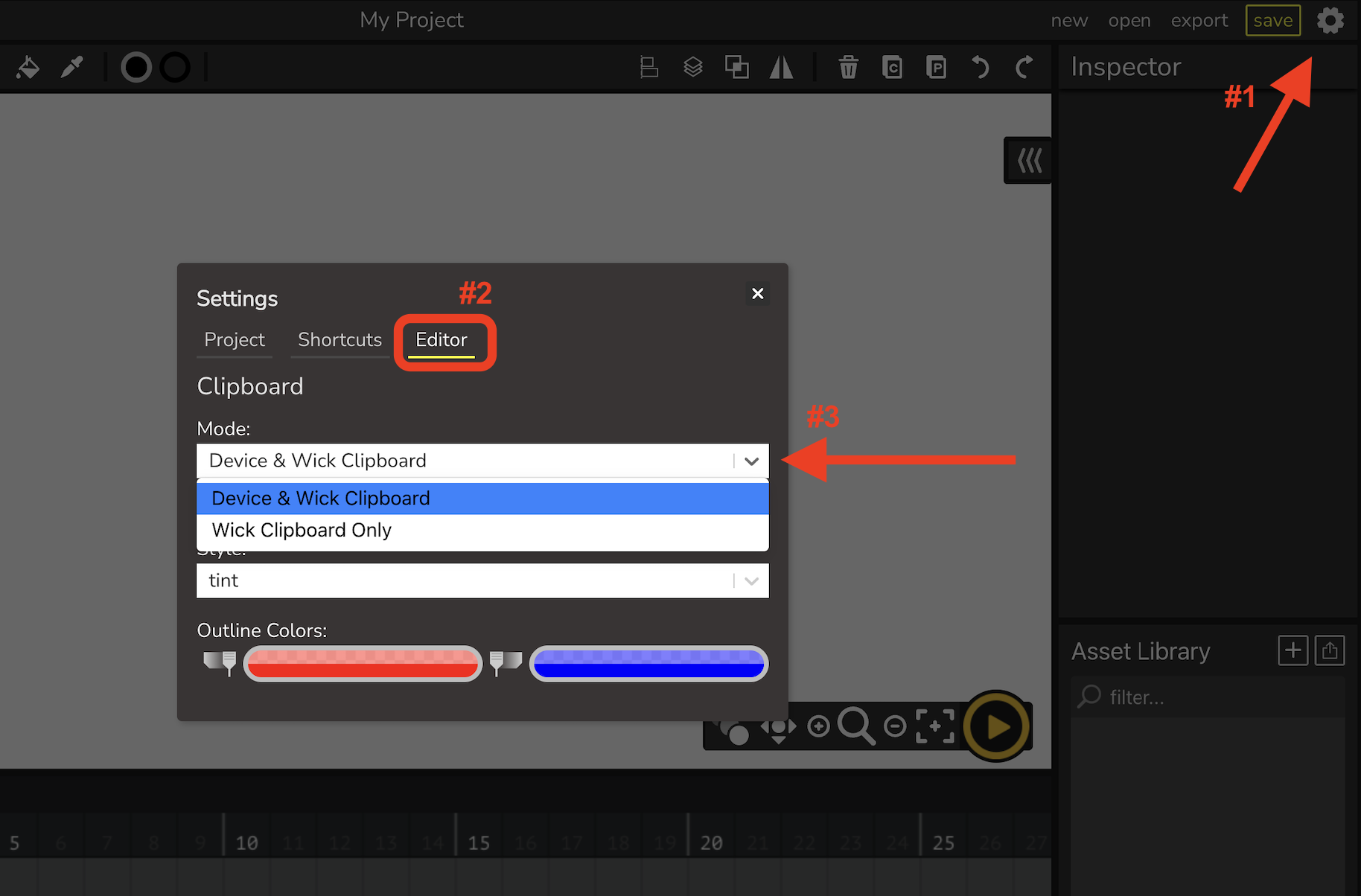
You can test this now live on test editor: https://candlestickers.app/test
Fixes expected to be pushed to main editor by tomorrow
ANNND bonus note, thank you for all the reports @User_at_War1. I believe the “gradient to solid color preview bug” has also been fixed in this patch (credit to @StickmanRed)
4 Likes
The patch with the fixed clipboard and (partially) fixed color picker preview is now live on the main editor, thanks to everyone for the help!
3 Likes
Candlestick 1.0.2 APP BUILDS!
We have just finished building the apps for the latest 1.0.2 release!
One of our main goals at Candlestickers is making game dev, animation, & art in general accessible to everyone by being available right in your browser, and for the same reason we have bundled together offline apps for the following platforms:
-
Windows:
.exe,.msi -
Mac:
.dmg -
Linux:
.AppImage,.deb,.rpm -
Android:
.apk(new)
To download, see 1.0.2: https://github.com/Candlestickers/Candlestick/releases/tag/1.0
Download instructions are also included under the release post
BUUT WAIT— there’s more 
Have you ever tried to export an MP4 file before and ended up with corrupted videos, noisy audio, or the exporter was just loading endlessly till the end of time??
Worry not– as 1.0.2 has been recently released we’ve already begun working on 1.0.3 features, and that includes a complete upgrade of the MP4 exporter that’ll be available on the test editor in… yesterday? Oh. You read that right!
Next time you have an MP4 export issue you can try the updated MP4 exporter at: https://candlestickers.app/test
If anyone experiences issues with the exporter please make sure to report it on Discord or here as it’s still in development
2 Likes
yum, copy-pasta 
1 Like