Started my own fork - Luke Tools


My set of tools is a WickObject bundling capability into small functions that makes development for WE easier for me. I’ve used the Bridge I created to test and refine plugins. I decided it should be its own fork. I want to break down sets of tools that add value to WE in this fork.

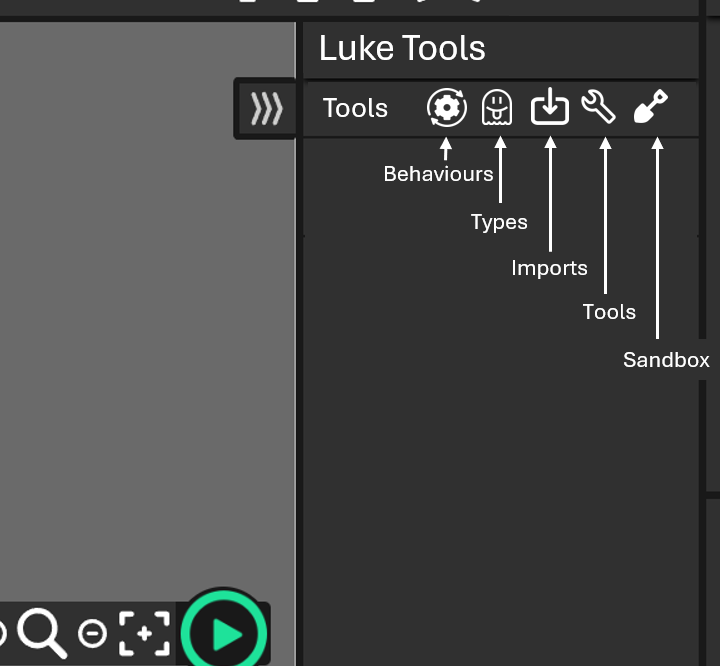
  • Behaviours: A modular chunk of built in movement or game logic you attach to an object type, usually a visual one like a Sprite. Behaviours add properties and actions, and they often update every tick.

  • Types: An object type is the kind of thing you add to a layout. Example: a Sprite, a Text object, a Tilemap, an Audio object, a Background, and so on.

  • Imports: A way to use other tools such as webcams, Inkscape, Gimp, spritesheets. Used to add assets to the WE stage.

  • Tools: Features like lip syncing tools, bones, rotate, scale, transform using sliders, and deleting assets in one click.

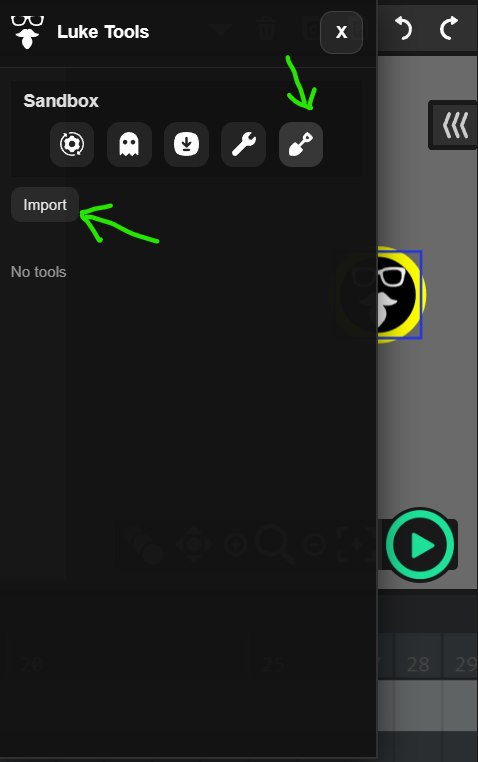
  • Sandbox: A place to test your own scripts and see what they do.

So far I have these on the boil.

  • WinkScape: Injest from Inkscape (still buggy) [Import Tool]
  • Multi Asset Loader: Import multiple assets from user folders (CSS needs work) [Import Tool]
  • Spritel: import and arrange a spritesheet into a clip on stage [Import]
  • Transform: Rotate, Scale, Transform [Tool]
  • Nuke: A tool to nuke selected clips assets [Tool]
  • Lip Service: Lip Syncing tool (mostly working) [Tool]
  • Roto Rigger: - a bone animator. (mostly working) [Tool]

There are a few others but they are in there early stages.
I’ll post more and I’m happy to chat about where things go.

Luke
Woah…

(Ten)

cool,can I get the link?

Jeez I guess I might leave candlestick

No links yet but my bridge tool does the same - I’m adding the scripts slowly.

WHEN IT’S BEEN 2763 YEAR’S
IS THERE GOING TO BE MOBILE GEUSTSRS (like zoom in and out with your finger…etc)

Nice can you give me fork I would like to see if I can add on to it(like the files, code, etc).

your Luke tools for wick says bad josn when use them

1 Like

Hi F1reAce - Wich colour is the WickObj? You should be using the Yellow version.

I get it sometimes too. You need to open DevTools in the browser and run this in the consol log.

localStorage.clear();
sessionStorage.clear();
window.location.reload();

or try Ctrl Shift R to restore

The Config.Json gets stored locally and from time to time becomes corrupt.

L

Also Luke Tools has an area to run your own sandbox scripts.

I am using the yellow one

when I run the tools on my school chromebook it says bad json

That explains it - If your school blocks raw.githubusercontent.com then Luke tools won’t load properly.
Sorry I can’t help with that.

L

ok thanks for the help

1 Like

It worked thanks

1 Like

Could you make sure your fork of wick is unblocked on school chromebook like wick editor is

Thats totally up to your school not me - I’m sorry.

luke how to put your addon

Elox_dude and anyone else reading… Download the zip file. https://forum.wickeditor.com/uploads/short-url/9LUcKX4bs2lRWNkC1KdWntgGynT.zip
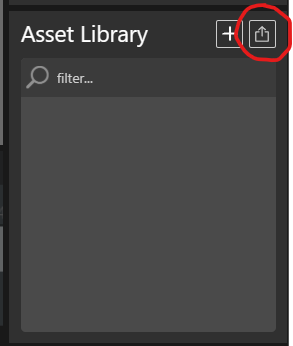
Unzip it somewhere ( You should see a LukeToolV3.wickobj )
In WIck use the upload asset and choose the wickobj.
image
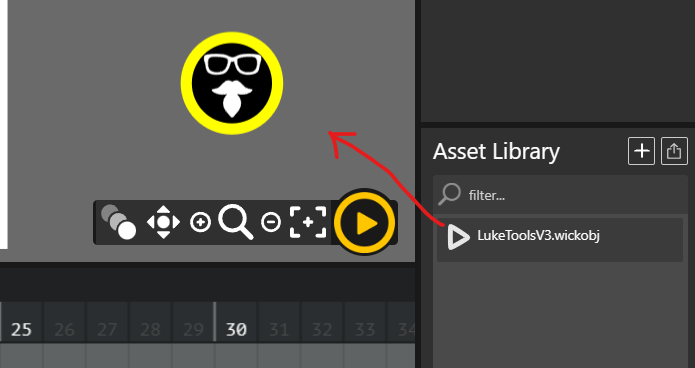
Then drag it to the stage or off stage.


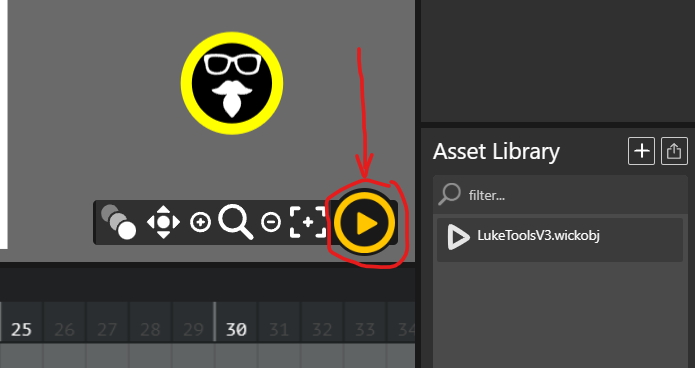
Click the play button.

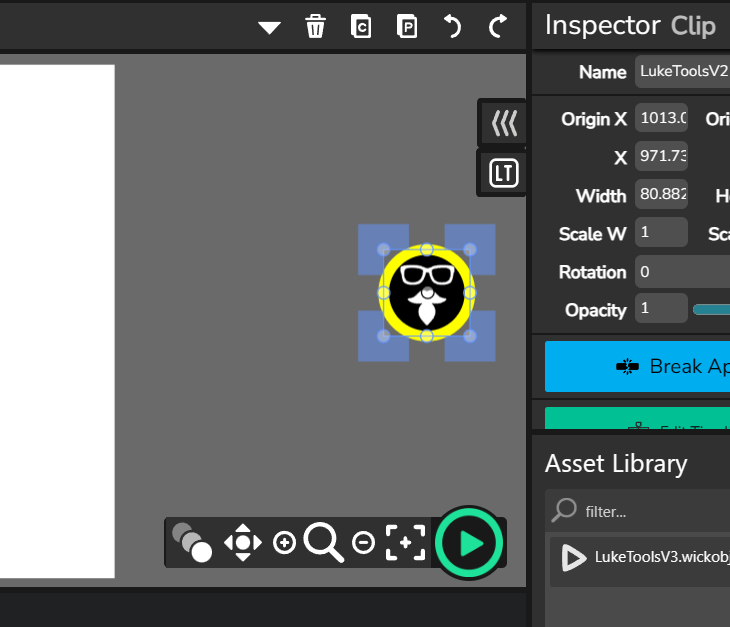
Hit pause and delete the yellow LukeTool Icon
image
and Luke Tools will load.
image.

Except for the download and unzip - You have to do that every time you want to use it.
30 seconds of your life, not much…

L