Wick Now Has Bones - Via Luke Tools Plugin

Make sure you get the Yellow version of Luke Tools. https://forum.wickeditor.com/uploads/short-url/9LUcKX4bs2lRWNkC1KdWntgGynT.zip

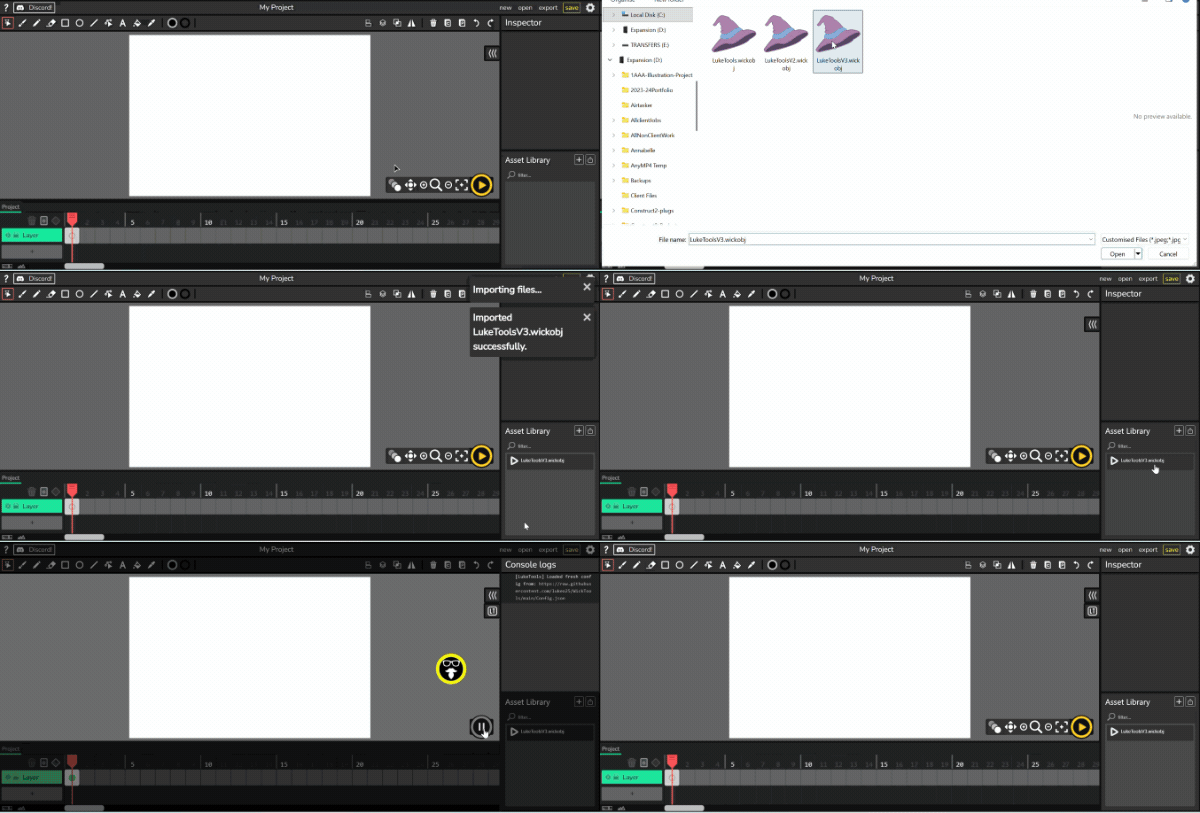
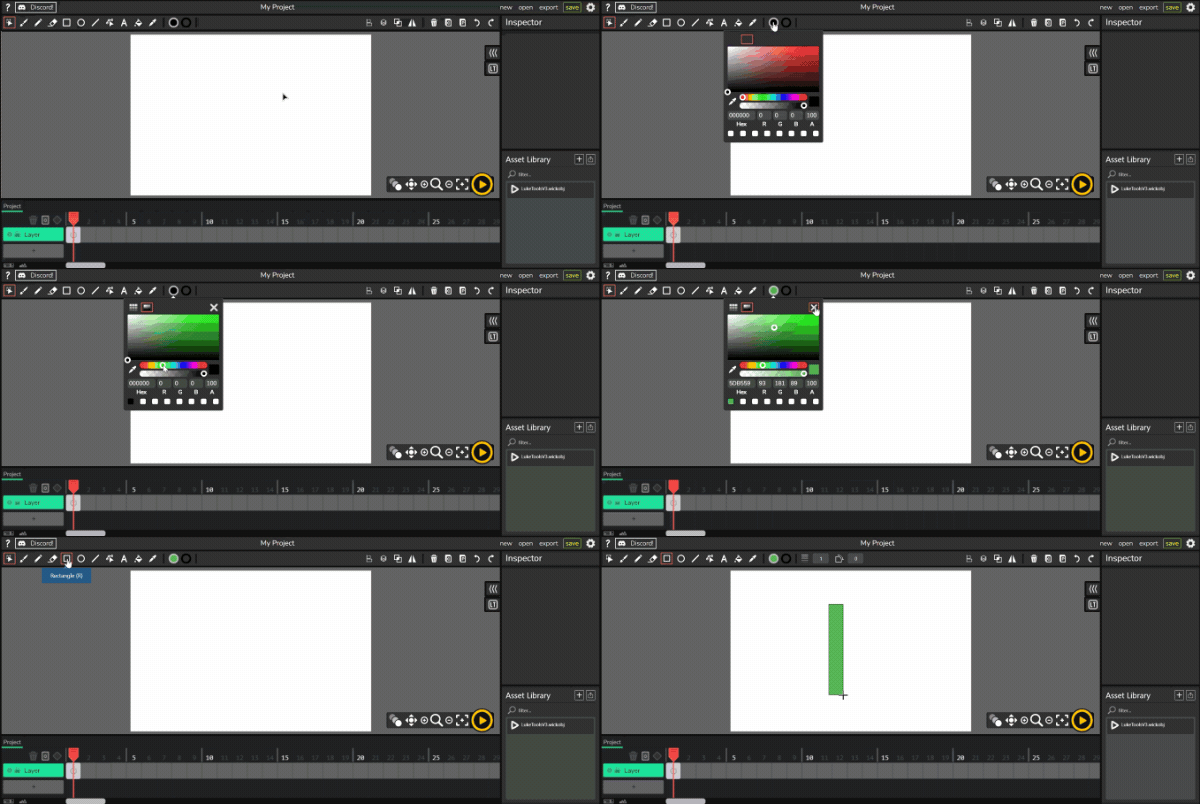
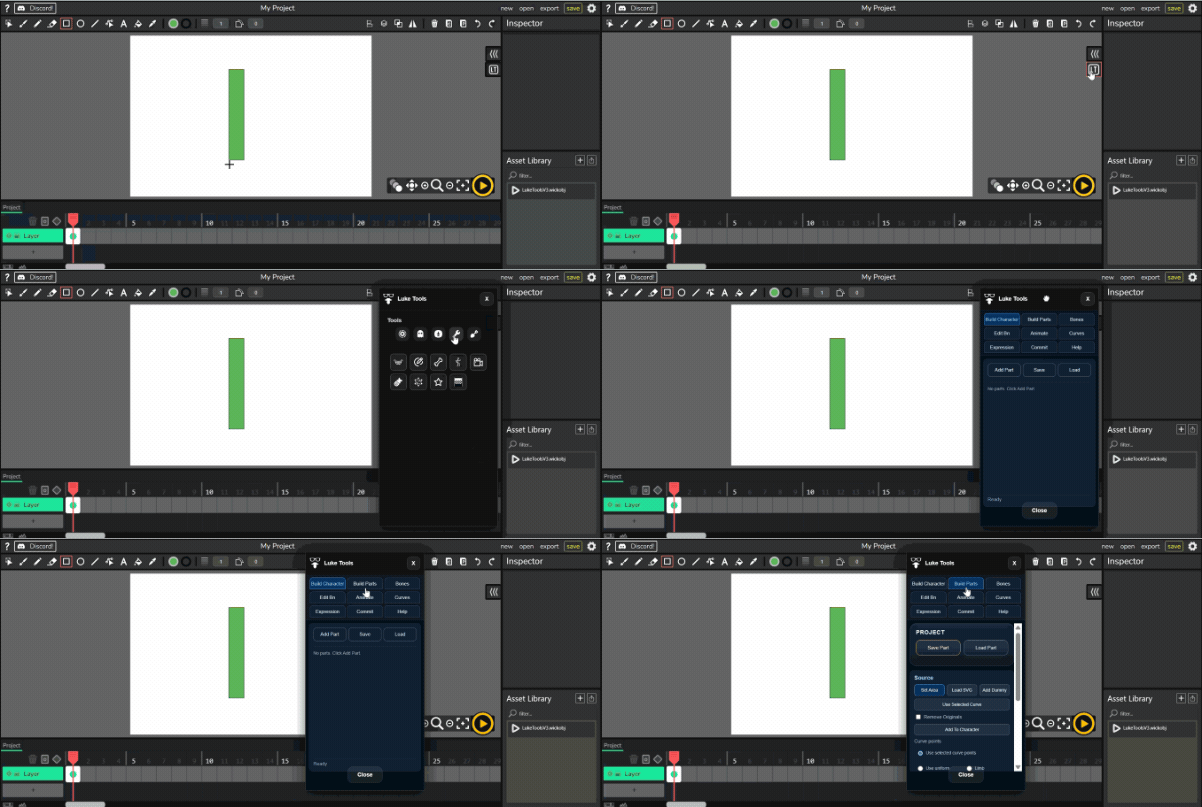
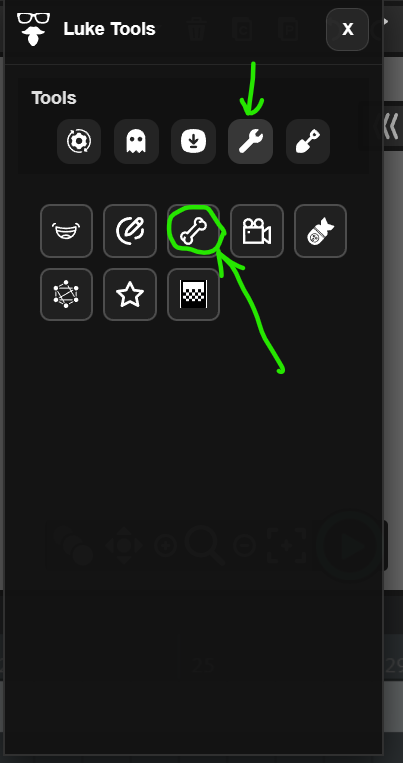
Open Tools - Dem Bones
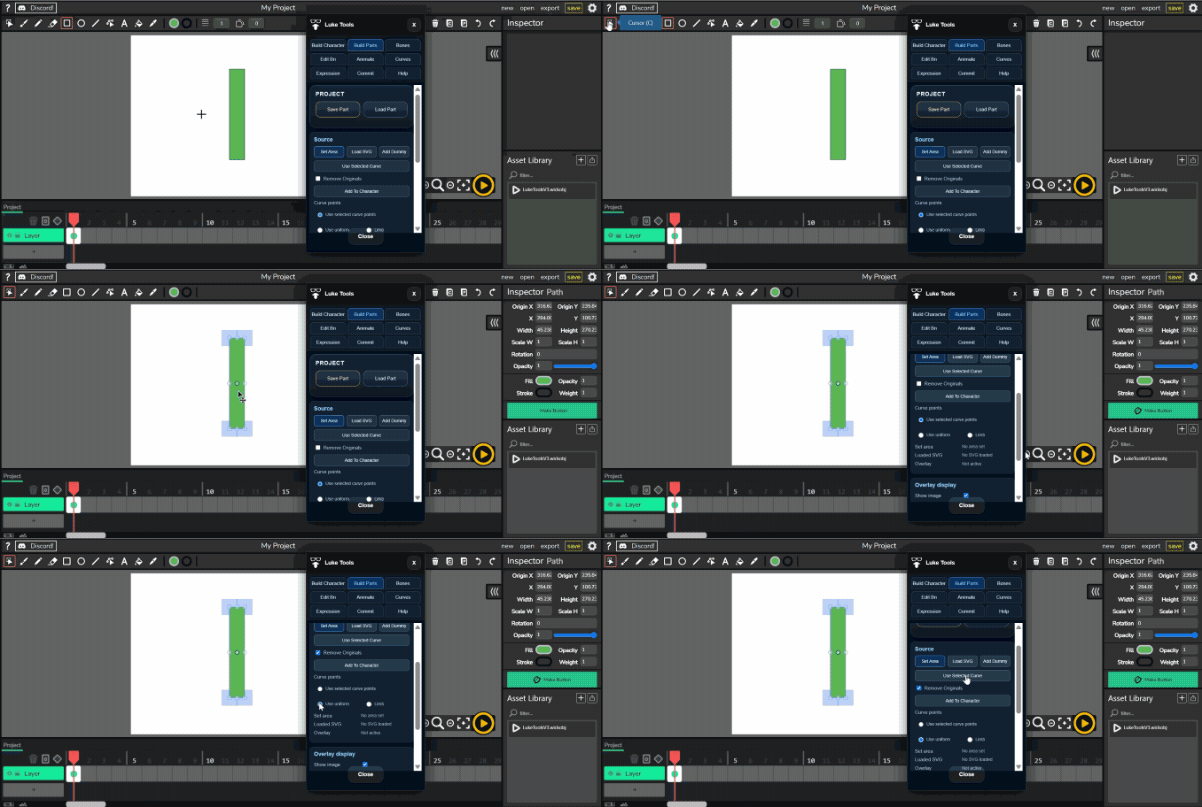
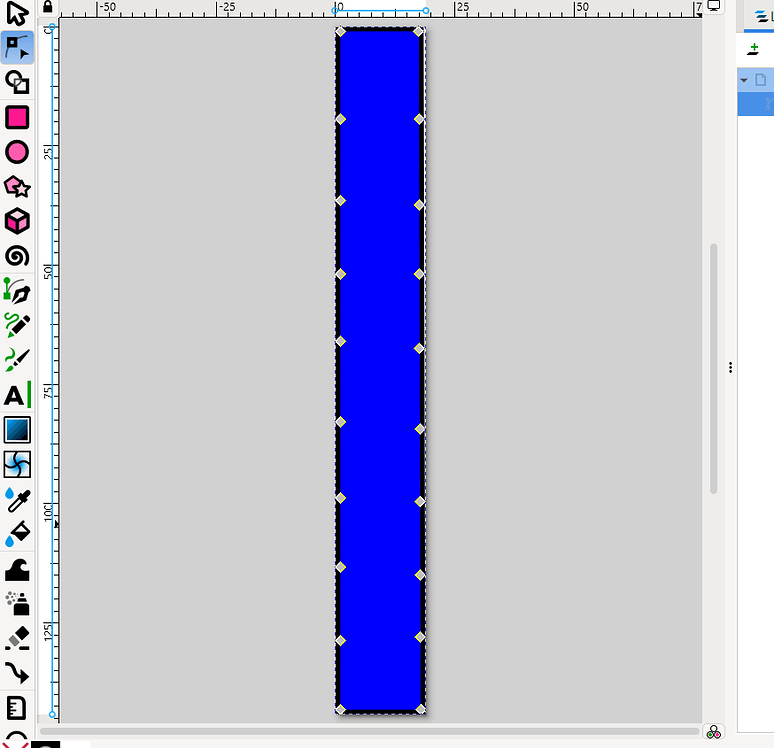
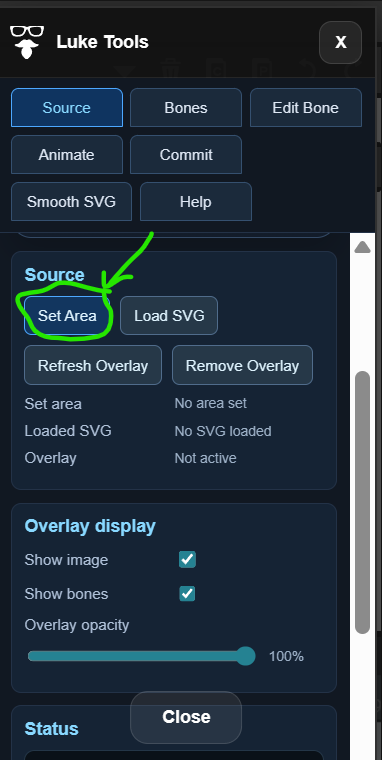
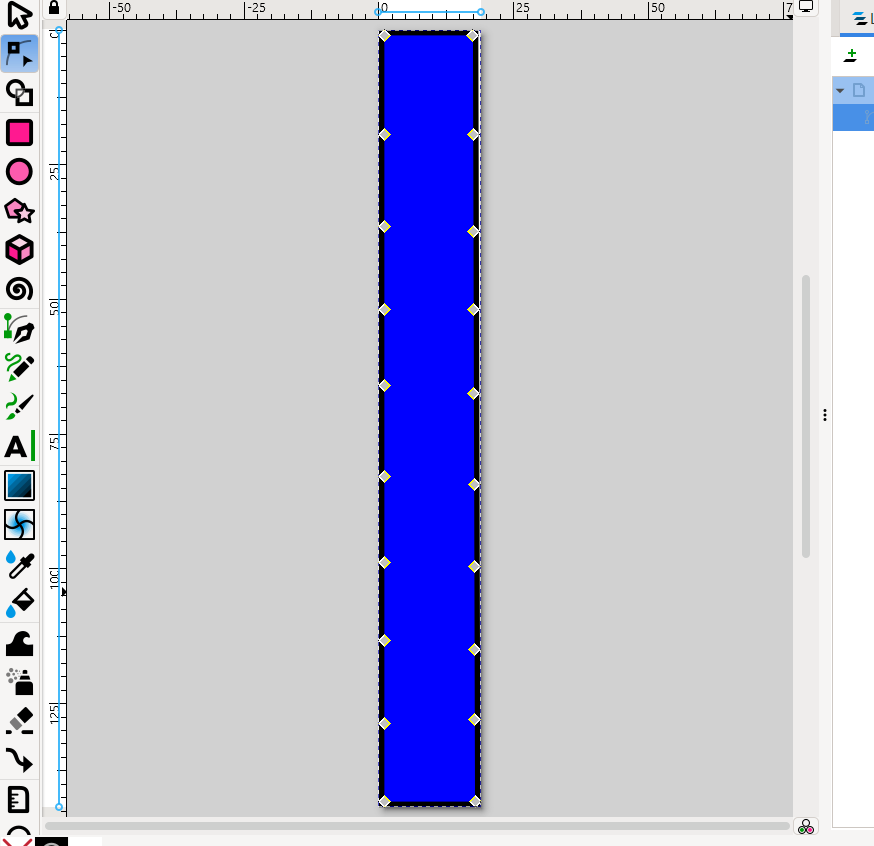
Set your area or load an svg - I made a really simple one in Inkscape.

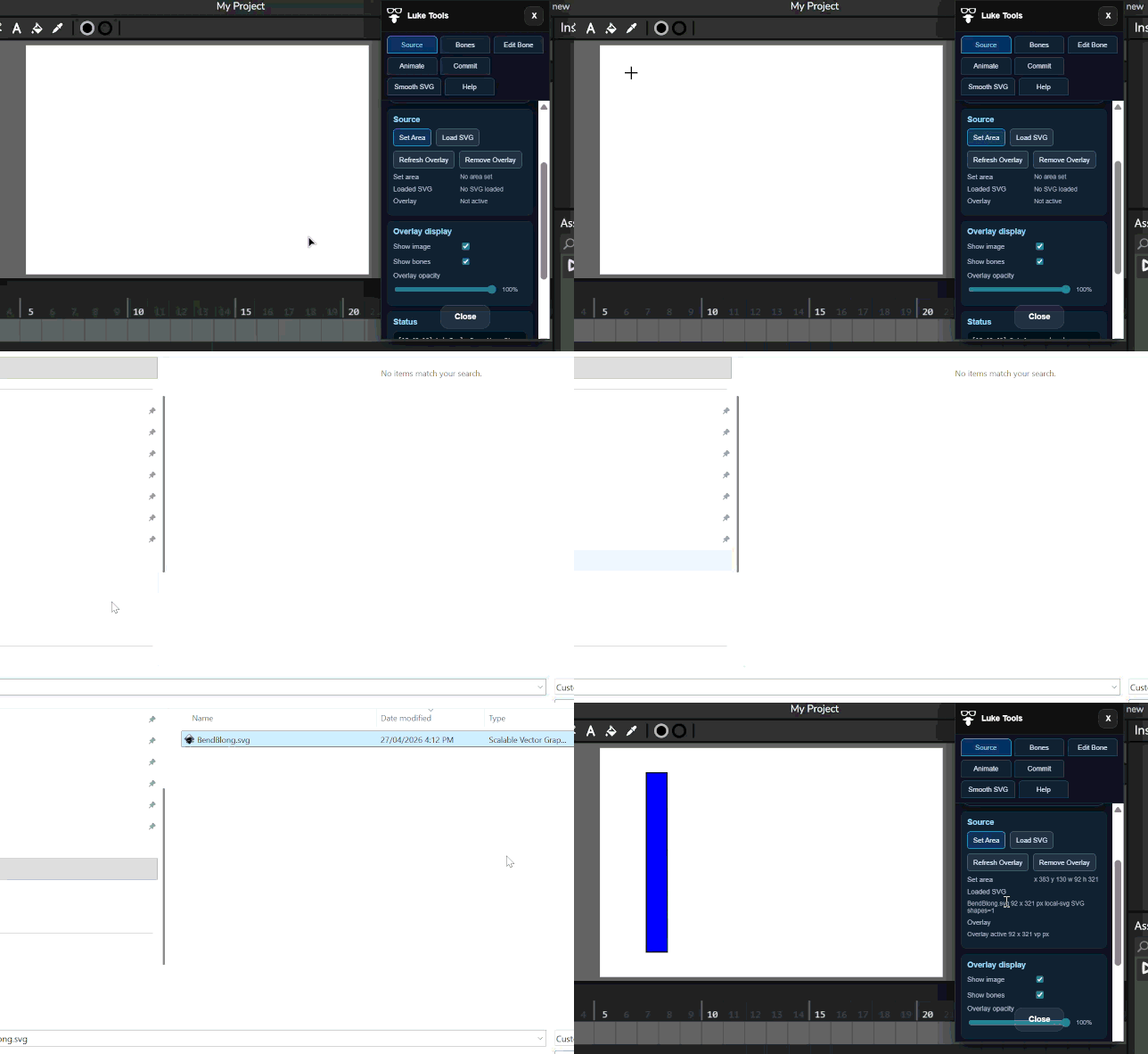
Drag over where you want the item to be on the stage and you’ll be asked to get the svg file.
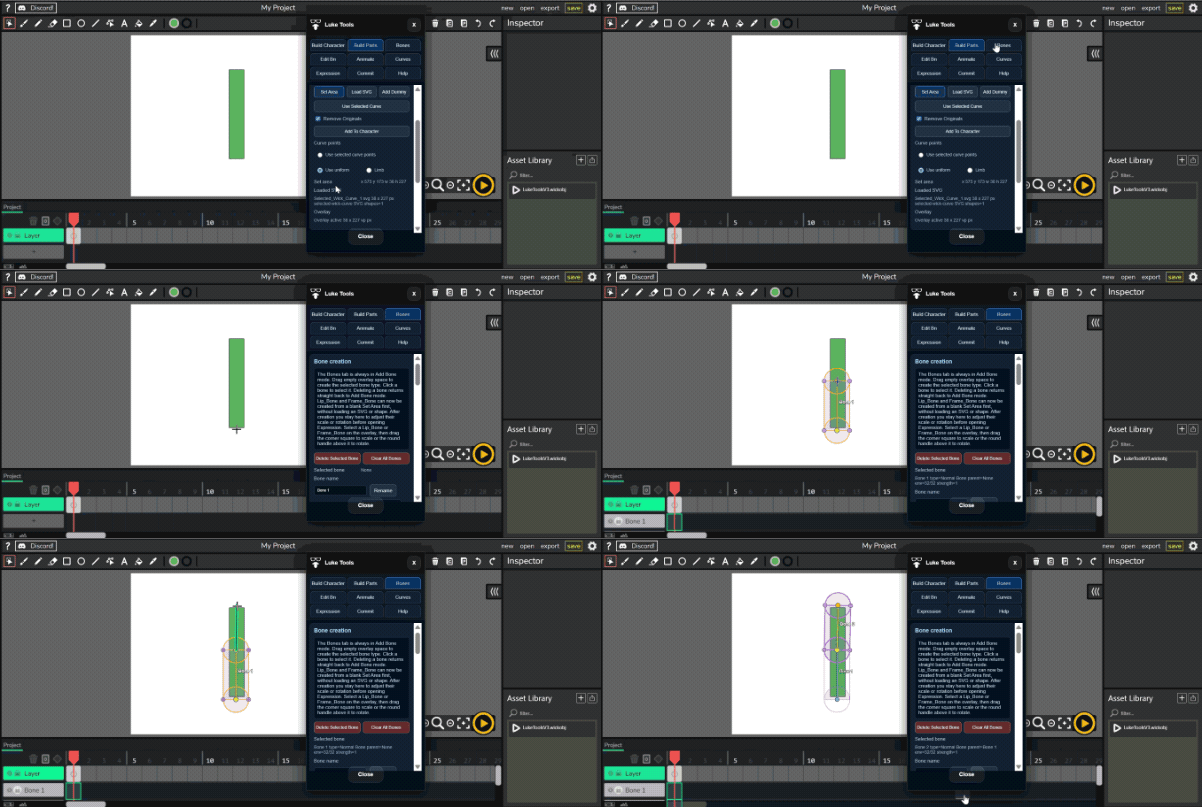
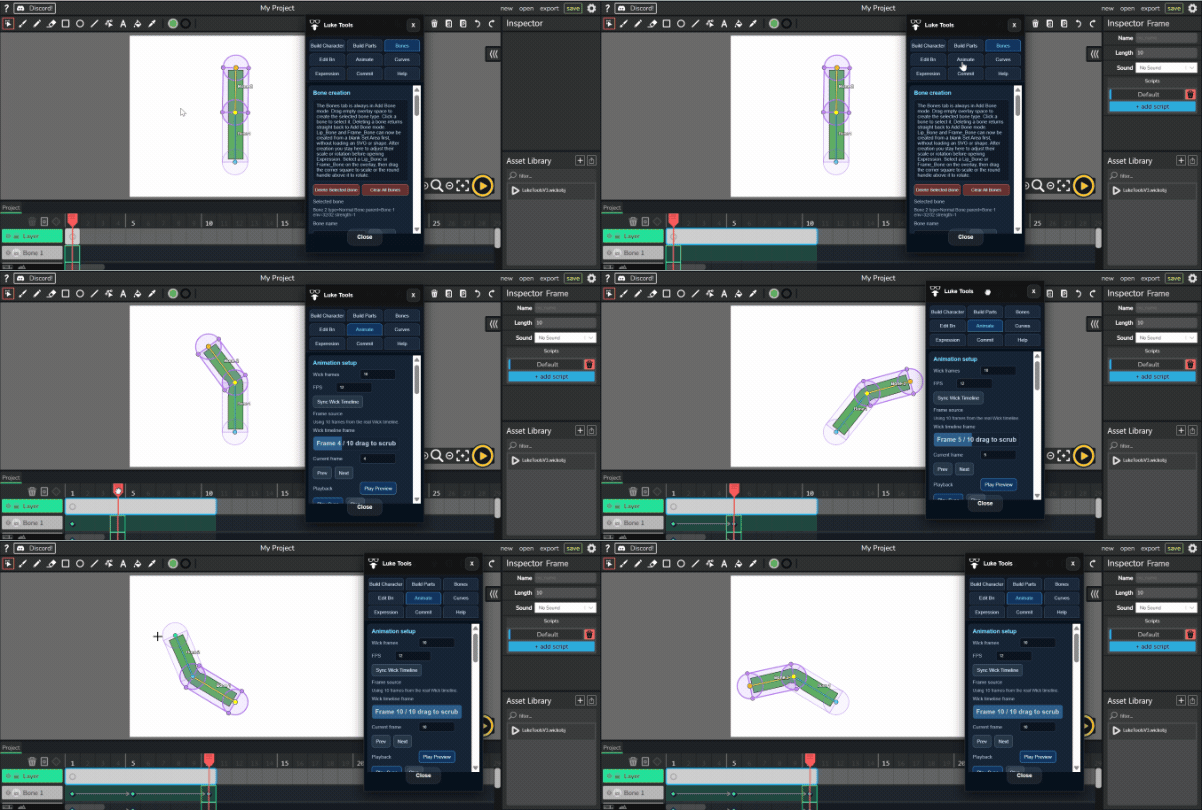
Then select the bones tab. And add your bones…
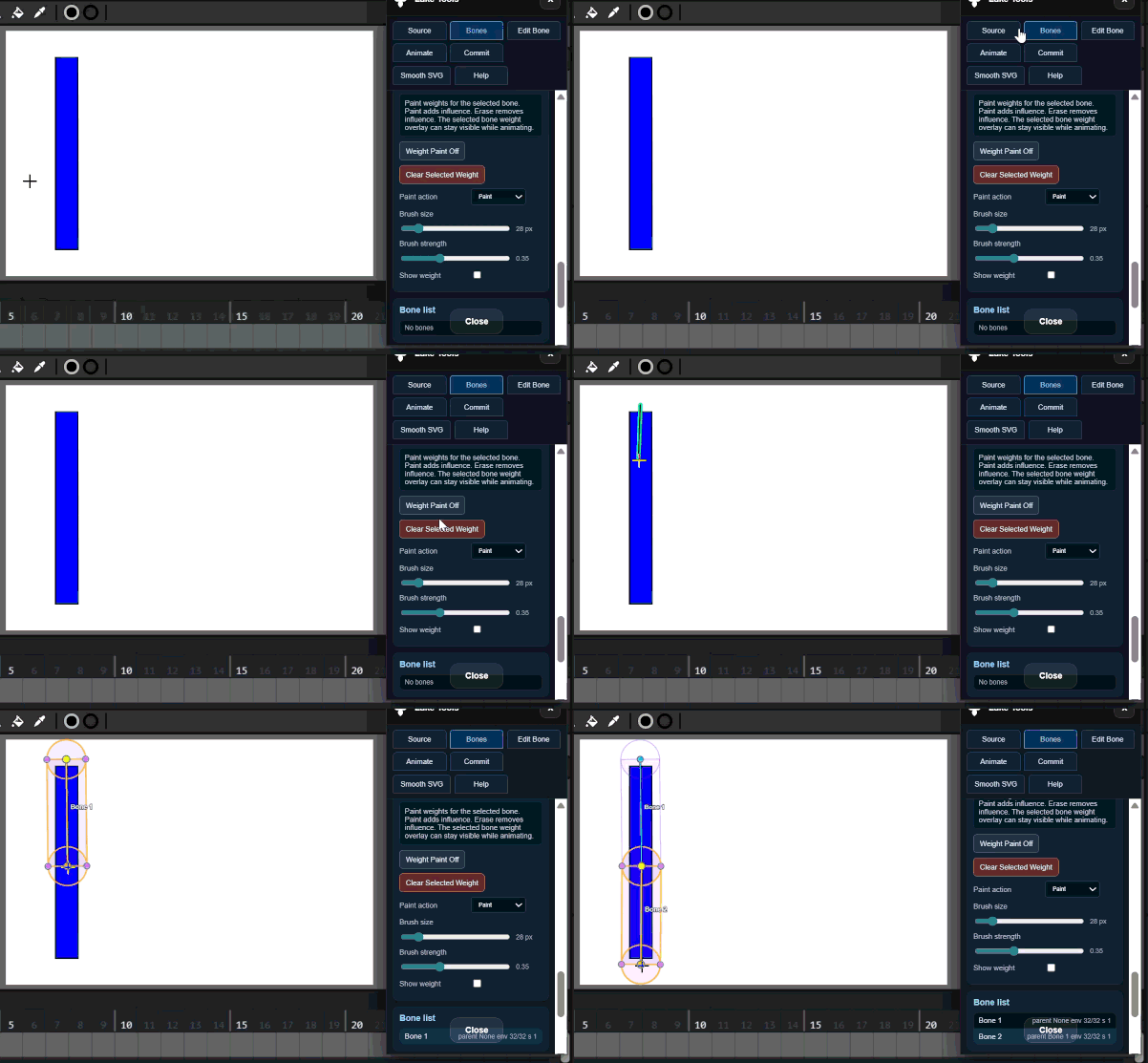
Set area
Ad Bones

Then select animate and animate the bones.
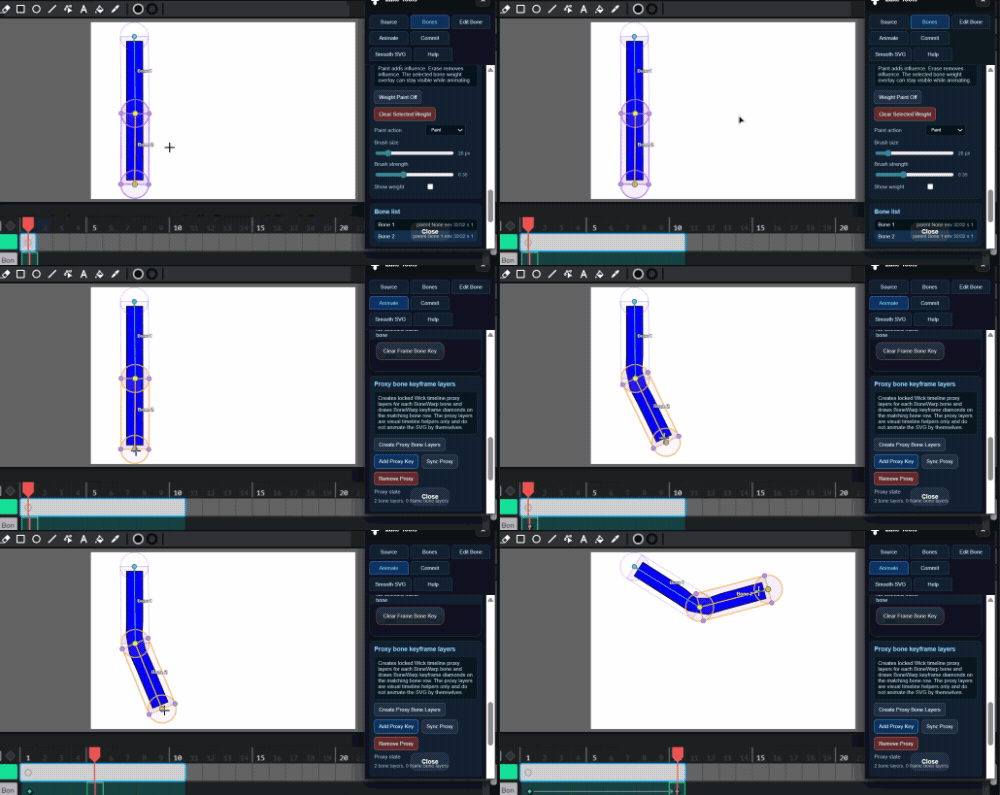
DoesAnimate

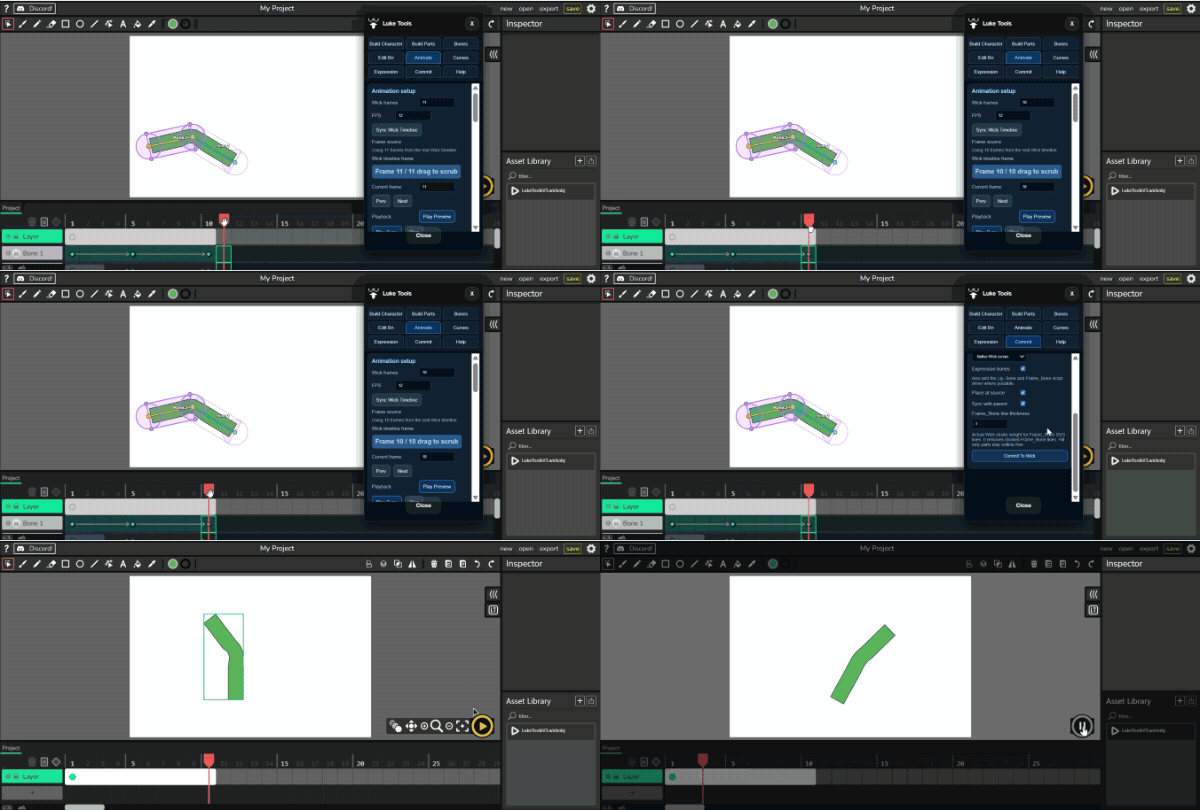
When you are happy with with your animation - Commit it to wick and your clip is made.
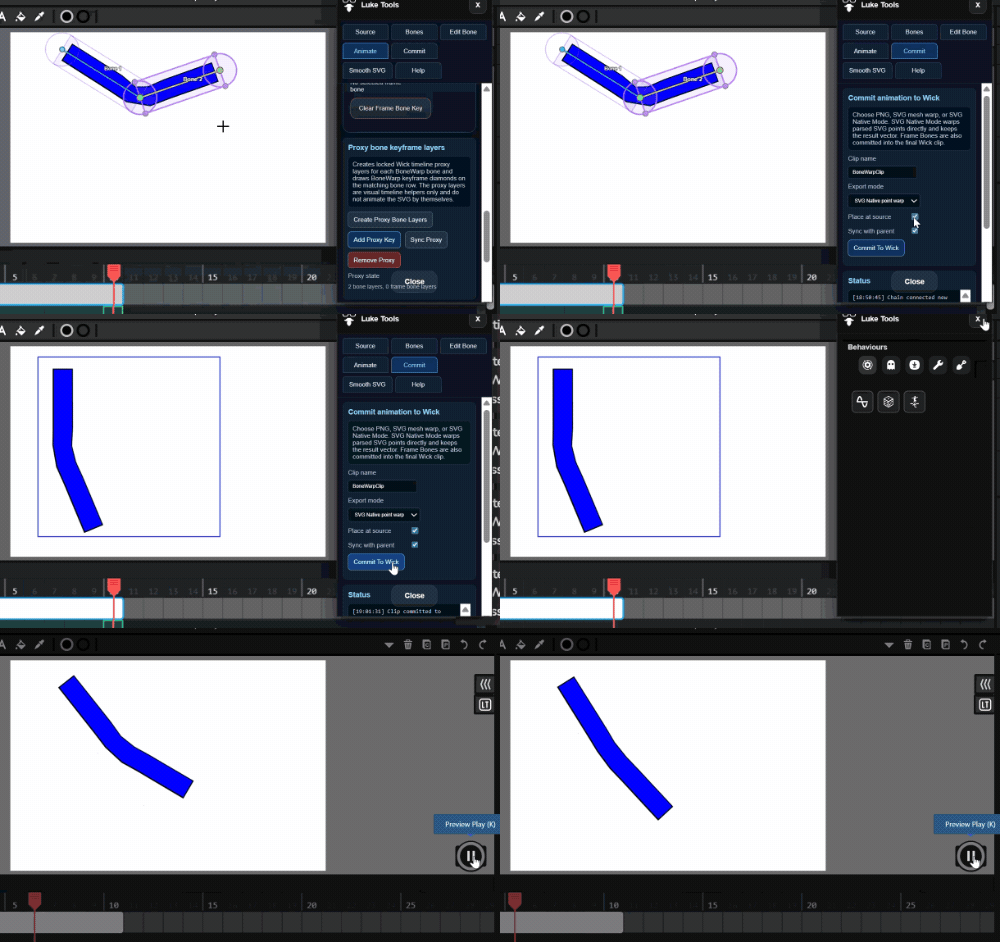
CommitinFull

There are several other features - A video on YouTube will explain in detail soon.

L
4 Likes

By the way make your svg in inkscape or other to have plenty of points in the middle for the bend.

1 Like

There are some small interface bugs re frame sizes. - I will fix in time.

1 Like

oh yeah i can finally make a ragdoll

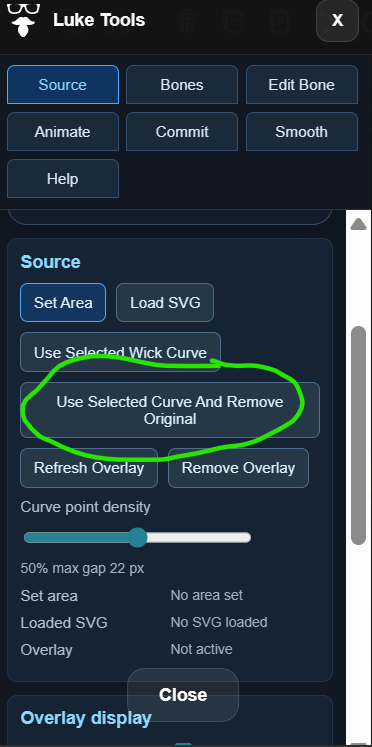
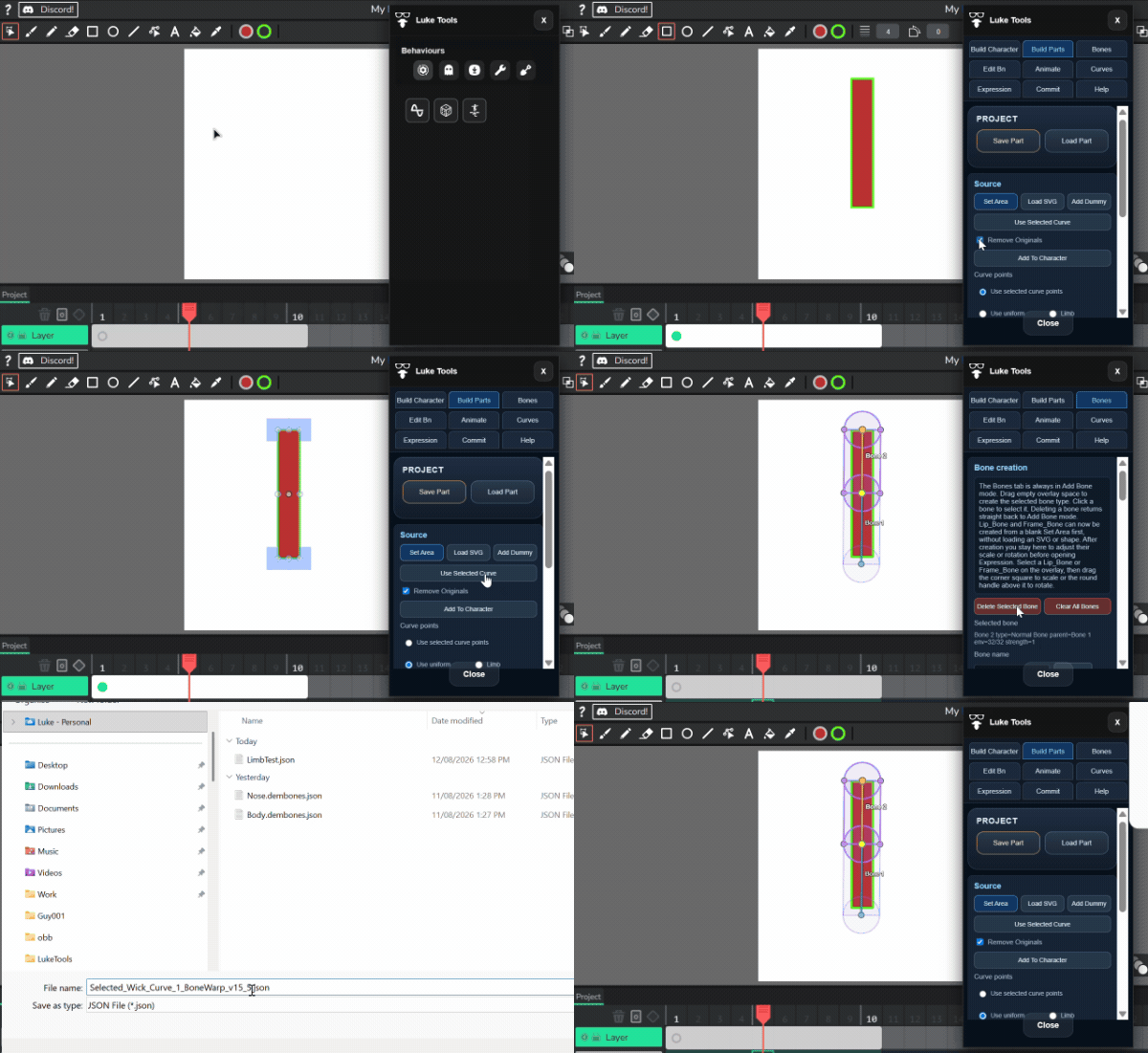
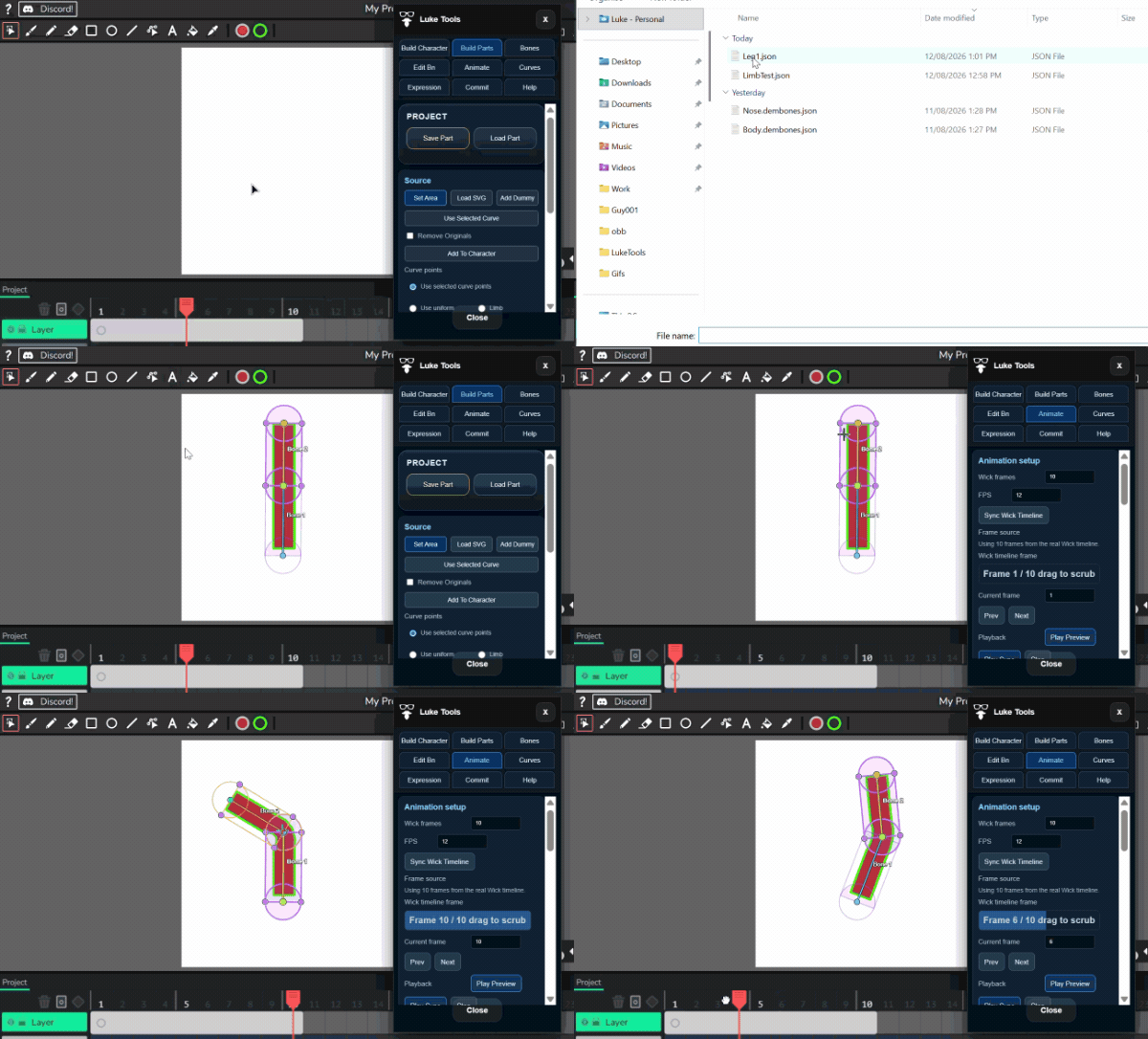
Just added native curve capability to the Commit and Source object


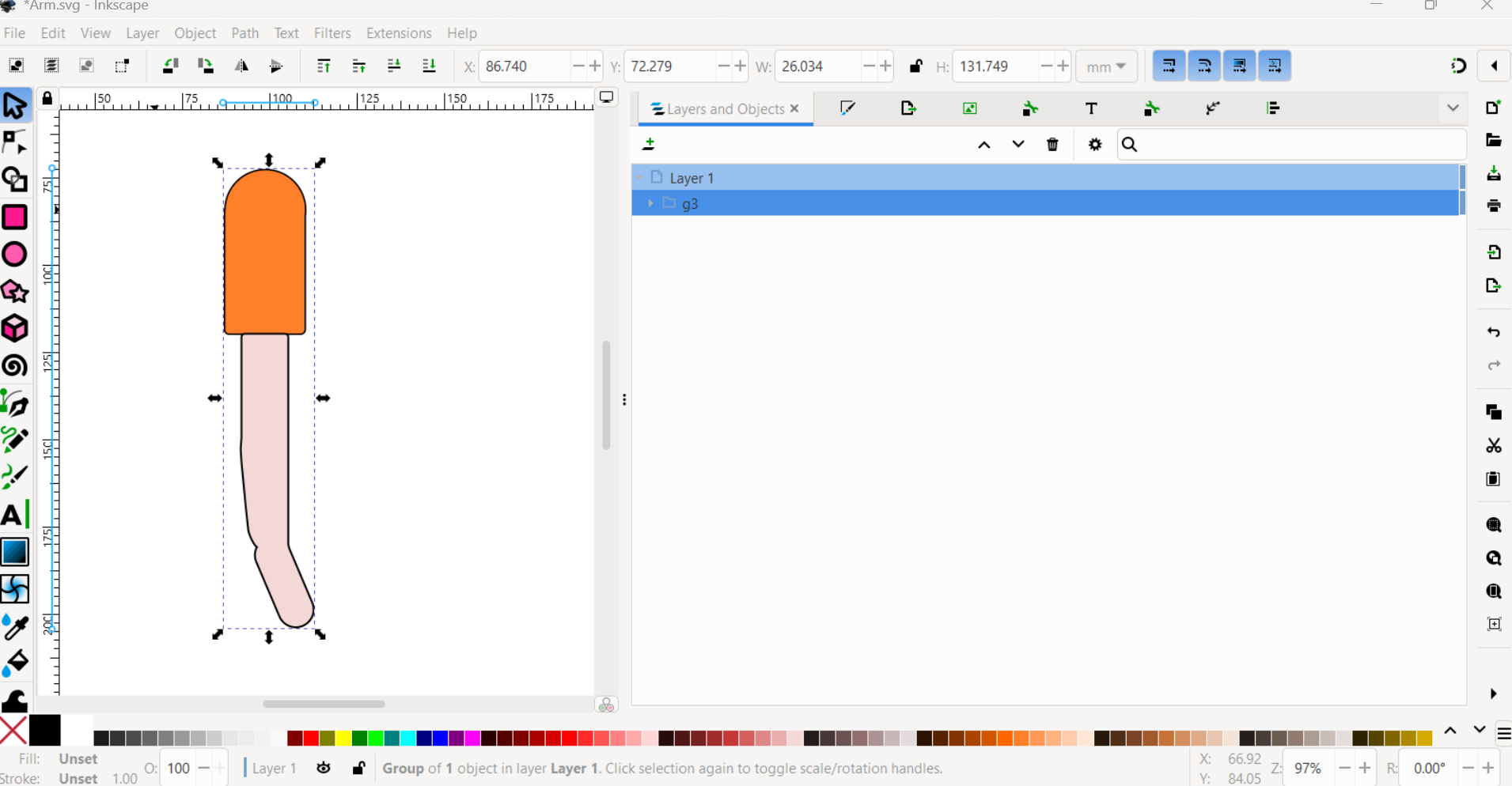
Arm shape - Created in Inkscape

Imported using LukeTools SVG import.

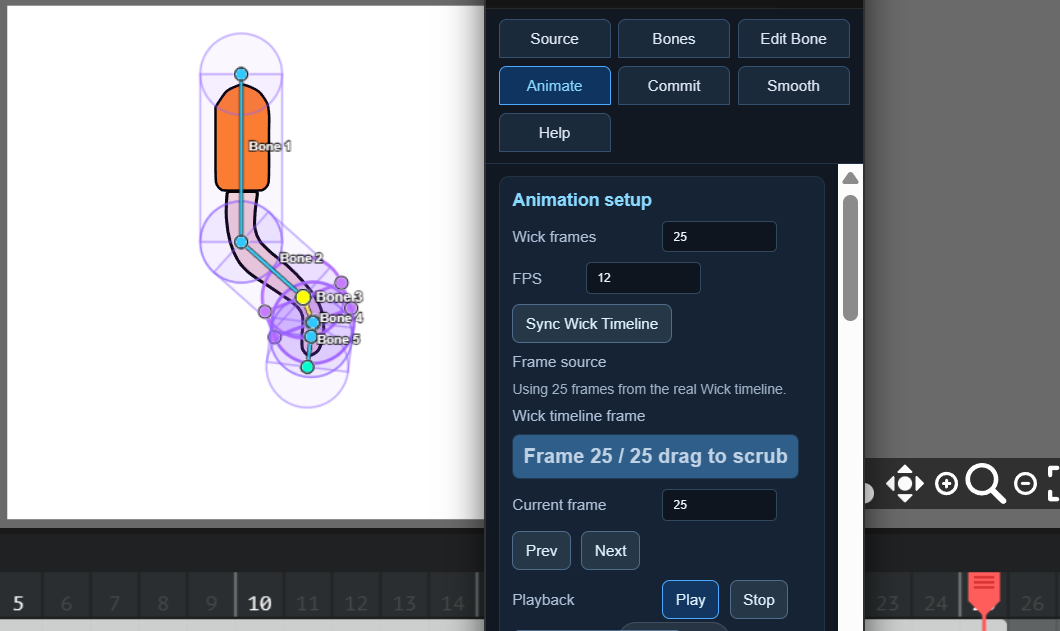
Bones added in Dem Bones and animated

Yay!

L

1 Like

This is crazy the work you’ve done for this plugin!

It’s my hobby!
L

1 Like

That cool how am I able to access it on mobile

Sorry Slymer,

It’s not for Mobile. I have only created this for Laptop and Desktop.
Maybe try the LukeTools Wickobject and report what works and doesn’t.

I may change it later

L

Ok thank you