
frickin awesome
1 Like
boxy you are amazing


I made a Vcam similar to the one used in Flash. The one in Flash was made by Shuriken255 so I based it off his videos: https://www.youtube.com/watch?v=dGdRcvSslHE&t=309s
https://www.youtube.com/watch?v=JARa5qIN4x8&t=274sr
It has most of the features in his videos including the Parallax effect(I focused mostly on that) and camera shake.
this file kind of explains how it works: PAA1-11-2025_19-07-19.wick (337.7 KB)
this file is a cleaner version: Clean_PAA1-11-2025_19-08-32.wick (309.3 KB)
2 Likes
This is the particles that appear when you break a block.
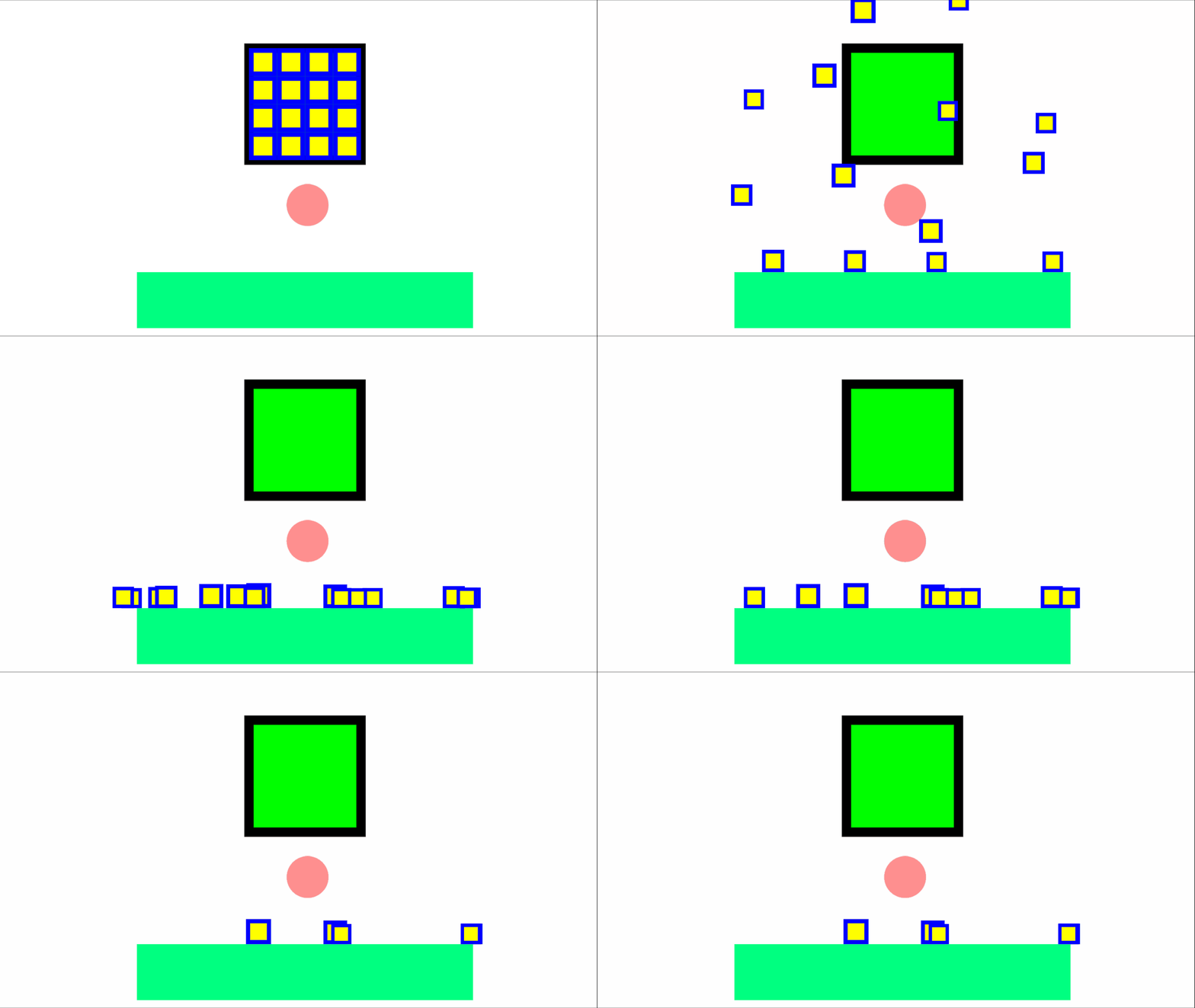
Block Breaking12-13-2024_2-25-39.wick (7.8 KB)
I made an animation with it and the Steve rig.
STEVE1-11-2025_17-08-54.wick (1.1 MB)
1 Like

yes it works now, but how is diffrent from normal v-cam?
I just looked at the code and found out.
That’s Incredible.
1 Like
huh what is it
Its a parallax background
ohh i understand it now
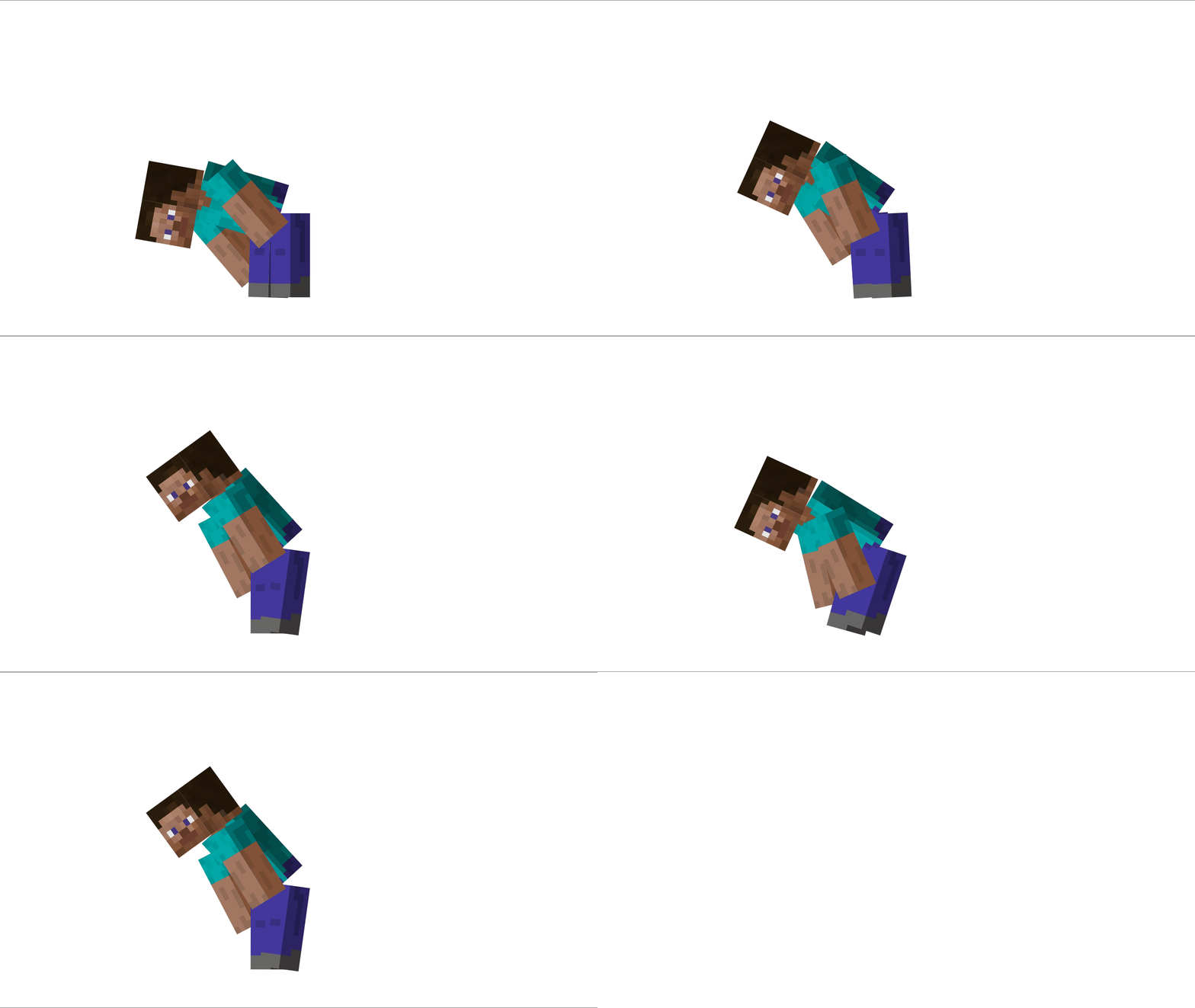
this looks better than an the actual software I’m using to make games
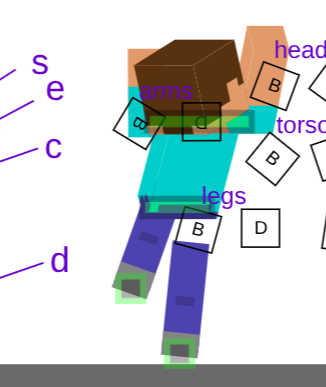
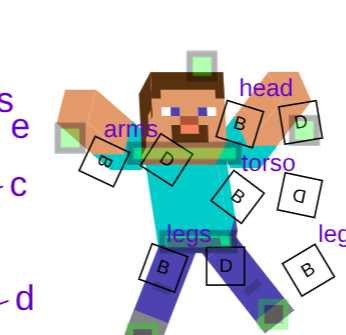
Alright! I made a Rig with more controls than the last one. It’s gotten more complicated and isn’t polished, so animating with it will be difficult.
There’s a total of 8 controls to move it around(green squares). And there’re 12 squares that are like the skeleton*(B/D squares*). If you just want to use the skeleton you can just delete the green squares.
Now I’ll explain how to use it. I took inspiration from how TJB’s 3d stickfigure is rigged. You need to play the project for the code to run
To start there are 4 modes, and you toggle the by clicking the keybinds:1, 2, 3, 4.
1: Puts the arms in FK and the legs in IK
2: Puts the arms in IK and the legs in FK
3. Puts both the arms and legs in IK
4. Puts both the arms and legs in FK
The keybinds for the 8 controls are as follows:
head: w
shoulders: k
torso: s
arms: q/e
waist/core: c
legs: a/d
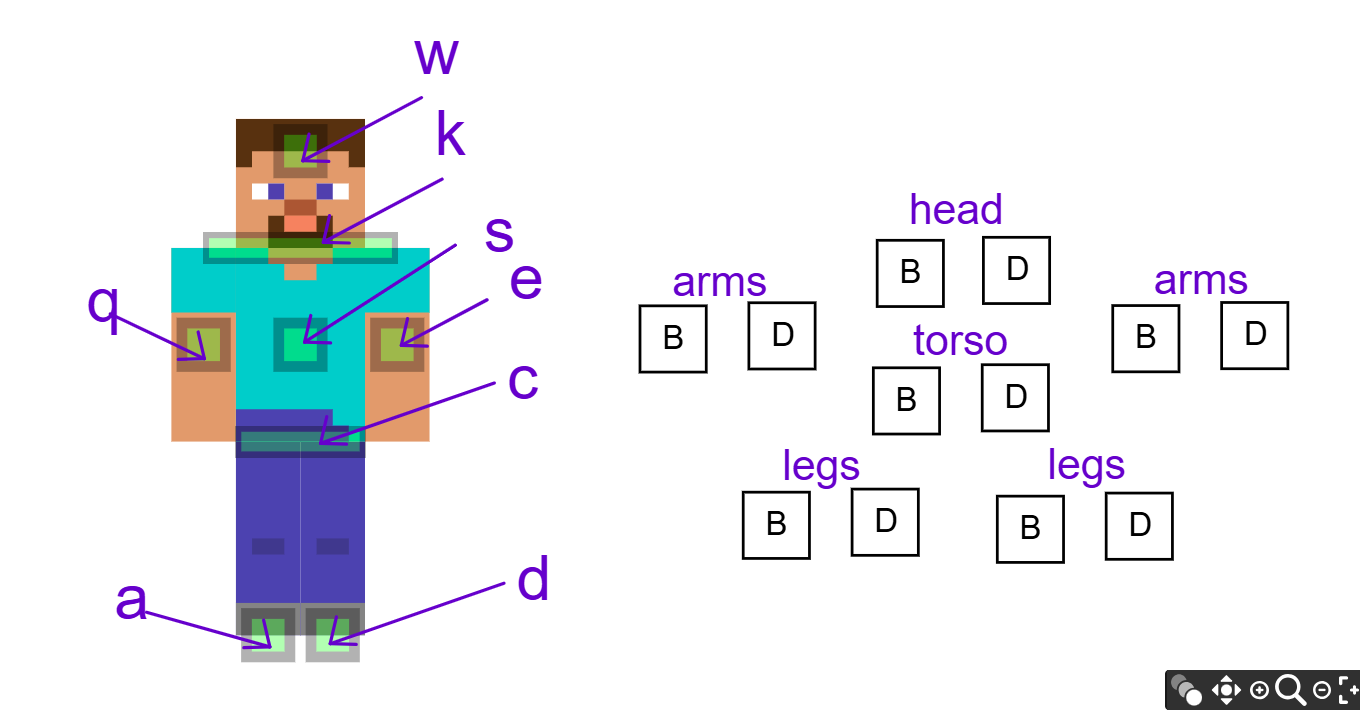
When the control is in IK, you rotate it by clicking on its keybind and r at the same time. The shoulders only rotate, cause they’re locked to the top of the torso.
To reset the whole thing to a neutral pose clicking 0
2 Likes
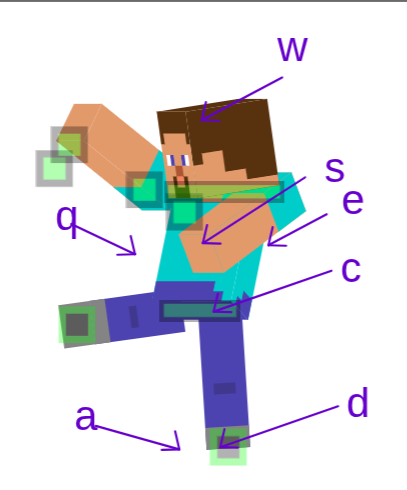
@Boxy hey, so I’m a bit confused on how to use this for animation (sorry I’m not good with rigs)
I get how to pose it so far but how do I turn it into an animation if its not meant to than mb
2 Likes
we got a new alan becker vid
This is some amazing stuff!
1 Like
